125
Appendix F Default Account List
admin NO
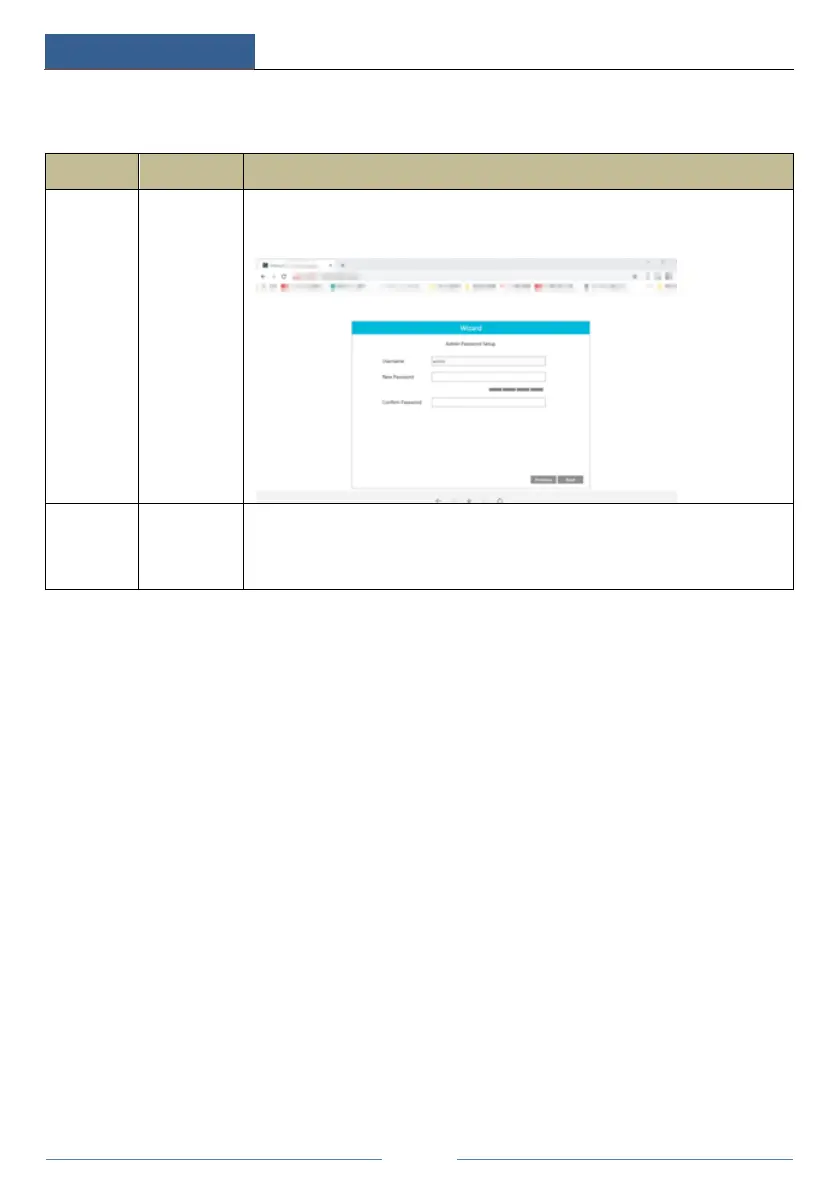
Purpose:log onto the device and its clients
Description: When you log in for the first time, a wizard will be displayed. You must
set the password, or you cannot access the device.
root NO
Purpose:Test via serial port
Description:The default password of “root” is null. It doesn’t mean you can log in the
device without password. You must set the password of “admin”
in the
above-mentioned interface first. Then you can log in by using “root”.
Statement:
Remote testing/debugging doesn’t support (Telnet/SSH unavailable) for the device. When an error occurs, the customer
needs to send the device back to our company and tell us the password of “admin” used to log in the device and web
client. Then the corresponding technician of our company will log in the serial port to find the problem. Without the
customer’s identity verification information and the customer’s authentication, we cannot log in and do not have
permission to log into the device.



 To Next Page