18
⑩ QRCode. Enable the NAT function in the interface or set it in the network configuration
after exiting the wizard (please refer to 11.1.7 NAT Configuration
for details). You can scan the
QRCode through mobile client which is installed in the mobile phone or tablet to log in the
mobile client instantly. Please refer to 12.1 Mobile Client Surveillance
for details. Click“OK”
to save the settings.
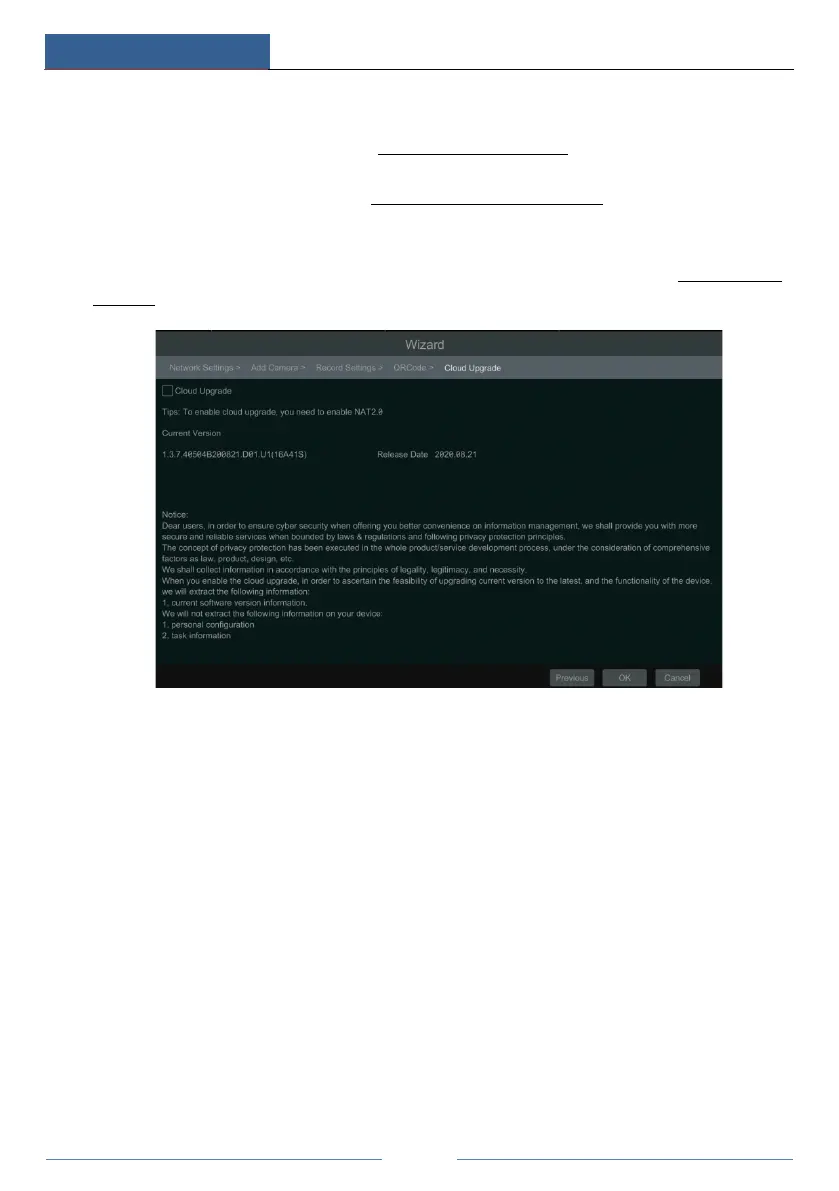
⑪ Cloud Upgrade. Enable “Cloud Upgrade” and then click “OK” to save. If this function is
enabled, you can get the latest version from the cloud server. Please refer to 13.1.12 Cloud
Upgrade for details.
3.2 Main Interface
3.2.1 Main Interface Introduction



 To Next Page