81
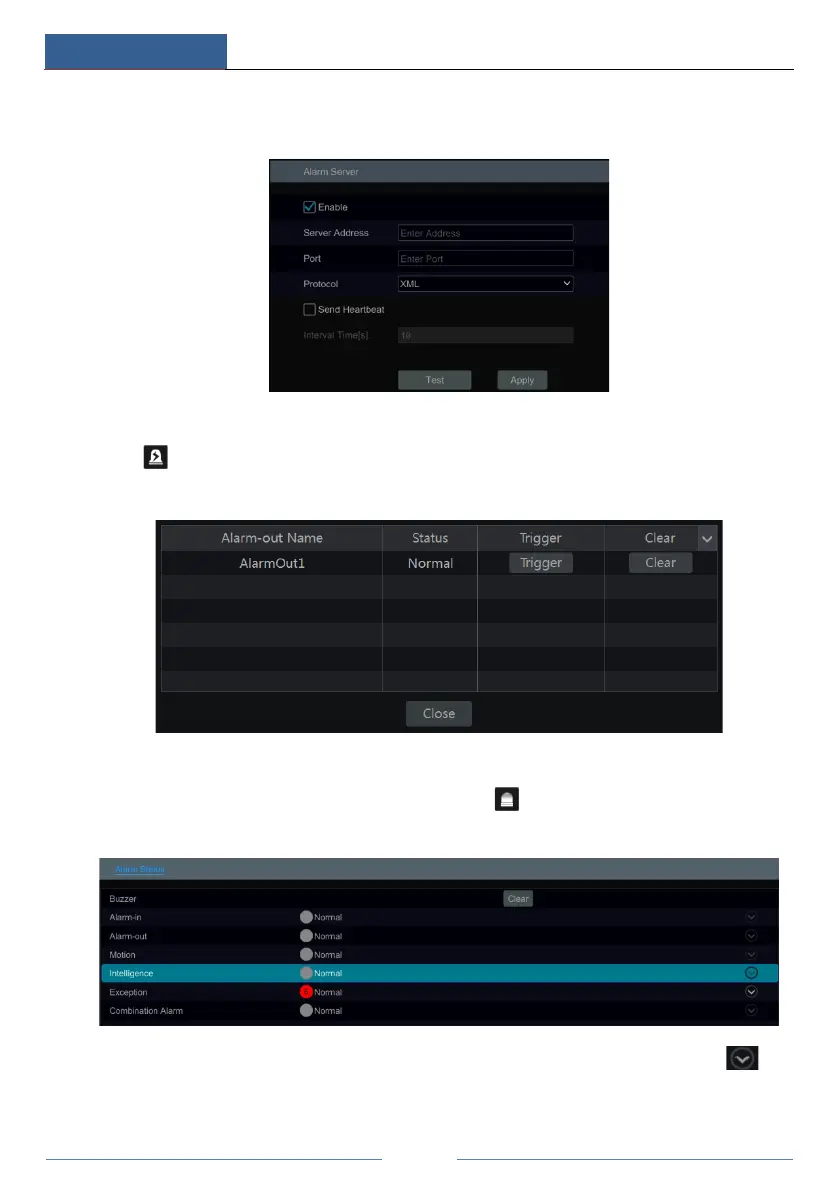
the device will transfer the alarm event to the alarm server. If an alarm server is not needed,
there is no need to configure this section.
9.6 Manual Alarm
Click on the tool bar at the bottom of the live view interface to pop up a window. Click
“Trigger” to start alarm. Click “Clear” to stop alarm.
9.7 View Alarm Status
Click StartSettingsAlarmAlarm Status or click on the tool bar at the bottom of the
live view interface to view the alarm status.
Click the “Clear” button to stop the buzzer when the buzzer alarm happens. Click to
view the detail information as shown below.



 To Next Page