Account & Permission Management
85
Enter the current password and then set new password. Click “OK” to save the settings.
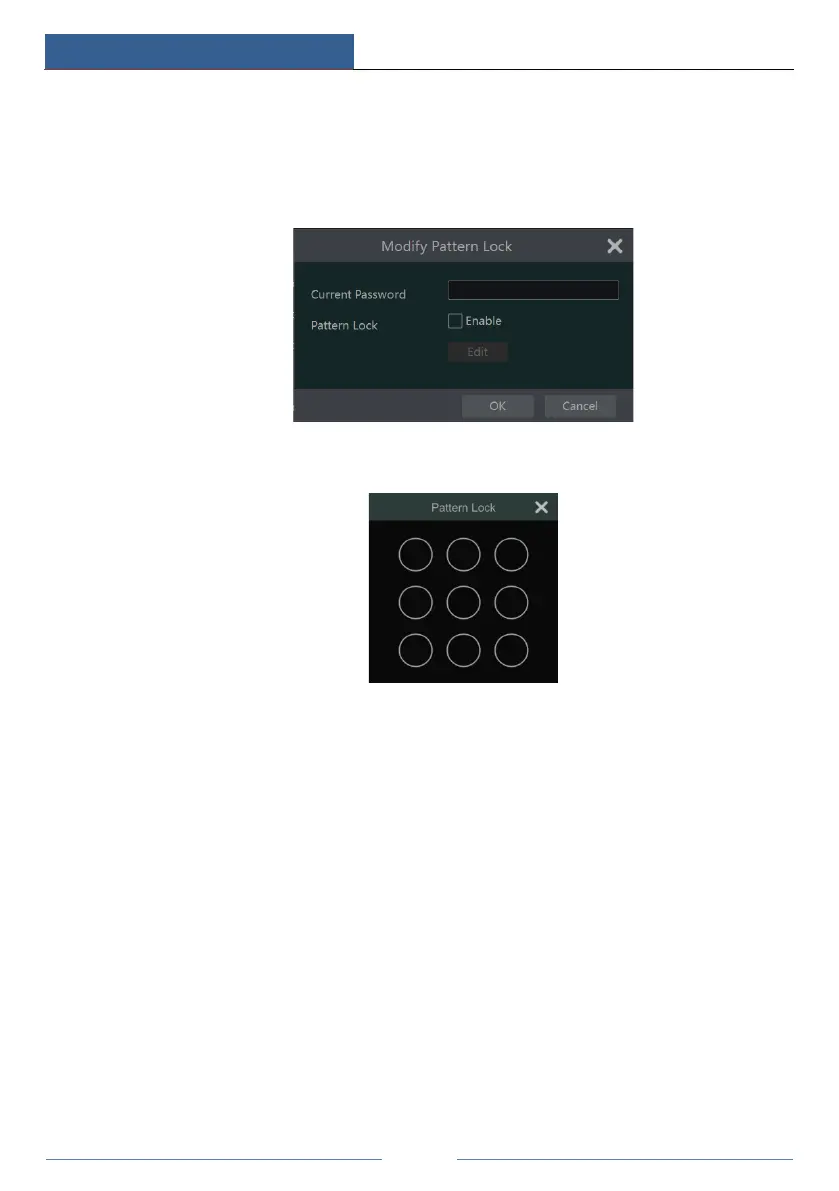
Modify Pattern Lock
Some models may not support this function.
Click “Modify Pattern Lock” to pop up a window.
Enter the current password and then check “Enable” to set pattern lock.
Recover Password
Click “Recover Password” to reset the password to 123456.
Edit User
Click “Edit User” to pop up the window as shown below. The admin is enabled, its permission
control is closed and permission group cannot be changed by default. You can enable or disable
other users (if disabled, the user will be invalid), open or close their permission control (if
closed, the user will get all the permissions which admin has) and set their permission groups.
Click “OK” to save the settings.



 To Next Page