32
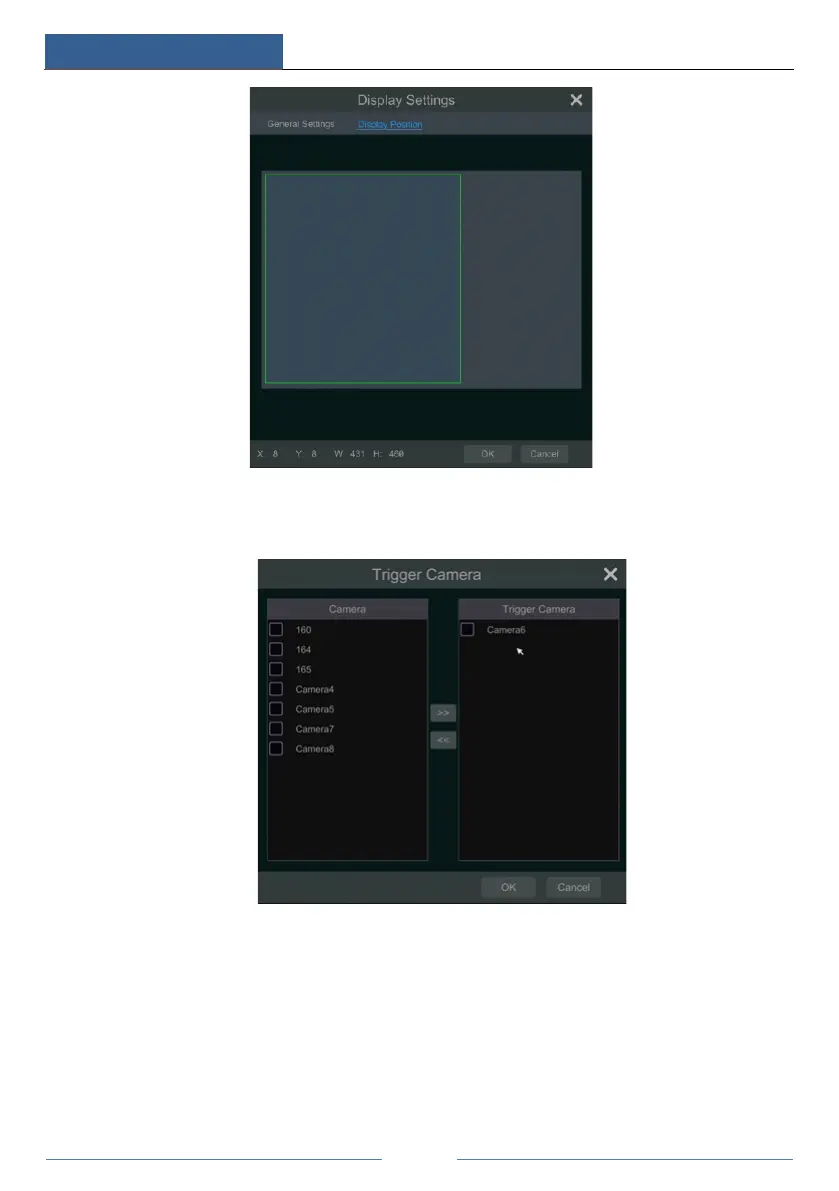
⑥ Check “Trigger Camera” and click configure under it to bind POS to the camera. One POS
can be bound to multiple channels, but one channel can only be bound to one POS.
⑦ Click “Apply” to save the settings and then the trade information will be displayed on the
preview image in real-time.
One POS is bound to one camera:



 To Next Page