50
Click and then drag the cursor on the time scale to set record time; click and then
drag the cursor on the time scale to delete the selected area.
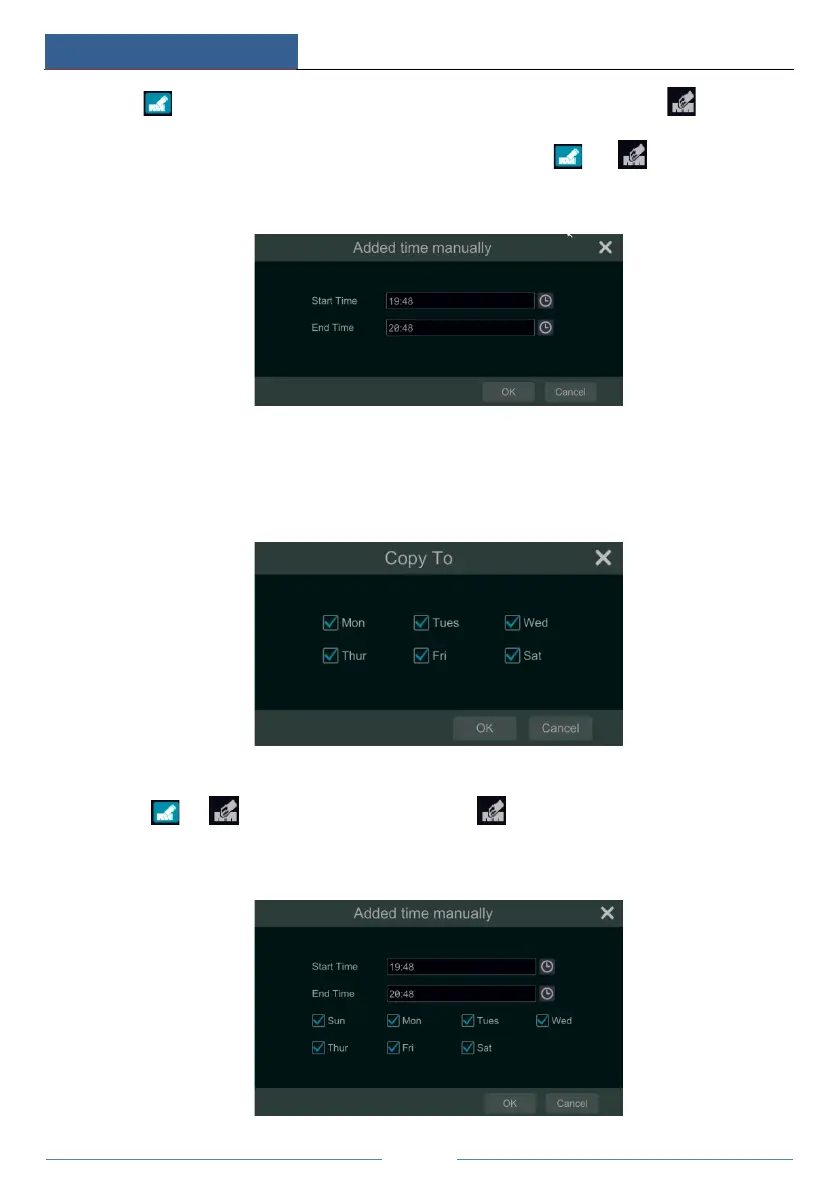
You can manually set the record start time and end time. Click or and then click
“Manual” on each day to pop up a window as shown below. Set the start and end time in the
window and then click “OK” to save the settings.
Click “All” to set all day recording; click “Reverse” to swap the selected and unselected time
in a day; click “Clear All” to clear all the selected area in a day.
Click “Copy To” to copy the schedule of the day to other days. Refer to the picture below.
Check the days in the window and then click “OK” to save the settings.
Set Week Schedule
Click
or and then click “Manual” beside to set the week schedule. Refer to the
picture below. Set the start and end time, check the days in the window and then click “OK” to
save the settings.



 To Next Page