65
7.3.3 YLS Laser Source Setup
Prior to processing, YLS Series lasers must be setup for the desired mode of processing. The following
procedures outline the steps for setting up a YLS Series laser.
For more specific details on laser operation, please refer to the manual provided with the laser.
1. Turn the key switch on the laser to ON.
2. In LaserNet, open the Control Tab.
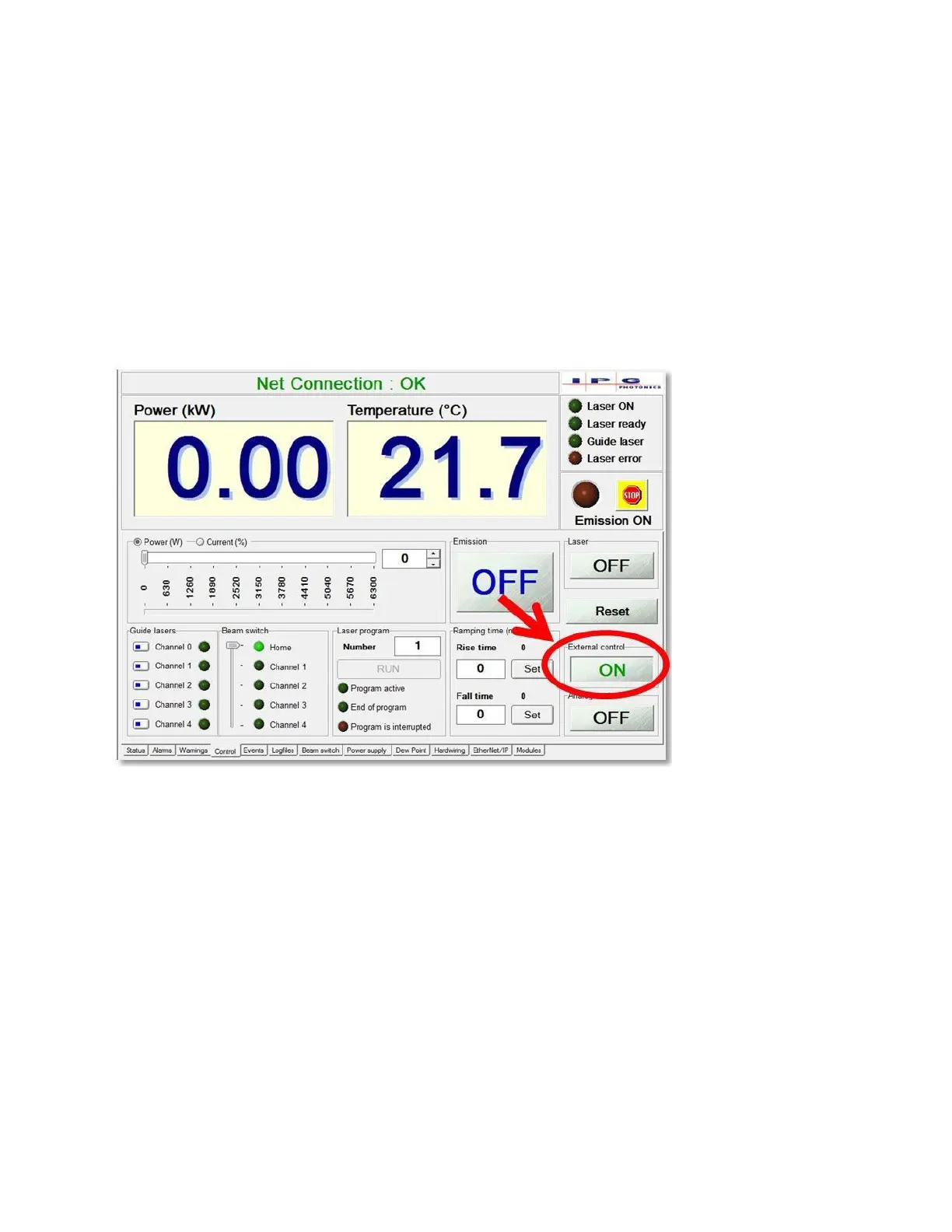
3. Click “External Control” button. It should now read ON. See Figure 7-4.
4. Turn the key switch on the laser to REM.
Figure 7-4 YLS External Control ON



 To Next Page