37
4.4.4 Installing Laser with Collimator to Mid-Power Scanner with Collimator Input
The 35mm collimator interface of the Scan Head enables easy installation with the standard 35mm
collimator on your IPG IR pulsed laser to be used with the IR Scanner. Following the procedure below to
install the collimator into the Scan Head:
1. Make sure both the scanner and the laser module box are placed on a stable surface.
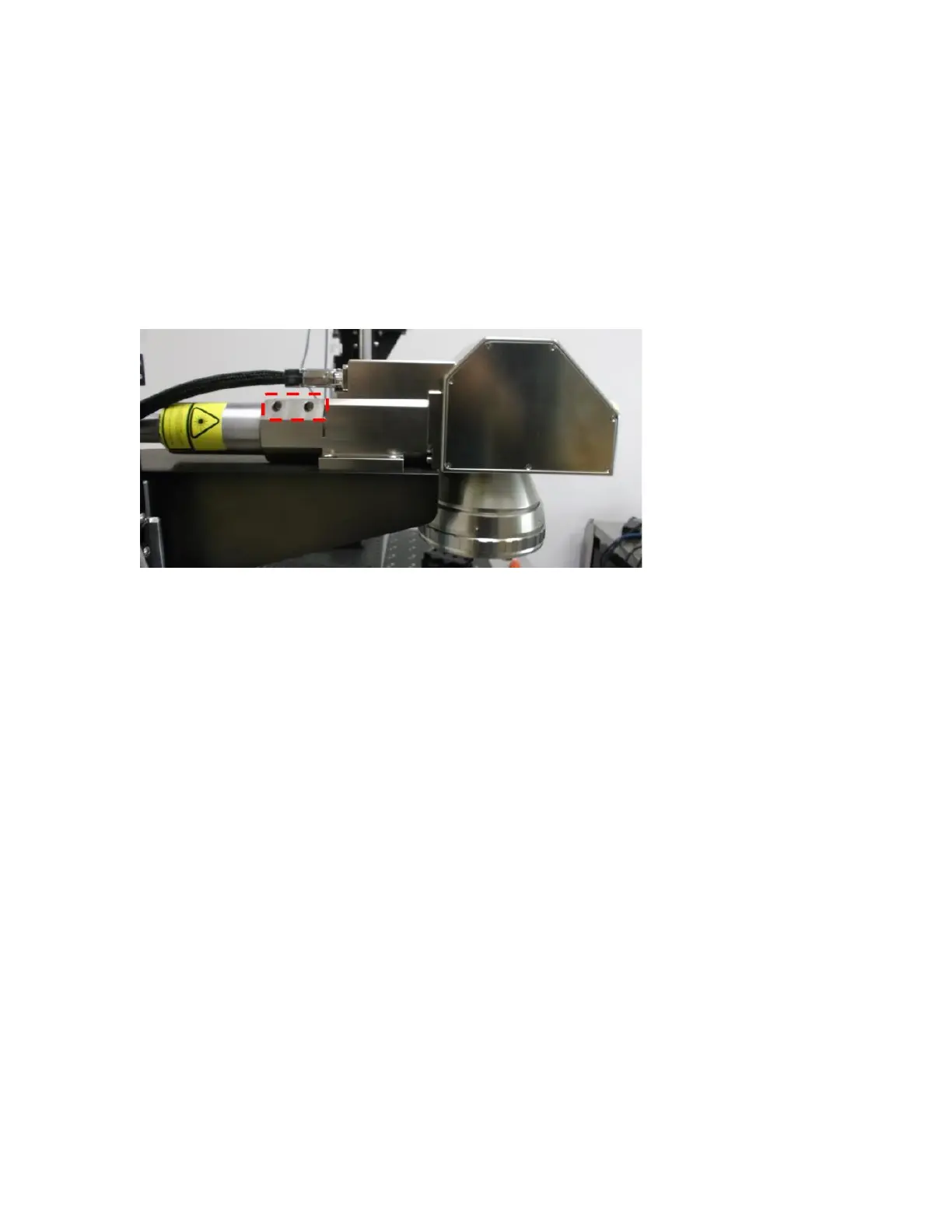
2. Loosen the two screws on the collimator holder on the scanner (circled in red dashed lines
above).
Figure 4-12 The Two Screws on the Collimator Holder
3. Remove the cap that covers the collimator, carefully insert the collimator into the collimator
holder on the scanner, and gently push it all the way.
4. Tighten the two screws on the collimator holder to secure the installation.



 To Next Page