75
9.3.2 Mid-Power Scanner Window Replacement Procedure
To replace the protective window in the Mid-Power Scanner Window Assembly, please refer to the
following procedure:
1. Rotate the Window Assembly on the scan head clockwise (if looking at the front of the scanner)
to remove it from the focus lens assembly.
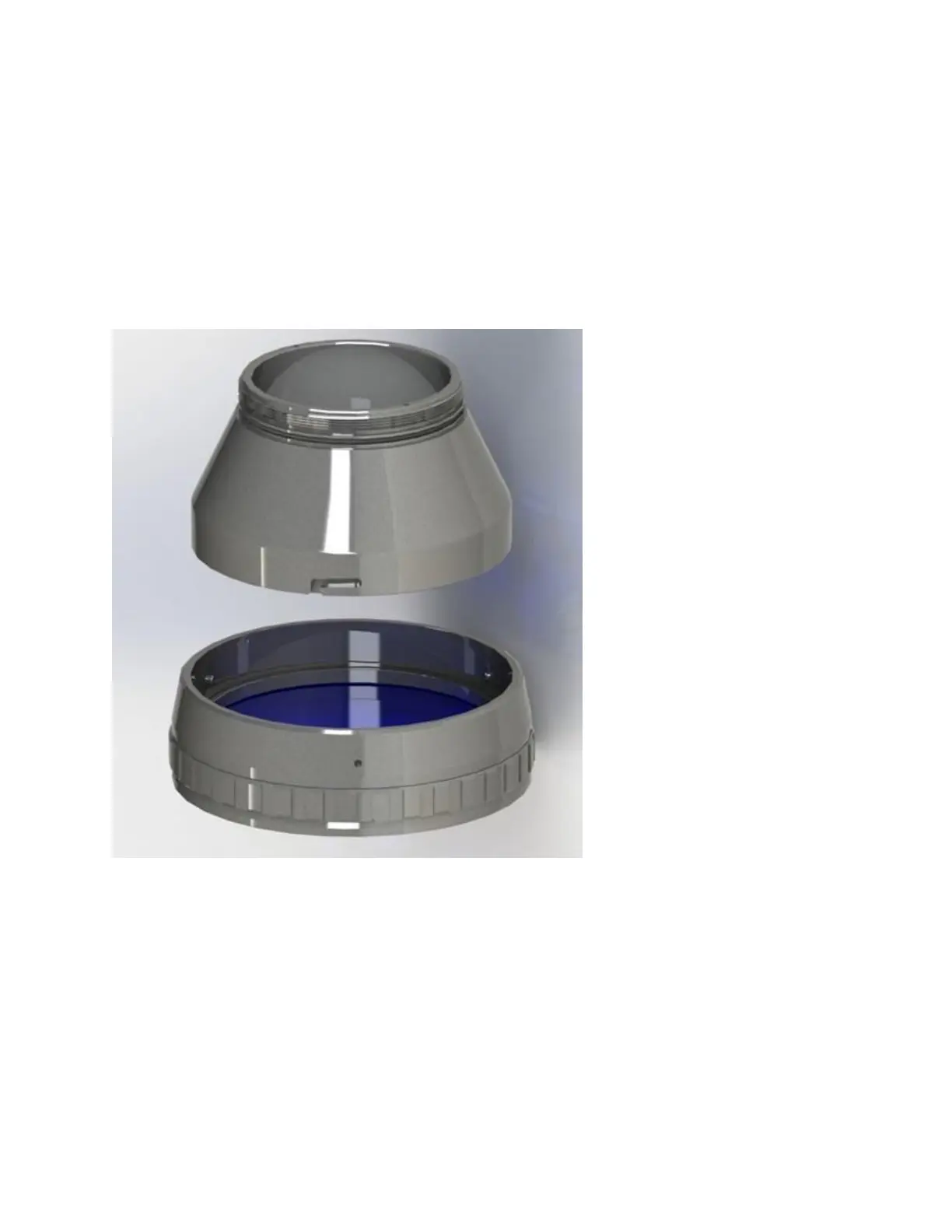
2. With the Window Assembly unlocked and rotated counter clockwise; the Window Assembly will
drop off the lens assembly (see Figure 9-8).
Figure 9-8 Mid-Power Scanner Window Assembly Removal
3. With the Window Assembly in a clean environment, use a 2.5mm hex driver to remove the
screws to release the protective window retaining ring and protective window.
4. Insert the replacement protective window glass into the frame. Be sure that the sealing O-rings
are properly seated.
5. Replace the retaining ring and fasten the screws back into the frame.
6. Replace the Window Assembly by aligning the pins and grooves and rotating it counter
clockwise.



 To Next Page