92
BoomLiftModels X20JPLUS
USINGTHEMACHINE
MUX20JP021602
a Makesurethatthes pecificationsofthepowerlinecorrespondtothevoltage
andfrequencyindicatedontheelectricmotorratingplate.
b Checktheconditionofthepowercable;itmustbesizedforaratedpowerof
2.2kW.Notethat:
c In the case of the electric motor 230V to the network are required at lea
st
3.9Kw.Usetoconnectacablepoleleastʺ3x2.5mm2ʺwithgroundsockettypeF47,
doubleinsulatedwithplugforatleast16A.Themaximumcablelengthmustbe
10m
d In the case of the electric motor 110V to the network are required at least
4.1Kw.Usetoconnectacablepoleleastʺ3x6mm2ʺwithgroundsoc
kettypeF47,
doubleinsulatedwithplugforatleast32A.Themaximumcablelengthmustbe
10m
e Place an earth plate in the ground and connect it to the machineʹs ground
clampor,ifthisisnotpossible,makesurethepowerconnectionisearthed (e.
g.
indoors).
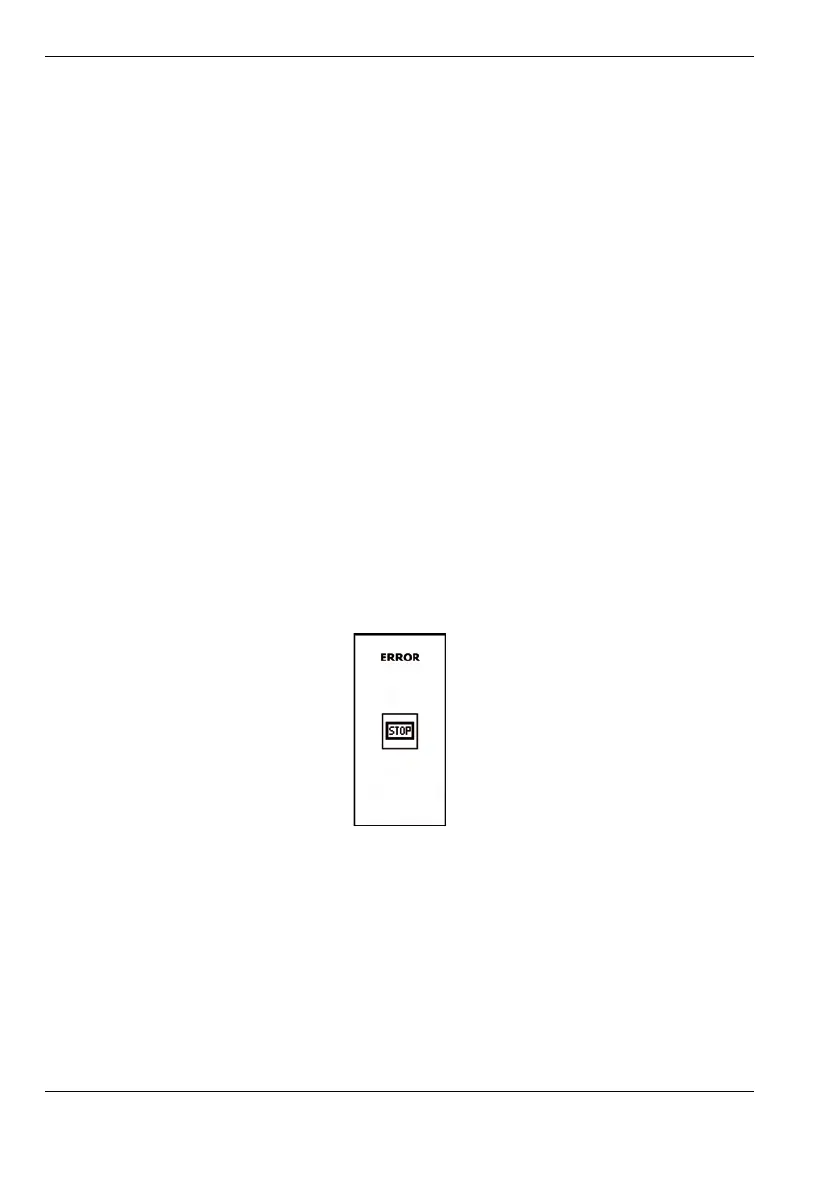
• Make sure thatalltheemergencySTOP buttonsarereleased; this condition
canbecheckedontheremotecontroldisplay,wherenoiconshouldappearinpo‐
sition7ʺFig.43 Emergencystoppressed(p. 58)ʺ.Iftheoperatorattemptstostart
themachinewiththeemergencystopbuttonstil
lpressed,anerrormessagewill
appearonthedisplaywhenthestartbuttonispressed.
•Usethebuttonontheremotecontroltostartthemotor.
•Iftheoperatorattemptstostartoneofthetwomotorswhiletheotherisalre‐
adyrunning,startingwillbeimpossibleandtheiconshowingthemotora
lready
onwillappearatthecentreofthescreen.
Fig.86 Error,ignitionattemptwithstoppressed


 To Next Page