− 106 −
12-2 Register state at the time of your purchase
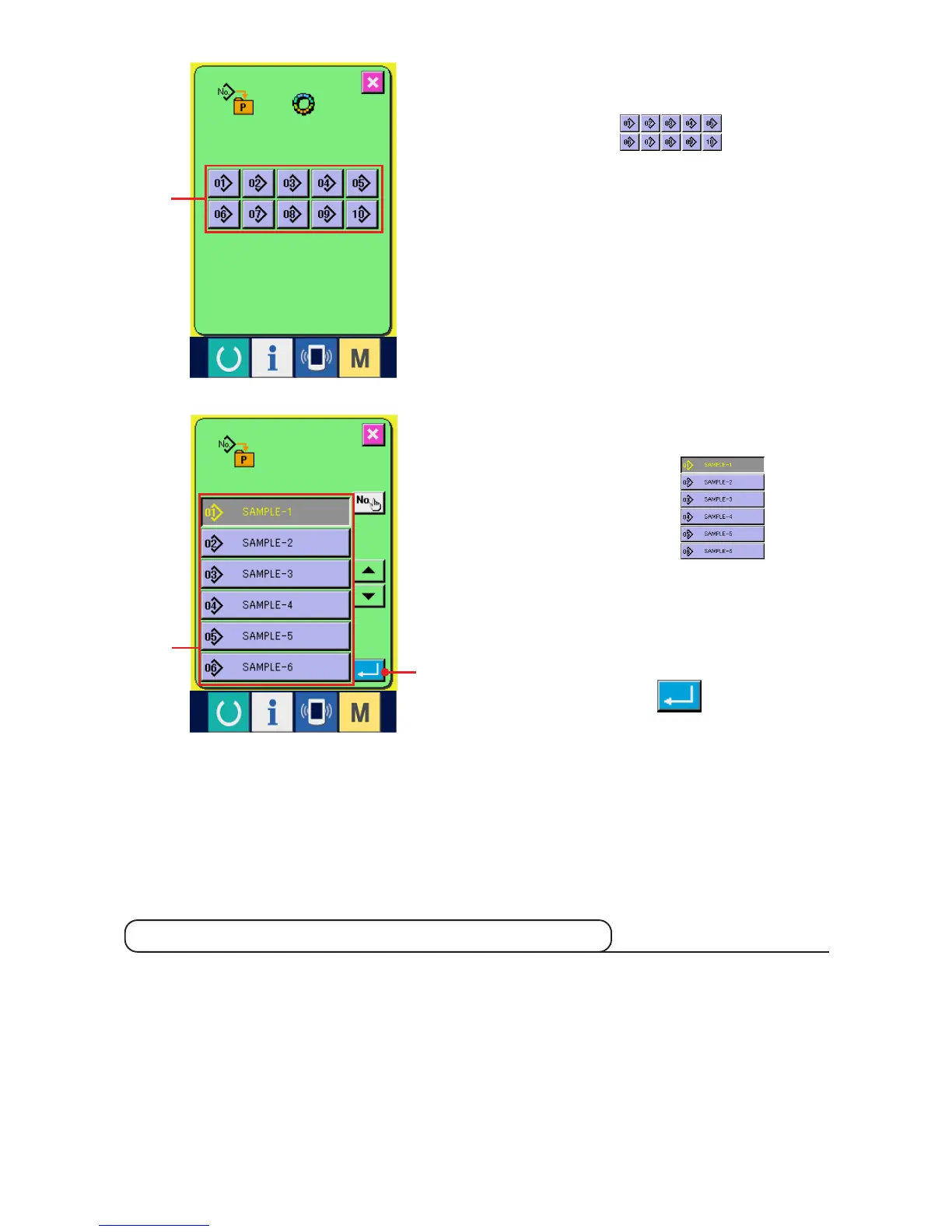
2) Select the button to be registered.
Direct patterns can be registered up to 10 patterns.
10 direct buttons 3 are displayed
on the screen. When the button located on the
position you desire to register is pressed, the
pattern No. list screen is displayed.
3) Select the pattern No. to be registered.
Select the pattern No. you desire to register from
among pattern No. buttons 4. When
the selected button is pressed twice, the selection
is released.
4) Register the direct pattern.
When ENTER button 5 is pressed, the
register of direct pattern is finished and the direct
pattern No. register screen is displayed.
The registered pattern No. is displayed on the direct
button.
4
5
3
Pattern Nos. 1 to 10 have been registered at the time of your purchase.



 To Next Page