− 66 −
6
4
A
5
(3) Changing the pitch of specified step <Compensation pitch setting>
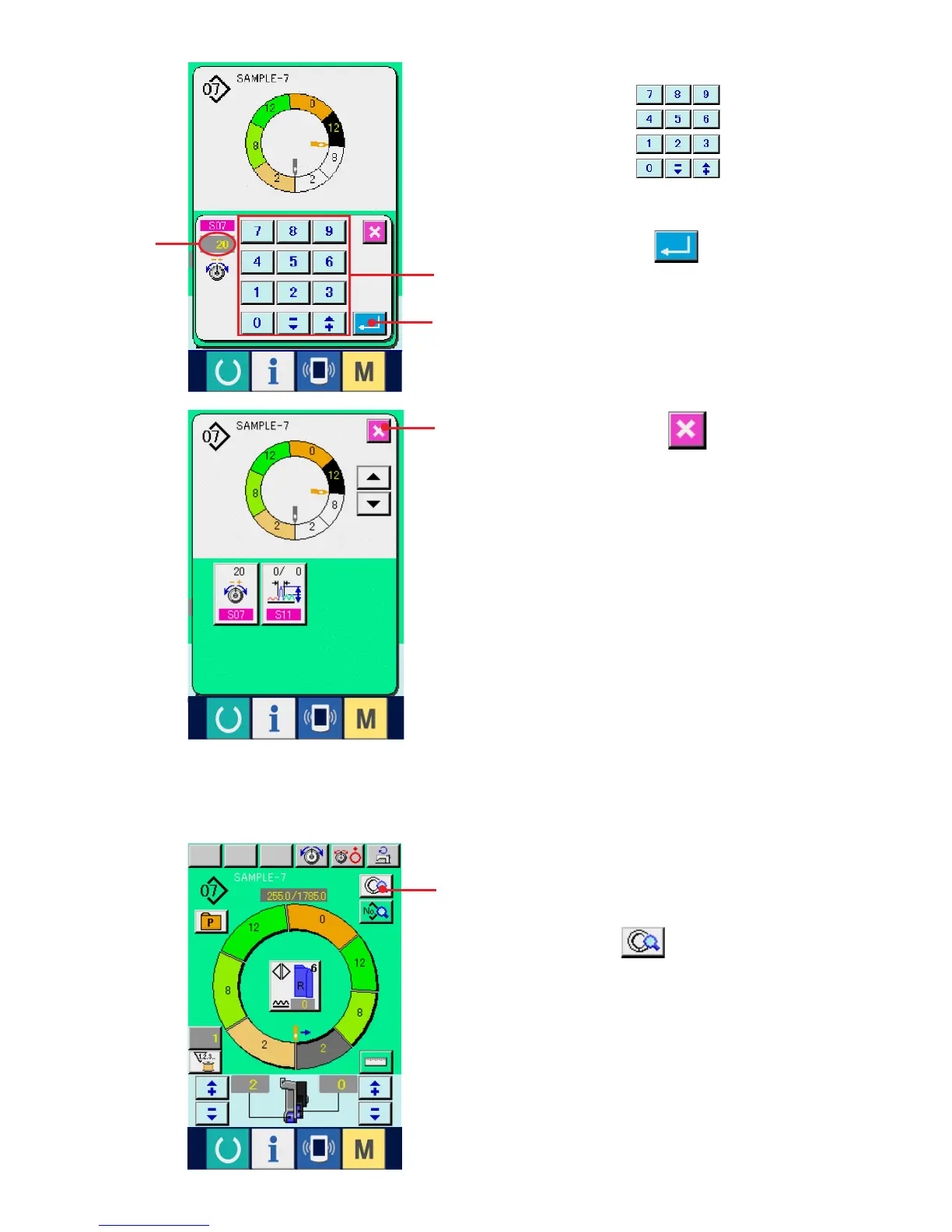
4) Press ten keys 4 to change
compensation thread tension set value A.
5) Press ENTER button 5.
6) Press CANCEL button 6.
1
* The state that can be changed in the sewing screen
is the state that step 1 is selected before starting
sewing.
1) In the state that step 1 is selected, press STEP
DETAILS button 1.



 To Next Page