− 92 −
9-5 Changing the basic set value
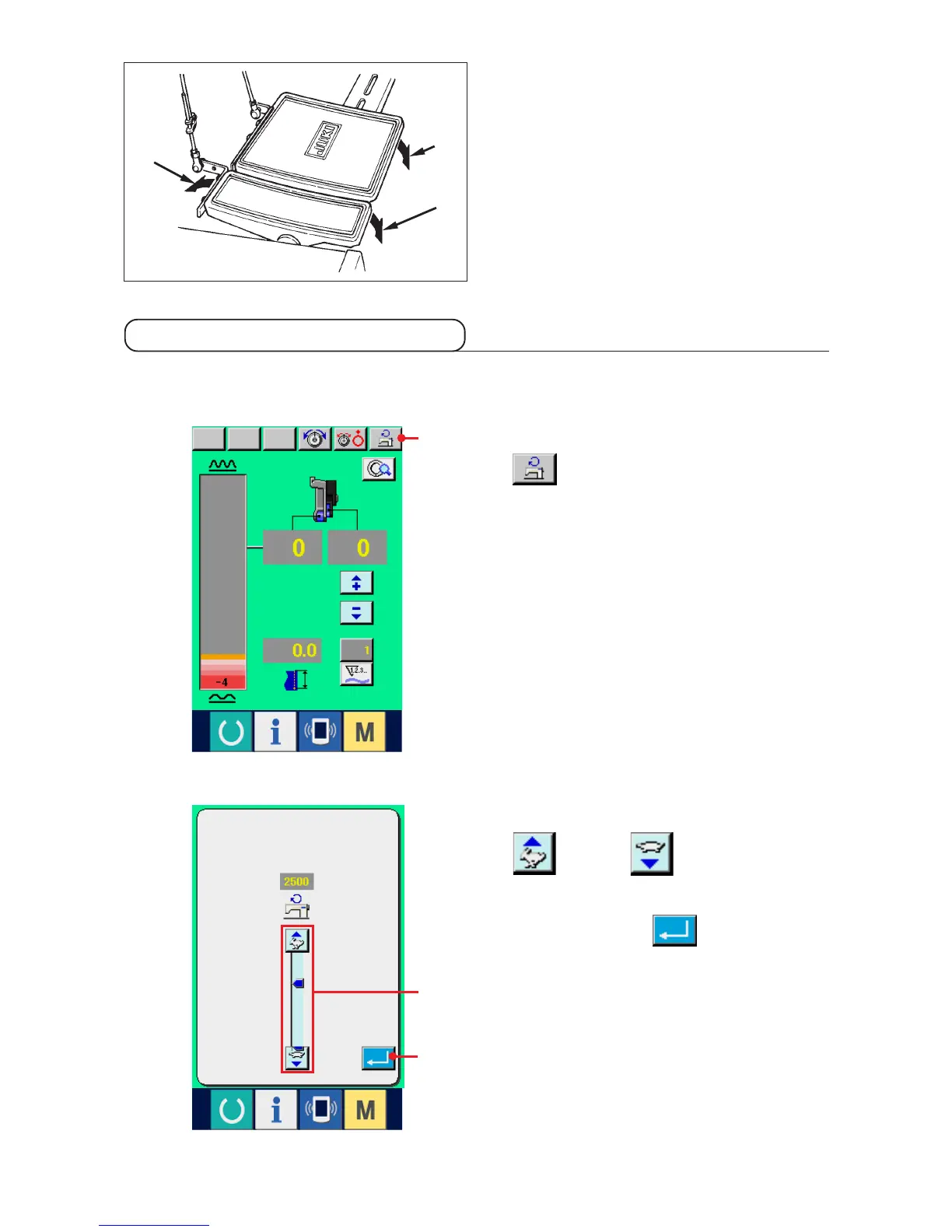
(1) Changing the sewing speed <Max. sewing speed setting>
1) Press MAX. SEWING SPEED SETTING button
1.
2) Press MAX. SEWING SPEED CHANGE button
(fast) and (slow) 2 to change the
sewing speed.
3) Press ENTER button 3.
1
2
3
5) Adjust the shirring amount with auxiliary pedal 3.
6) Perform thread trimming with pedal 4 at the end
of sewing.
3
4
3



 To Next Page