− 57 −
7-6 Changing the basic set value
1
2
3
5
9) Perform thread trimming with pedal 5.
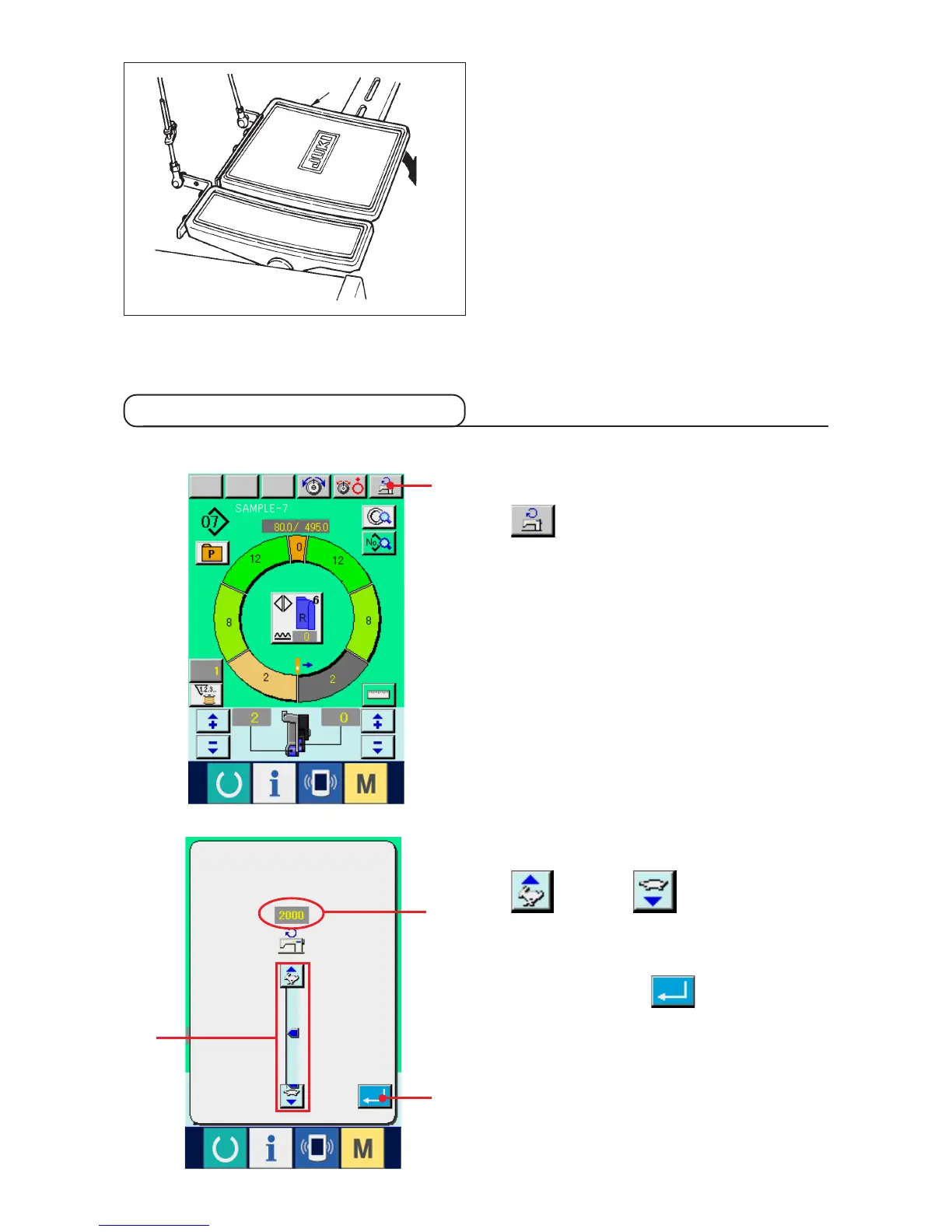
1) Press MAX. SEWING SPEED SETTING button
1.
(1) Changing the sewing machine speed <Max. sewing speed setting>
2) Press MAX. SEWING SPEED CHANGE button
(fast) and (slow) 2alternately to
change "speed set value" A .
3) Press ENTER button 3.
A



 To Next Page