− 87 −
1
5
6
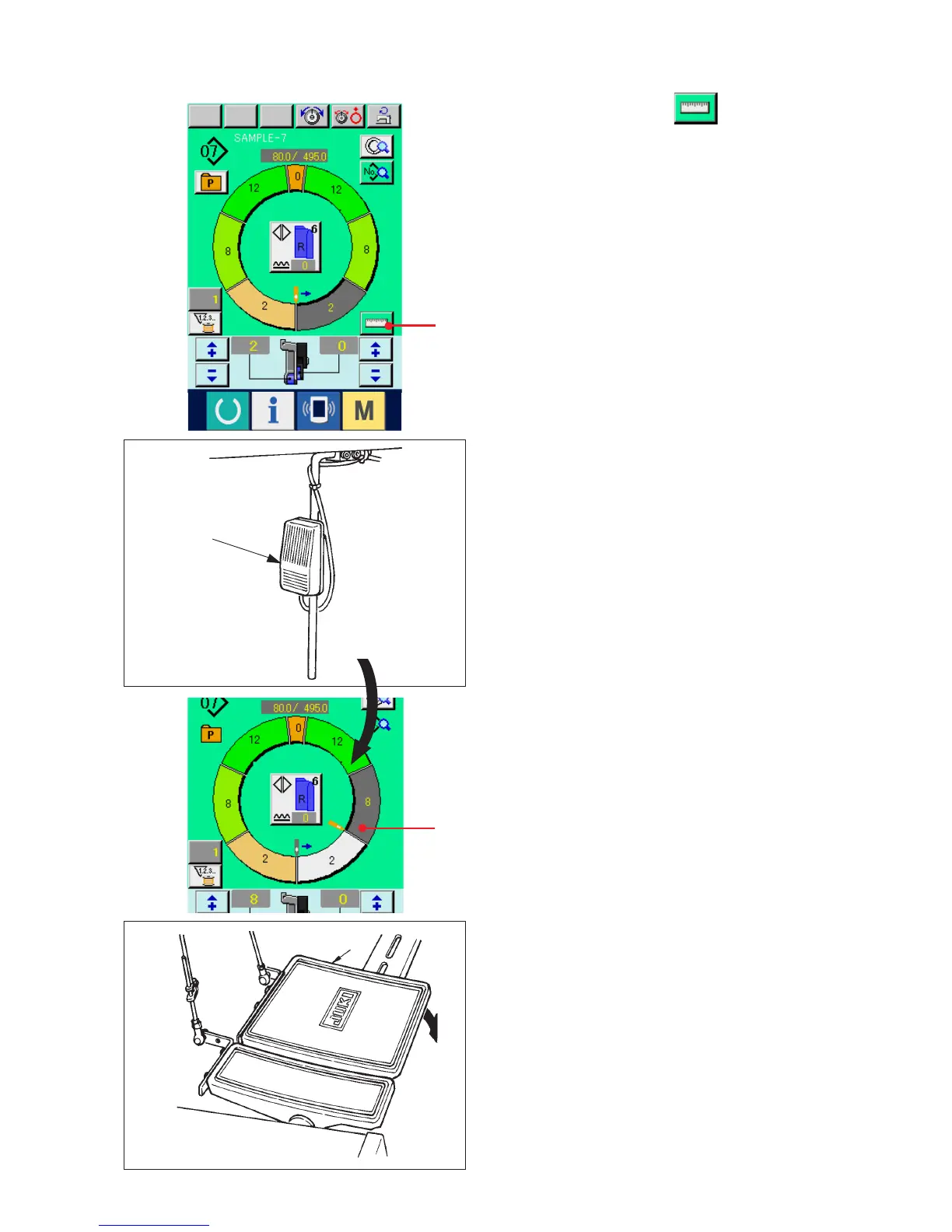
(2) Re-registering the length between steps <Measure function>
1) Press MEASURE button 1.
2) Start sewing.
3) When sewing is performed up to the next notch,
stop the sewing machine once.
4) Press knee switch 5 once. Step of the programs
advances by one. (A)
5) Repeat procedures 2) through 4) until the end of
sewing.
6) Perform thread trimming with pedal 6.
A



 To Next Page