− 40 −
6
1
2
3
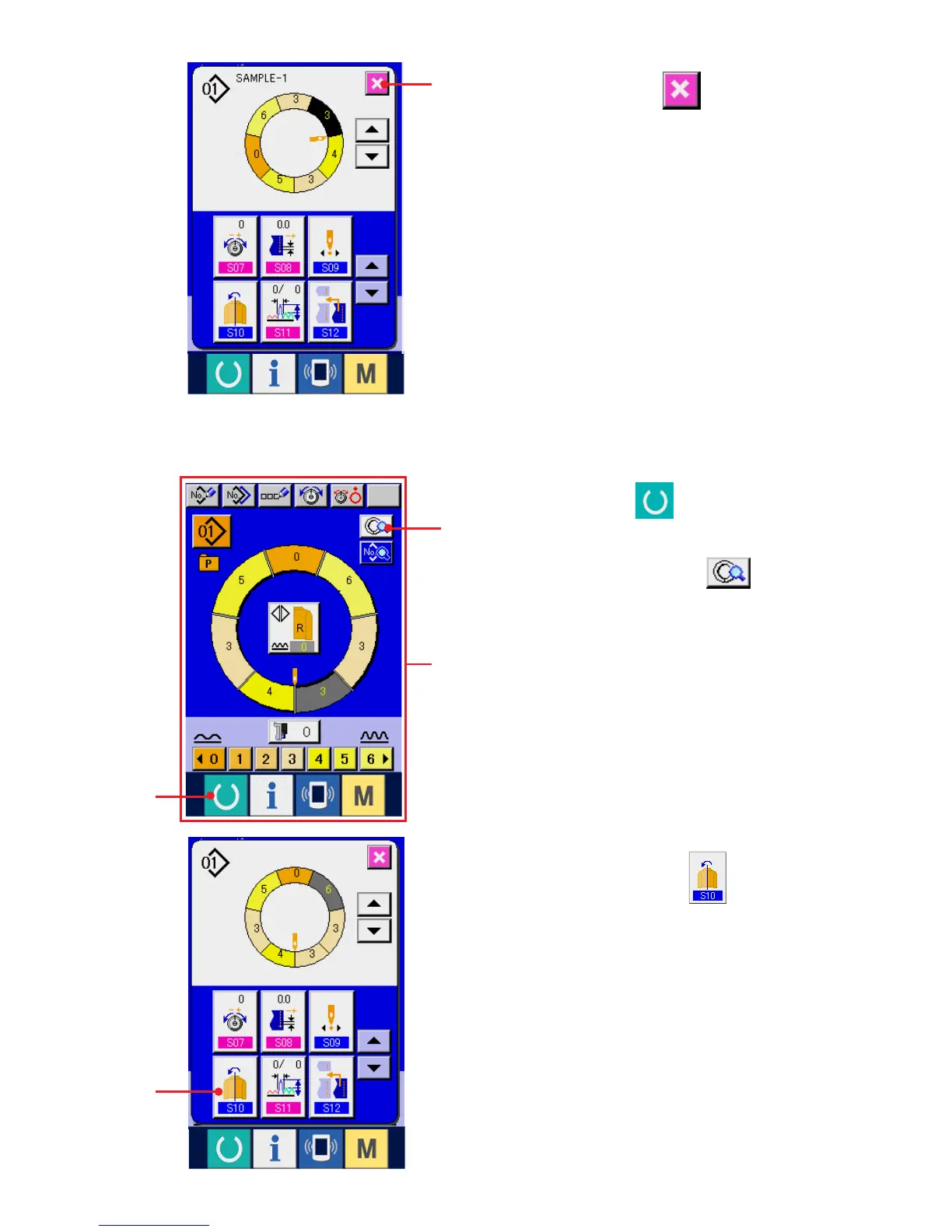
6) Press CANCEL button 6.
(8) Mirroring the program of one sleeve and creating the program of the other sleeve
<Mirroring function>
1) Press READY key 1 to change over the
screen to data input screen A.
2) Press STEP DETAILS button 2.
3) Press MIRRORING button 3.
A



 To Next Page