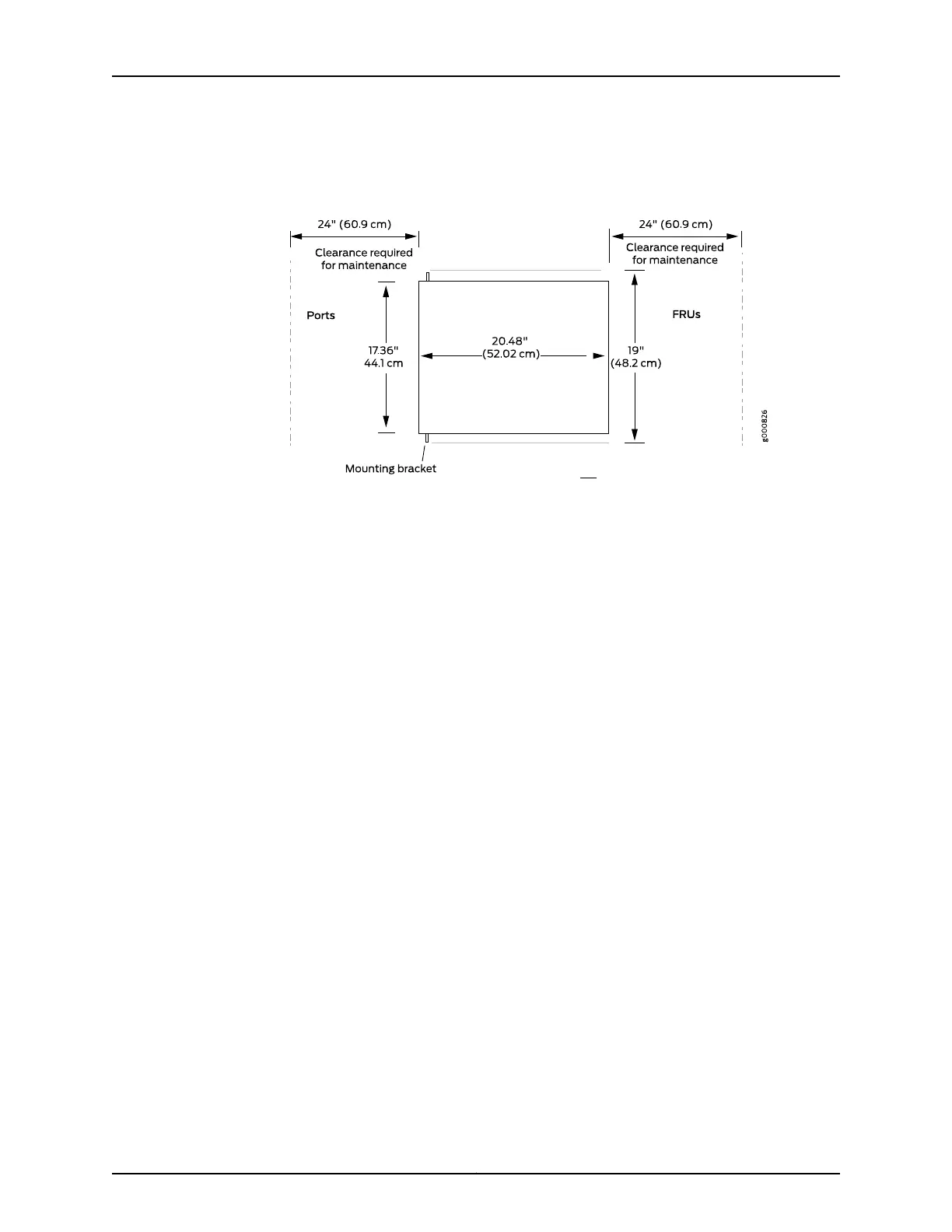
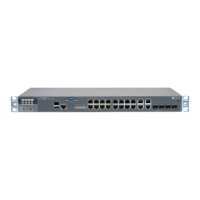
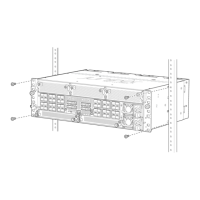
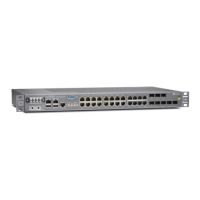
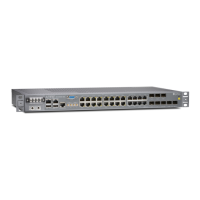
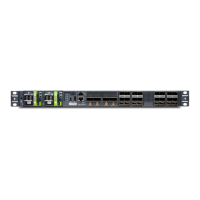
Figure 26: Clearance Requirements for Airflow and Hardware Maintenance
for an ACX5000 Router
•
For the cooling system to function properly, the airflow around the chassis must be
unrestricted. See “Cooling System and Airflow in an ACX5000 Router” on page 33 for
more information about the airflow through the chassis.
•
If you are mounting an ACX5000 router in a rack or cabinet with other equipment,
ensure that the exhaust from other equipment does not blow into the intake vents of
the chassis.
•
Leave at least 24 in. (61 cm) both infront of and behind the ACX5000 router. For service
personnel to remove and install hardware components, you must leave adequate
space at the front and back of the router. NEBS GR-63 recommends that you allow at
least 30 in. (76.2 cm) in front of the rack or cabinet and 24 in. (61 cm) behind the rack
or cabinet.
Related
Documentation
• Rack Requirements for an ACX5000 Router on page 49
• Cabinet Requirements for an ACX5000 Router on page 50
• General Site Guidelines
• Rack-Mounting and Cabinet-Mounting Warnings
Copyright © 2015, Juniper Networks, Inc.52
ACX5048 and ACX5096 Universal Access Router


 To Next Page