36 PWR-01
Panel Operations
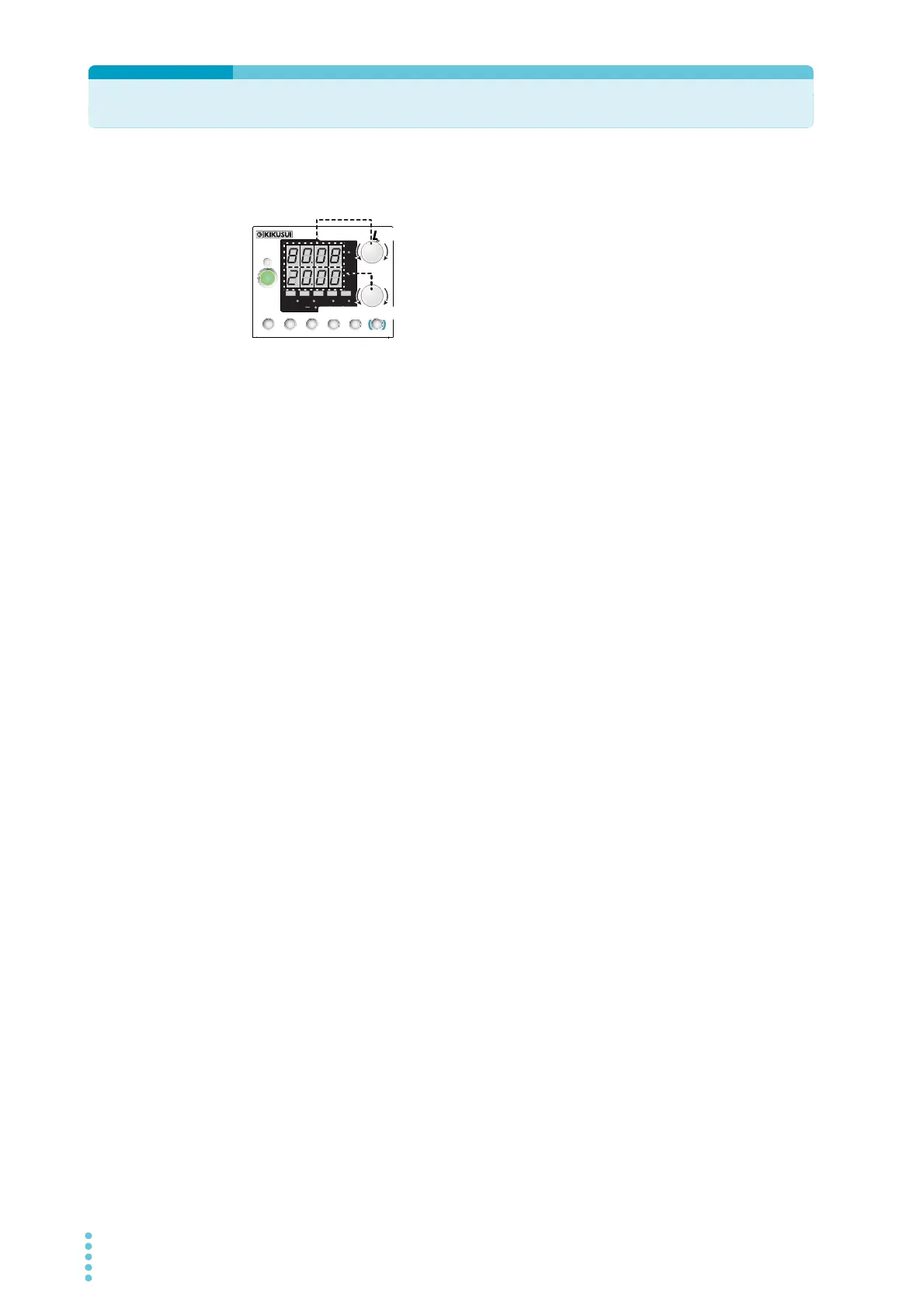
Measured value display, setting display, and set OVP/ OCP display
Turn the VOLTAGE knob to change the voltage. Turn the
CURRENT knob to change the current.
When the output is on, press SET to switch to the setting dis-
play, and then change the output while you view the actual
voltage or current settings.
Fine adjustment (FINE)
Hold down SHIFT while you turn the VOLTAGE knob or CURRENT knob to make small
changes to the value. When the output is on, amount of change becomes even smaller.
The displayed current or voltage may not change even if you turn the VOLTAGE or CUR-
RENT knob. This is because the value is being changed at a higher resolution than what is
shown. In this situation, the display will change when the amount that you change the value
by reaches the smallest display digit of the set voltage or current.
CV
CC
/
W
V
A
AL M RMT LOCK LAN
BCA
PRESET
DLY SEQ HBSSVIR
CV
CC
/
W
V
A
AL M RMT LOCK LAN
SC2 SC3 LOCKALM CLR SC1
SHIFT
FINE
FINE
REGULA TED DC POWER SUPPLY
OUTPUT
VOLTAGE
CURRENT
CONFIG
PWR DSPLMEMORY
LOCALSET OVP•OCP
Increase
Decrease
Increase
Decrease








 To Next Page