PWR-01 71
Locking Panel Controls (Key Lock)
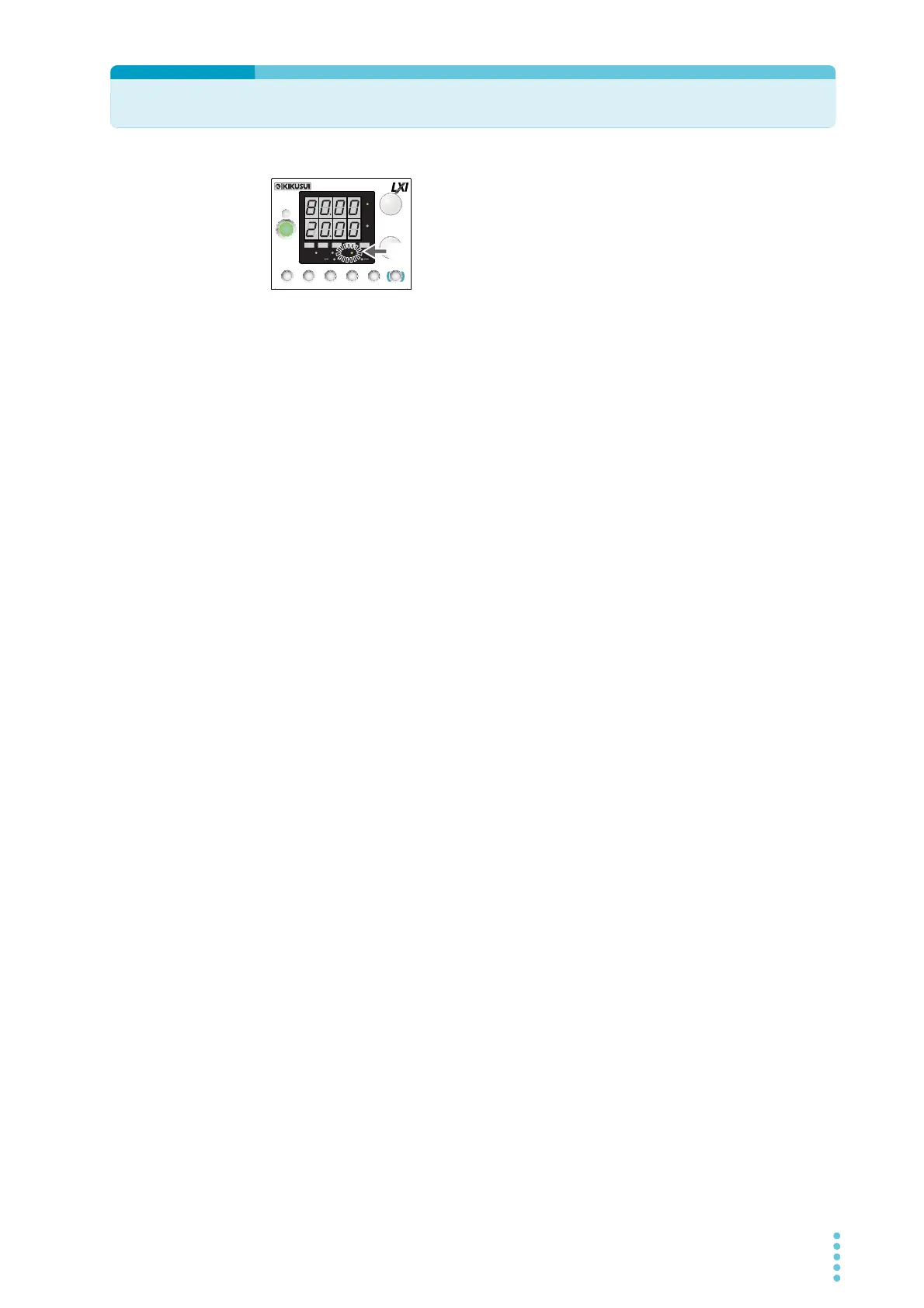
The key lock function is available to prevent the settings from
being changed by mistake.
When the keys are locked (when the LOCK LED is lit), only the
OUTPUT key is valid.
1
Configure all the settings, such as the output voltage and output cur-
rent, as necessary.
2
Hold down LOCK (SHIFT+PWR DSPL) until the LOCK LED turns on.
The LOCK LED lights, and the keys are locked.
To unlock the keys, hold down LOCK again (SHIFT+PWR DSPL) until the LOCK LED turns
off.
CV
CC
/
W
V
A
AL M RMT LOCK LAN
BCA
PRESET
DLY SEQ HBSSVIR
CV
CC
/
W
V
A
AL M RMT LOCK LAN
SC2 SC3 LOCKALM CLR SC1
SHIFT
FINE
FINE
REGULA TED DC POWER SUPPLY
OUTPUT
VOLTAGE
CURRENT
CONFIG
PWR DSPLMEMORY
LOCALSET OVP•OCP
Lit








 To Next Page