52 PWR-01
Basic Features | Protection functions and Alarms
Setting limits
Voltage setting limit
The maximum voltage that can be set is limited to about 95 % of the OVP trip point to prevent
OVP activation due to mistaken operations.
By factory default, the voltage setting limit is set to on (CF23: ON).
The voltage setting limit (CF23) on/ off state is synchronized to undervoltage limit (UVL).
If you enable the voltage setting limit when the voltage setting is higher than 95 % of the OVP
trip point, the voltage setting is retained, but the OVP trip point is changed to 105 % of the
voltage setting.
Undervoltage limit (UVL)
Undervoltage limit (UVL) limits the minimum voltage that can be set to the UVL trip point.
Undervoltage limit (UVL) is synchronized to the on/off state of voltage setting limit (CF23).
By factory default, the voltage setting limit is set to on (CF23: ON).
If you enable the voltage setting limit when the voltage setting is less than the set UVL trip
point, the voltage setting is retained, but the UVL trip point is changed to the voltage setting.
Setting the UVL trip point
1
Press OVP•OCP twice.
The present UVL trip point is displayed.
2
Turn the VOLTAGE knob to set the UVL trip point (p.46).
UVL setting range: 0 % to 105 % of the rated output voltage
3
Press OVP•OCP to finish the configuration.
The UVL trip point will be set. The OVP•OCP key turns off, and the measured value
display appears.
L type ML type MH type H type
UVL setting range 0 V to 42 V 0 V to 84 V 0 V to 252 V 0 V to 682.5 V
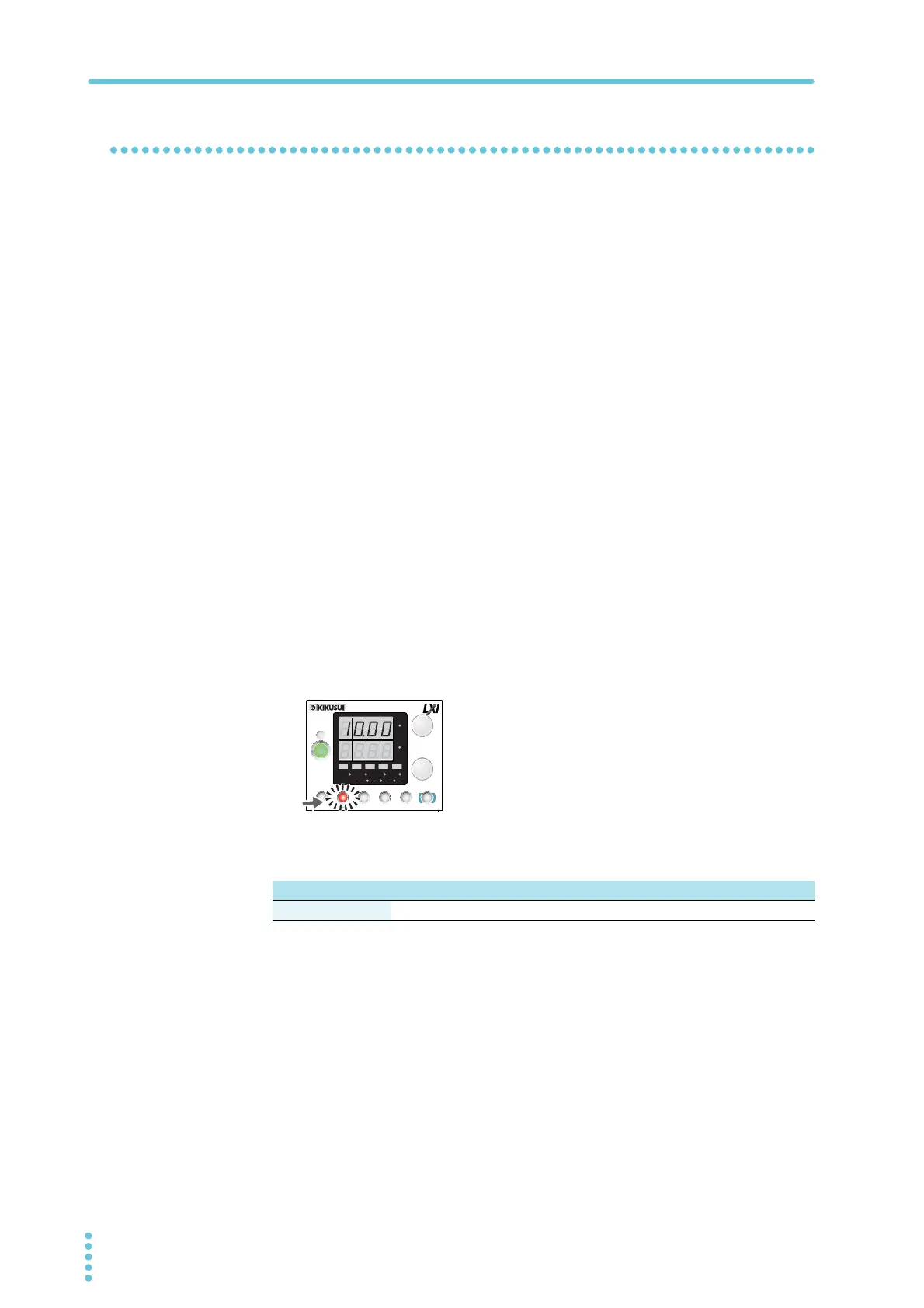
Display example of the UVL setting
CV
CC
/
W
V
A
AL M RMT LOCK LAN
BCA
PRESET
DLY SEQ HBSSVIR
CV
CC
/
W
V
A
AL M RMT LOCK LAN
SC2 SC3 LOCKALM CLR SC1
SHIFT
FINE
FINE
REGULA TED DC POWER SUPPLY
OUTPUT
VOLTAGE
CURRENT
CONFIG
PWR DSPLMEMORY
LOCALSET OVP•OCP








 To Next Page