PWR-01 37
Output Operation
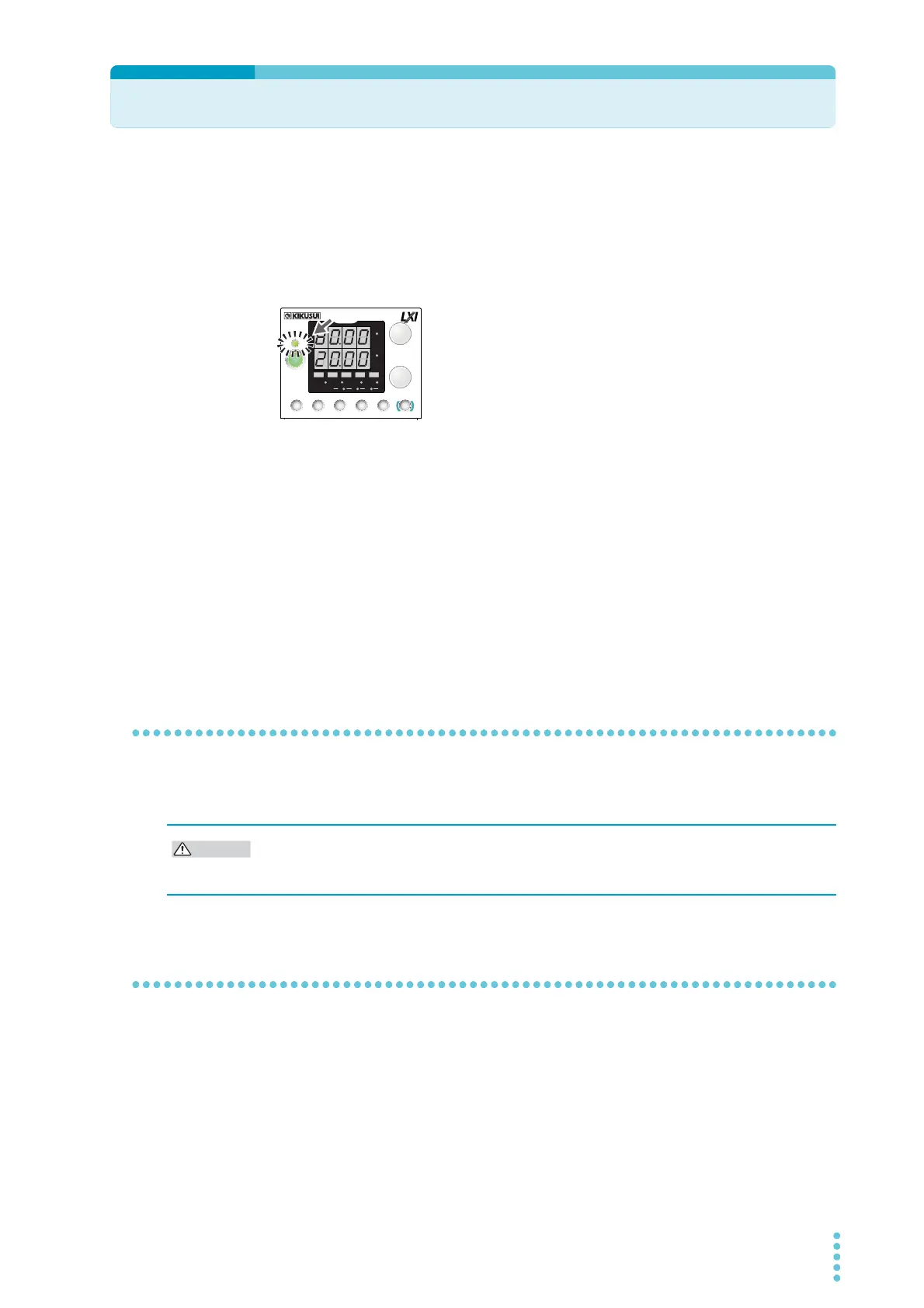
The output turns on and off each time that you press OUTPUT. When output is on, the OUT-
PUT LED lights. When the output is off, the OUTPUT LED turns off.
When the output is on, output is generated at the present set values.
If you change the settings while the output is on, the changes are applied immediately to the
output. If the output is off, the setting display will appear (the SET key lights) as soon as you
change the settings. After changing the setting, pressing OUTPUT turns the output on.
You can use external control to turn the output on and off (p.58,
p.94).
Setting limits
You can apply limits to the voltage and current settings (p.48, p.49, p.52).
Using CONFIG settings (CF22/ CF23), you can set limitations so that the values do not
exceed about 95 % of the set overvoltage protection (OVP) trip point or about 95 % of the set
overcurrent protection (OCP) trip point and so that the values are not set lower than the set
undervoltage limit (UVL trip point).
You can avoid turning the output off by mistakenly setting the voltage or current to a value
that exceeds the set OVP or OCP trip point or avoid setting a value that is lower than the set
UVL trip point.
Output on/off setting at power-on
By factory default, the output is off when the power is turned on. Using a CONFIG setting, you
can set the output state at power-on (p.65).
Output-on startup state parameter
You can set whether to start the PWR-01 as a constant voltage (CV) power supply or a con-
stant current (CC) power supply when the output is turned on (p.58).
Using the output-on startup state CONFIG parameter (CF02: CV/CC), select prioritize CV
(CF02: CV) to start as a constant voltage (CV) power supply or prioritize CC (CF02: CC) to
start as a constant current (CC) power supply.
CV
CC
/
W
V
A
AL M RMT LOCK LAN
BCA
PRESET
DLY SEQ HBSSVIR
CV
CC
/
W
V
A
AL M RMT LOCK LAN
SC2 SC3 LOCKALM CLR SC1
SHIFT
FINE
FINE
REGULA TED DC POWER SUPPLY
OUTPUT
VOLTAGE
CURRENT
CONFIG
PWR DSPLMEMORY
LOCALSET OVP•OCP
Lit
If the output is set so that it is on at power-on, be sure to check the OVP and OCP trip point
settings (p.47) before you turn off the POWER switch. If the OVP or OCP trip point is not set
properly when the load is changed, the load could be damaged.








 To Next Page