PWR-01 79
Sequence function
The sequence function enables you to automatically execute programs that you have set in
advance one operation at a time.
You cannot configure sequence programs from the panel. Programs are created using com-
mands.
Once a sequence program is executed through remote control, the program is written in the
PWR-01, and you can execute this program from the panel.
When a program is written in the PWR-01, you can execute the program without a PC.
For details on sequence function, see the “Communication Interface Manual” in the included
CD-ROM.
Writing and executing a sequence program
Only a single program can be written in the PWR-01. If you execute another program through
remote control, the program is overwritten. When executing a program from the panel, the
trigger source setting is invalid.
1
If a program is not written in the PWR-01, execute a sequence program
through remote control.
This will cause the program to be written in the PWR-01. Then, you can execute the
program even without a PC.
2
If triggers are set in steps, set the trigger input signal polarity (CF83) and
trigger output signal polarity (CF84) using CONFIG settings.
The factory default setting is positive trigger.
3
Press OUTPUT to turn output on.
4
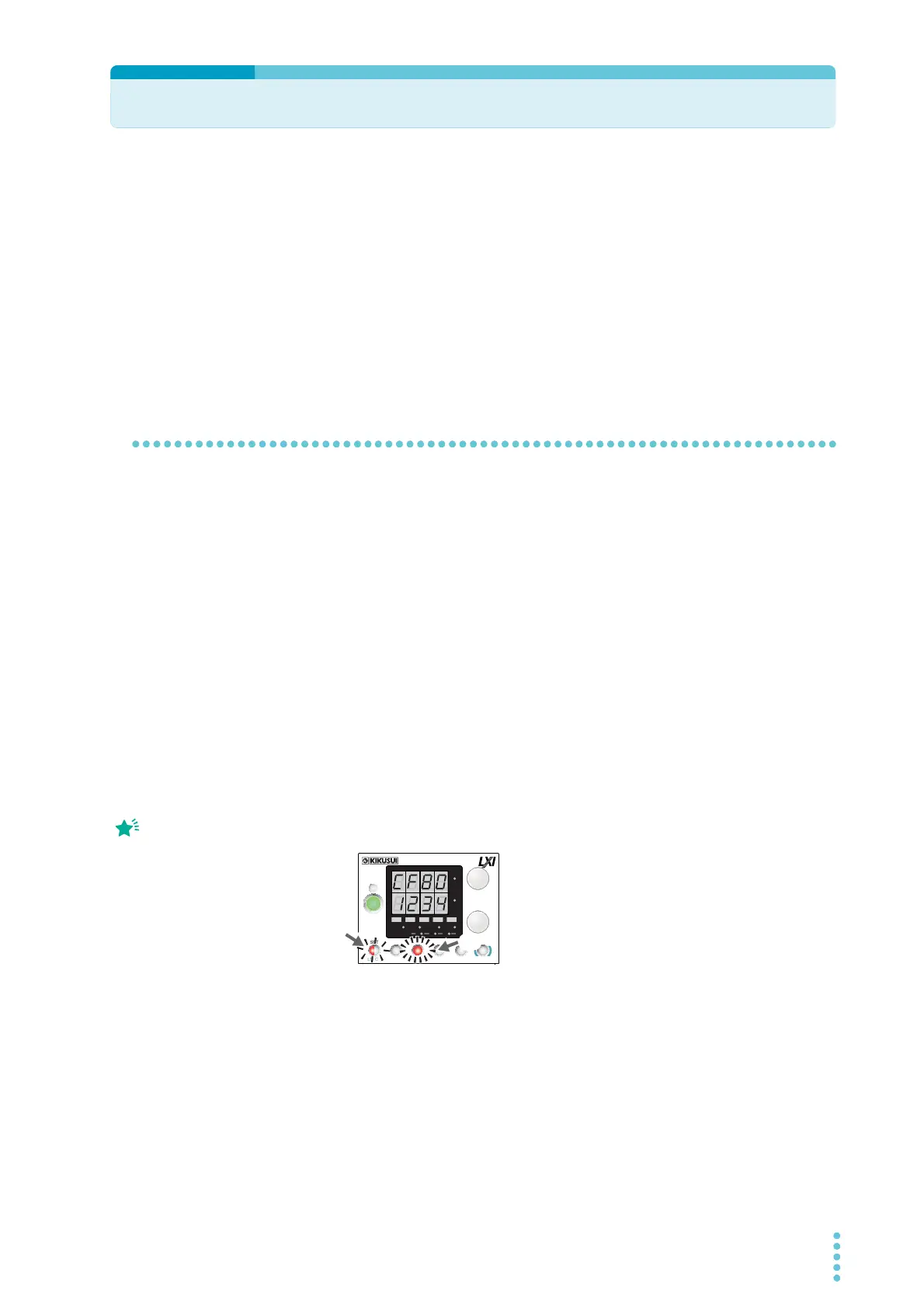
Press CONFIG nine times to display CF80.
The ammeter displays the user code that is written, and the SET key blinks.
To prevent unintentional execution of sequences, be sure to check the user code.
5
Press SET, which is blinking.
The PWR-01 switches to standby mode, and CF80, user code, the SET key, and SEQ
on the display blink.
6
Press SET to execute the program.
SEQ is lit while the program is running.
If a sequence is not
written, the ammeter
displays “NONE.”
Example of user code “1234” displayed
for CF80
CV
CC
/
W
V
A
AL M RMT LOCK LAN
BCA
PRESET
DLY SEQ HBSSVIR
CV
CC
/
W
V
A
AL M RMT LOCK LAN
SC2 SC3 LOCKALM CLR SC1
SHIFT
FINE
FINE
REGULA TED DC POWER SUPPLY
OUTPUT
VOLTAGE
CURRENT
CONFIG
PWR DSPLMEMORY
LOCALSET OVP•OCP
Lit
Blinking








 To Next Page