Chapter 5 Nav tool MDC-7000/7900 Series
0093169010-10
5.2 HL blink
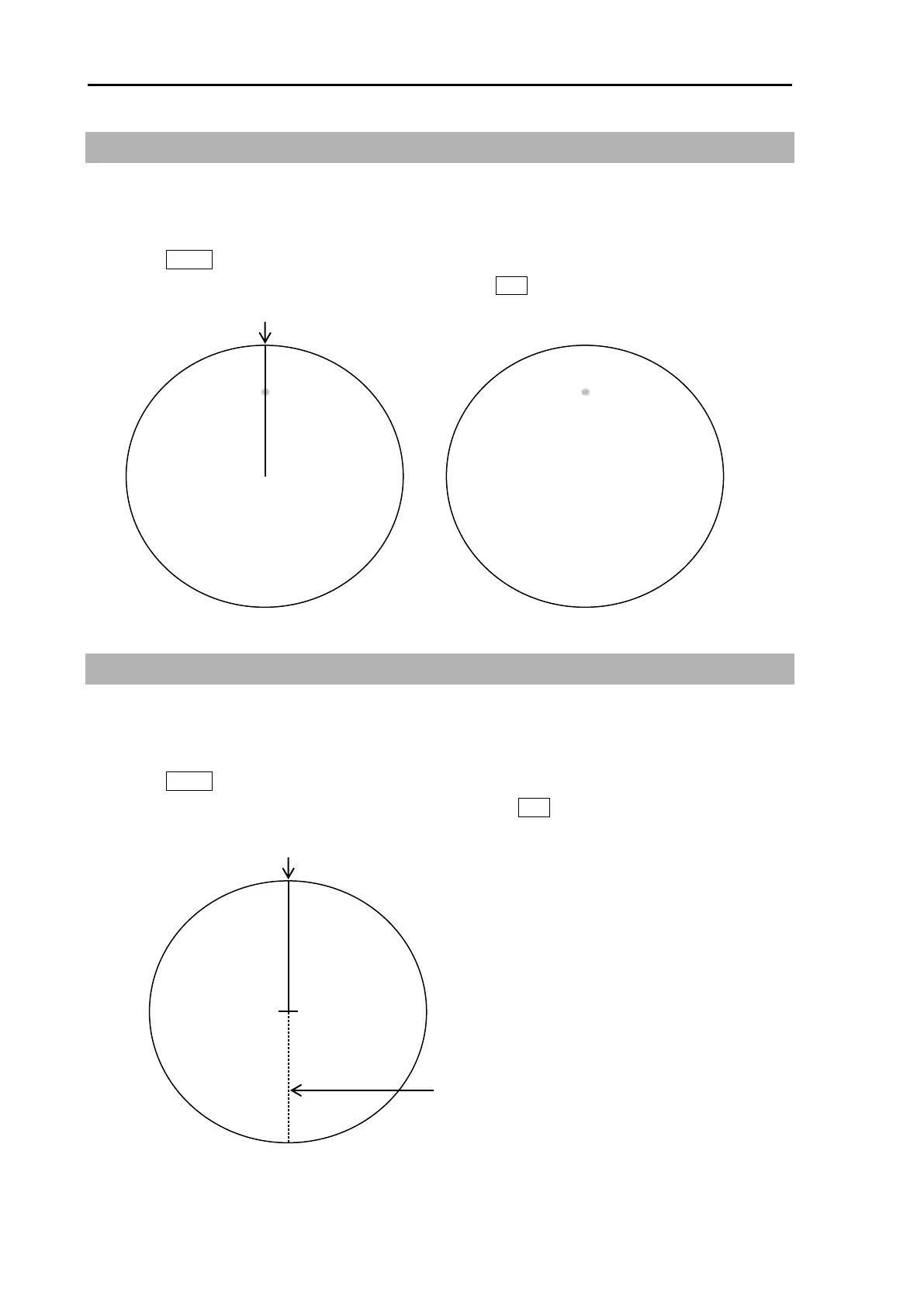
HL BLINK function lets HL marker display blinks every antenna rotation. It is effective to confirm that
there is no small targets right under the HL marker.
1 Press MENU key to display “Menu”.
Select [NAV TOOL] => [HL BLINK] => [ON], and press ENT key.
5.3 Stern line
STERN LINE is to set up the display of dotted line extended from reference position to bearing scale
toward stern direction.
1 Press MENU key to display “Menu”.
Select [NAV TOOL] => [STERN LINE] => [ON], and press ENT key.








 To Next Page