MDC-7000/7900 Series Chapter 2 Radar Basic Operation
0093169010-10
2.11 Ground and Sea stabilization
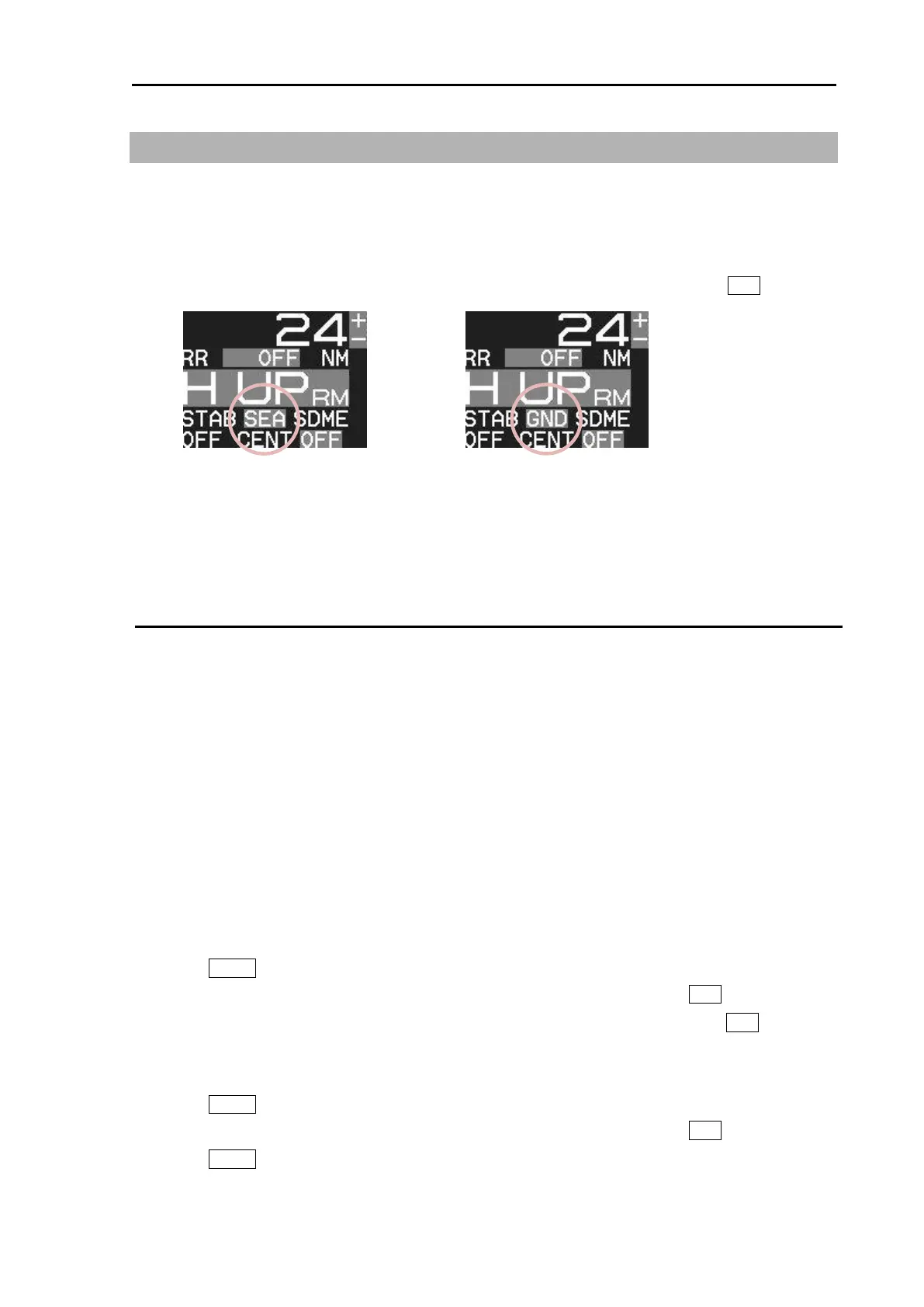
STAB MODE is a function to select speed for movement calculation for True trail, TT (ARPA), Past
position and True motion (TM).
SEA: Stabilization mode using speed over water.
GND: Stabilization mode using speed over ground.
[STAB MODE] can be changed directly at the upper left of the display, by cursor and ENT key.
When SDME or EPFS is not available for any reason, it is possible to get the speed over ground by
setting reference target.
Refer to 4.3 TT (ARPA) “Reference target acquisition”.
SEA (Sea stabilization)
SEA stabilization uses CTW (course through water) and STW (speed through water) referenced to
water. Accordingly course and speed indication at the upper right of the display becomes CTW/STW.
STW is relative speed of the ship against water surface in the heading direction.
Information from SDME (speed and distance measuring equipment) like LOG is inputted by serial
data (VBW or VHW).
Single axis water log indicated as LOG on the display cannot detect the effect of leeway.
When speed information is interrupted for 30 seconds from SDME for any reason or VBW water
status flag is invalid, then the numerical indication of CTW/STW becomes XXX.X in orange color.
In this case, speed can be entered manually.
Manual speed input.
By menu
1 Press MENU key to display “Menu”.
Select [MAINTENANCE] => [I / O] => [STW] => [STW] => [MAN], and press ENT key.
2 Select [MAINTENANCE] => [I / O] => [STW] => [MAN] => input speed, and press ENT key.
By trackball
1 Press MENU key to display “Menu”.
Select [MAINTENANCE] => [I / O] => [STW] => [STW] => [MAN], and press ENT key.
2 Press MENU key to close menu.
3 Move cursor to the window on the right side of STW MAN on the top right side of the display.








 To Next Page