MDC-7000/7900 Series Chapter 7 System and Maintenance menu operation
0093169010-10
Chapter 7 System and Maintenance menu operation
7.1 SYSTEM MENU
INTER-SWITCH: Refer to 2.31 Inter-switch
TIME
USER
SOUND
LANG
DISP INFO
HELP
7.2 Change UTC/LOCAL time
1 Press MENU key to display “Menu”.
Select [SYSTEM] => [TIME] => select [UTC] or [LOCAL], and press ENT key.
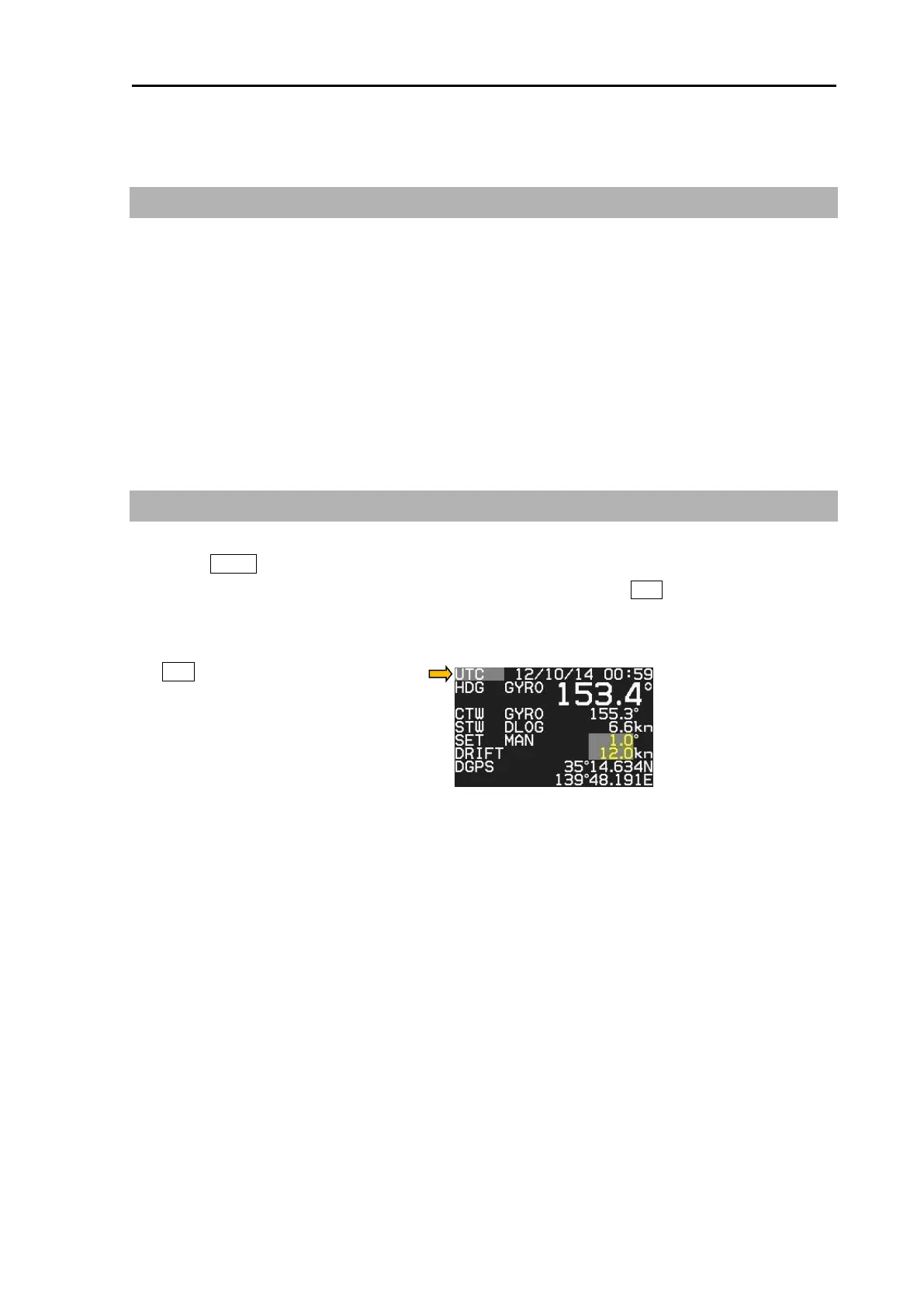
[UTC / LOCAL] time can be changed directly at the upper right of the own ship data area, with trackball
and ENT key, without using menu.
Note:
• Refer to [MAINTENANCE] => [I/O] => [TIME] menu for detailed how to set time.
• For display of DATE/TIME, receive ZDA sentence from the external device or set the internal clock of
radar. (Refer to “4.2.1 Setup TIME” of Installation manual)
• When the battery runs low, the internal clock of the radar will not always work properly. Please
exchange the internal battery. (Refer to "5.4.2 Replacement of Internal Battery" of Installation manual)



 To Next Page