Chapter 1 Display and Operation MDC-7000/7900 Series
0093169010-10
Alarm display area (Navigation graph)
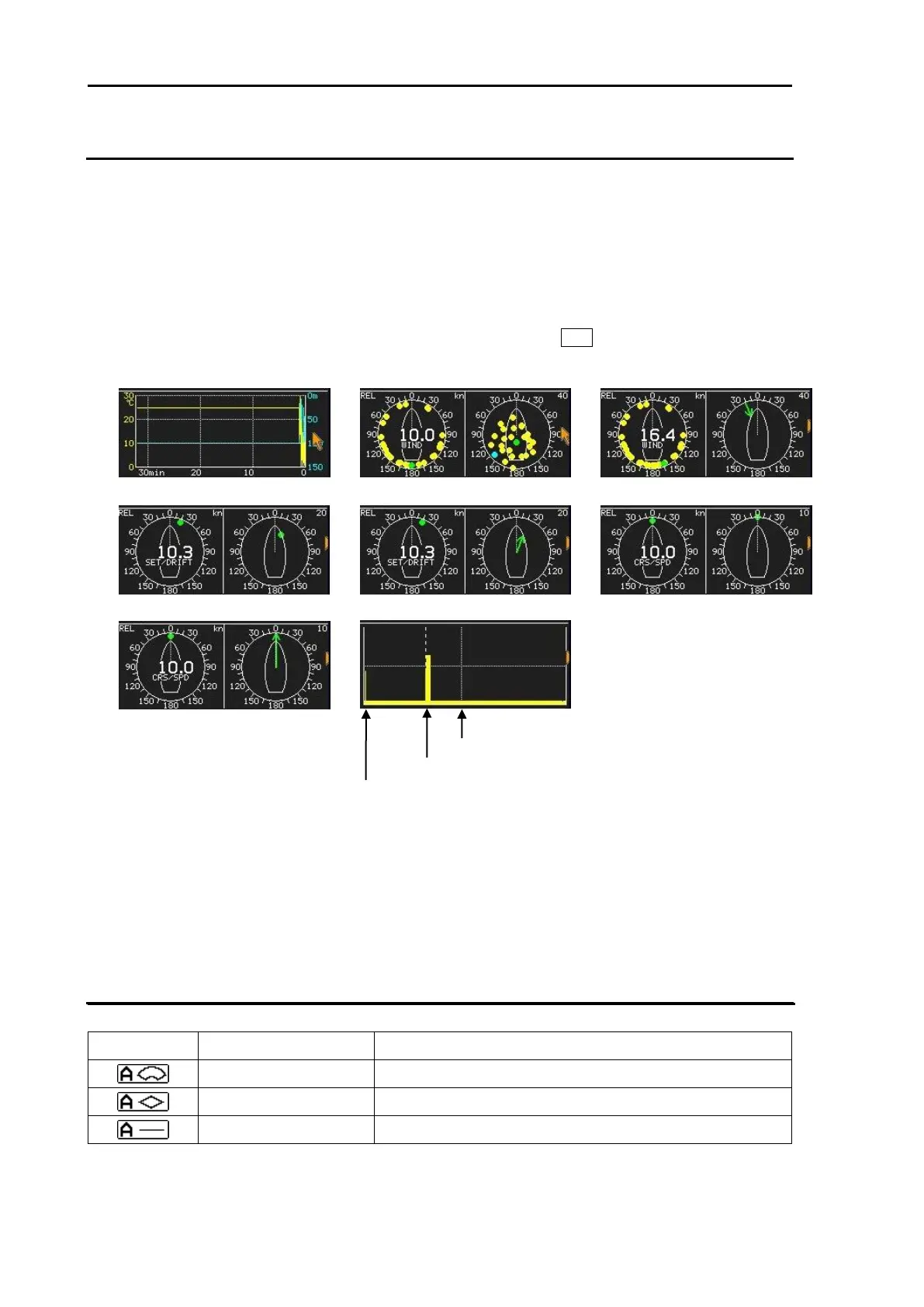
Following navigation data graphs can display at alarm display area.
Water temperature and water depth
Wind
Set/drift
Course and speed
Radar echo level monitor
1 Move cursor on the alarm display area with trackball, and press ENT key.
2 Navigation data graph will be displayed as follows.
It is necessary to input MTW sentence to display water temperature.
It is necessary to input DPT or DBT sentence to display water depth.
It is necessary to input MWD sentence to display wind direction and speed.
It is necessary to input VDR sentence to display set and drift.
Echo level monitor shows the signal level of EBL1 direction.
Alarm status
The icon of alarm status will be displayed at the lower left corner of the display.
Setting method (Refer to Chapter 3 Alarm)
Refer to 3.2 Map area alarm
Refer to 3.4 Nav line cross
Alarm icons are displayed only when alarm function is active and they are not displayed when alarm
function is inactive. Alarm icons are displayed in red color while alarm is detected.








 To Next Page