Chapter 2 Radar Basic Operation MDC-7000/7900 Series
0093169010-10
2.22 Set picture mode
It is necessary to make adjustment to the radar picture as environment and sea condition changes. The
Picture mode can quickly change for different settings, [PROCESS], [EXPANSION], [IR] and [VID],
depending on the situation. You can change these setting items individually, and these changes are
stored in internal memory.
1 Press MENU key to display “Menu”.
Select [ECHO] => [PICTURE MODE] => press ENT key after making your selection.
The setting value can be selected from “PICTURE1, PICTURE2, PICTURE3, NEAR, FAR,
HARBOR, ROUGH SEA, RAIN or PURE”.
Initial setting of [PICTURE MODE]:
PROCESS EXPANSION IR VID
PICTURE1: OFF OFF 1 3
PICTURE2: C2 2 OFF 2
PICTURE3: C2 1 OFF 1
NEAR: OFF OFF 1 1
FAR: C1 2 OFF 4
HARBOR: C1 1 2 1
ROUGH SEA: C2 OFF 1 1
RAIN: C1 OFF 1 1
PURE: OFF OFF OFF 1
PROCESS: Refer to 2.23 Echo process
EXPANSION: Refer to 2.24 Echo expansion
IR: Refer to 2.25 Interference rejection (IR)
VID: Refer to 2.26 Video contrast
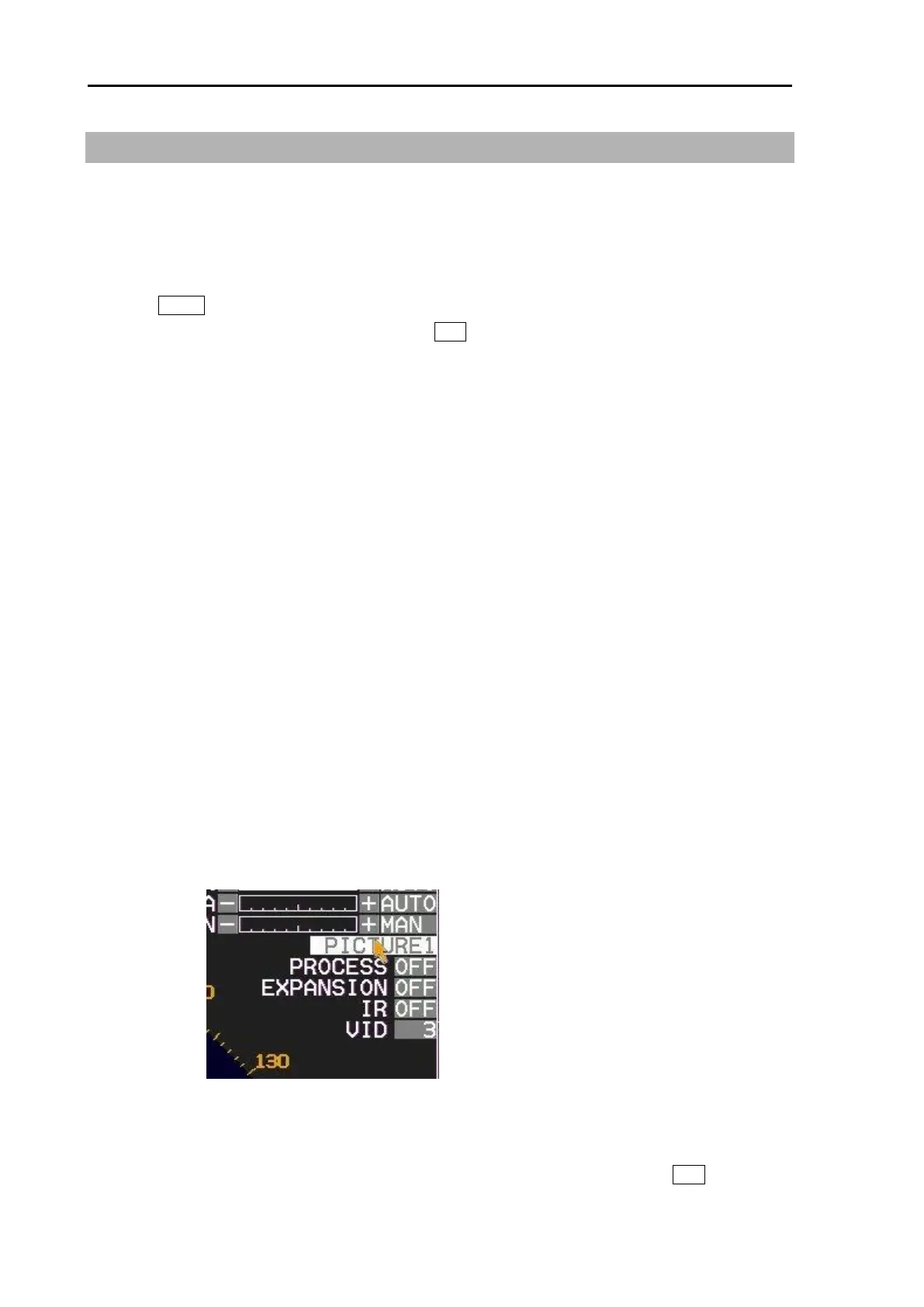
[PICTURE MODE] can be changed directly at the upper right of the display using trackball.
Note:
• When [ECHO] => [PICTURE ENABLE] menu is set to “OFF”, it is possible to hide the unnecessary
PICTURE MODE. But [PICTURE1] cannot be set to “OFF”.
• To return to initial setting, select [ECHO] => [PICTURE RESET] => [GO], and press ENT key.








 To Next Page