MDC-7000/7900 Series Chapter 1 Display and Operation
0093169010-10
1.3 Menu usage
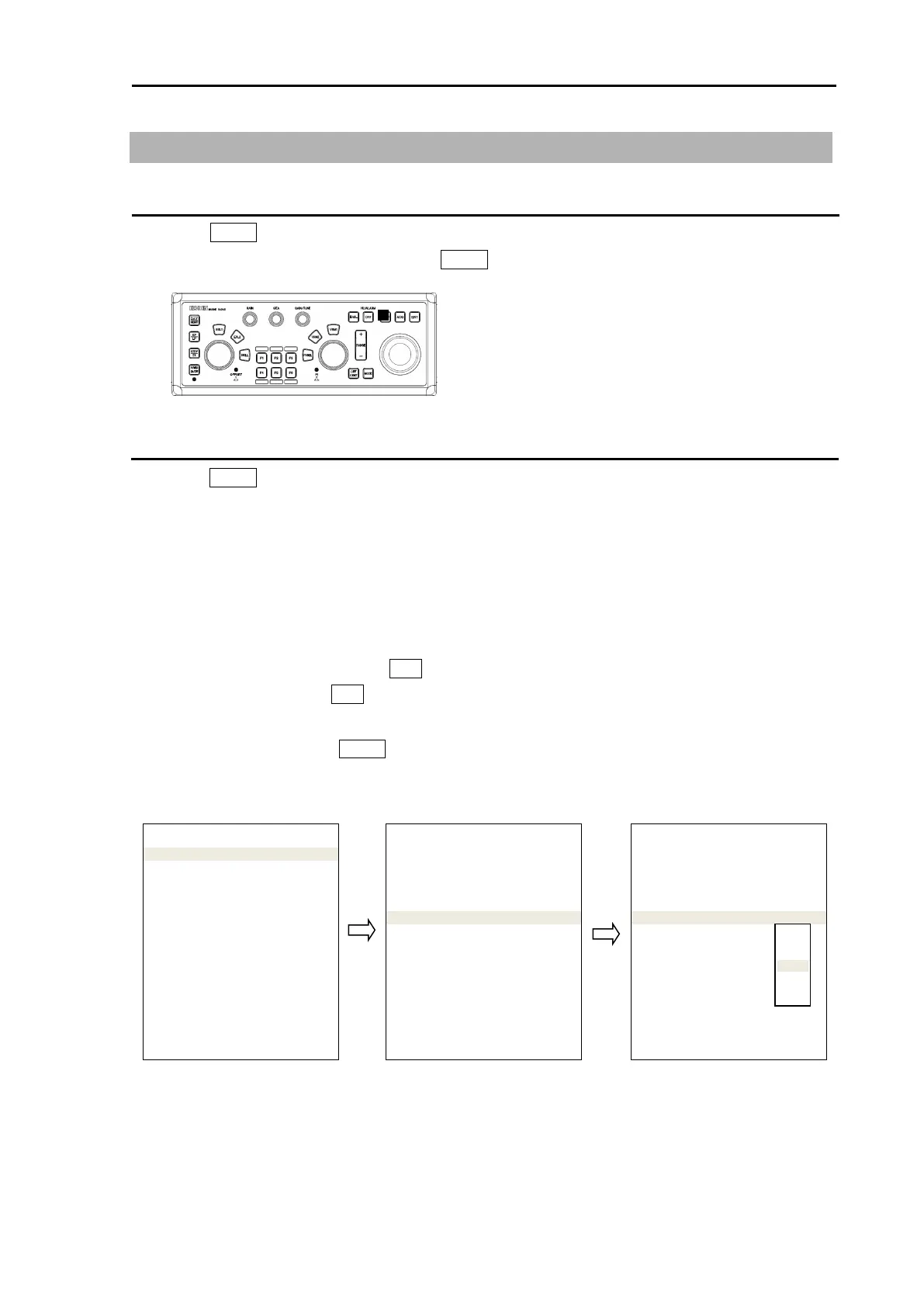
Turn MENU on and off
1 Press MENU key, “Menu” display on the right side of the display.
2 “Menu” display is turned off by pressing MENU key again.
Select menu item
1 Press MENU key and “Main menu” will show on the display. Select one of main menu items by
moving the trackball up or down.
2 Move the trackball to the right after making selection in main menu and the sub menu will show on
the display.
3 Select a sub menu item by moving the trackball up or down.
4 Move the trackball to the right after making selection in sub menu and value of selected item will
show.
5 Select desired value, then press ENT key.
Note: Pay attention that ENT key must be pressed for selected item to take effect.
6 Move trackball to the left to return to previous menu.
To exit from menu, press MENU key again.
<Example of menu display>
Note: “Menu” setup value is stored in the non-volatile memory inside the radar. Therefore, no setup
operation is required after power is turned on.
MENU
ECHO >
TRAIL >
DISPLAY >
ALARM >
TARGET >
NAV TOOL >
MAP >
BRILL >
SYSTEM >
MAINTENANCE >
>ECHO
PICTURE MODE
PICTURE1
PROCESS
OFF
EXPANSION 2
IR OFF
VIDEO CONTRAST 3
NOISE REJ OFF
COLOR REJ OFF
PULSE WIDTH >
SART OFF
PICTURE RESET >
PICTURE ENABLE >
>ECHO
PICTURE MODE
PICTURE1
PROCESS
OFF
EXPANSION 2
IR OFF
VIDEO CONTRAST 3
NOISE REJ OFF
COLOR REJ OFF
PULSE WIDTH >
SART OFF
PICTURE RESET >
PICTURE ENABLE >








 To Next Page