MDC-7000/7900 Series Chapter 3 Alarm
0093169010-10
Chapter 3 Alarm
This function is used to monitor hazardous targets such for collision prevention.
Collision avoidance
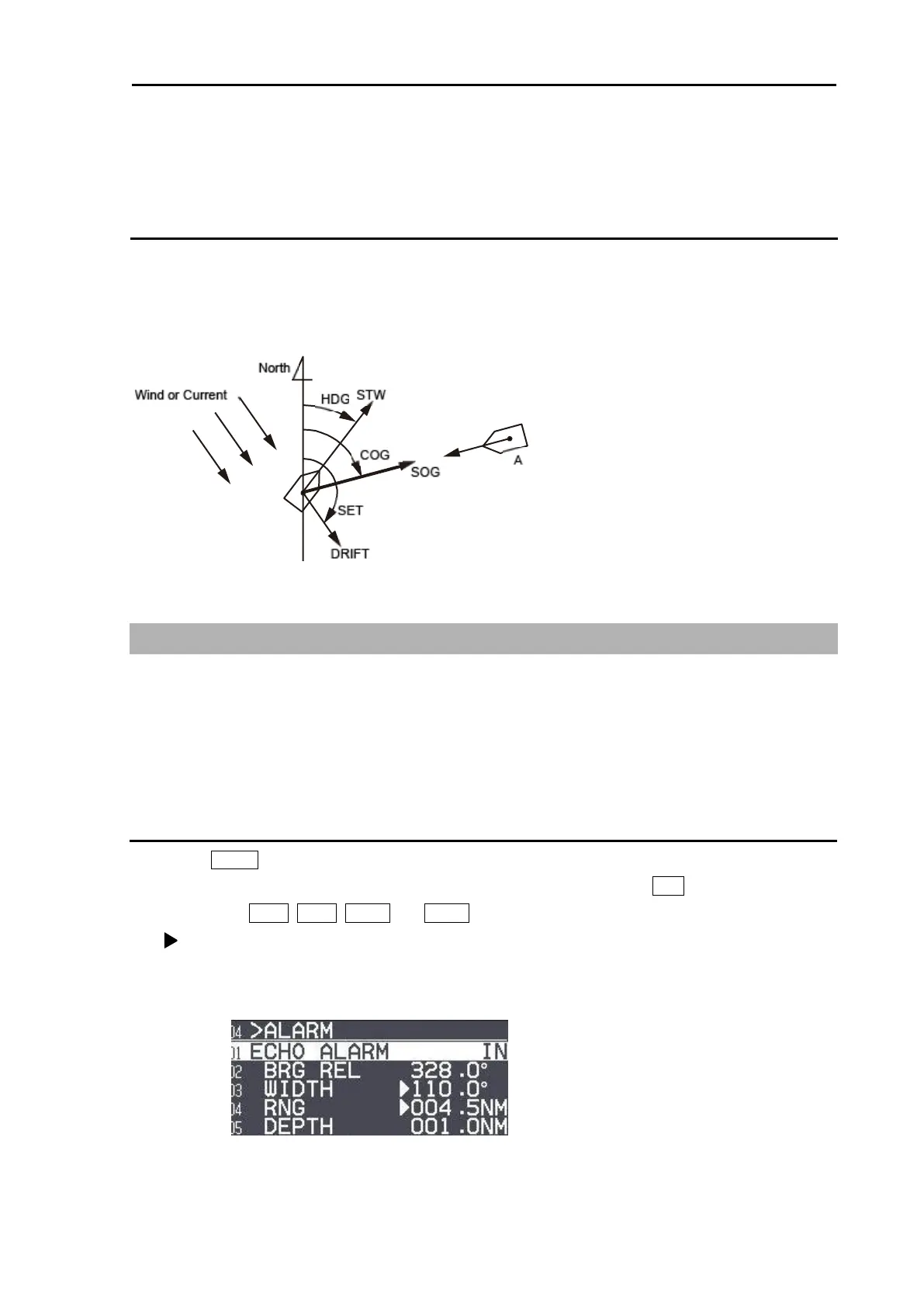
It is strongly recommended to maneuver the ship for collision avoidance based on true and dependable
SOG and COG information.
This is because ship's heading and running speed against water may be different from the actual ship's
movement due to foreign or mostly natural environmental effect such as wind, current, wave etc.
3.1 Echo alarm
Echo alarm function has two movement modes of [IN] and [OUT].
[IN] mode: When the echo enters a specified fan type alarm area, alarm message will be displayed at
lower right of the display and an alarm will sound.
[OUT] mode: When echoes leave specified fan type alarm area, alarm message will be displayed at
lower right of the display and an alarm will sound.
How to set echo alarm area (Fan type)
1 Press MENU key to display “Menu”.
Select [ALARM] => [ECHO ALARM] => select [IN] or [OUT], and press ENT key.
The color of EBL1, EBL2, VRM1 and VRM2 key’s light turn red.
symbol will be shown at the left of numerical indication of [BRG REL] or [WIDTH] and [RNG] or
[DEPTH] menu.
Blue dotted line of echo alarm area and orange dashed circle line will be displayed on the display.








 To Next Page