MDC-7000/7900 Series Chapter 6 Map operation
0093169010-10
6.3 Target track past position display
This is to set up TT past track position display, display ON or OFF, clear operation, color setting, select
track style, plot interval and maximum plot numbers.
1 Press MENU key to display “Menu”.
Select [MAP] => [TARGET TRACK] =>
2 Select [TARGET TRACK] => turn trackball to right, select [1 to 100], and press ENT key.
3 Select [DISPLAY] => [ON], and press ENT key.
4 Select [CLEAR] => [GO], and press ENT key.
The past track of chosen TT will be deleted.
5 Select [COLOR] => select color from eight colors => press ENT key.
TT past track will turn selected color.
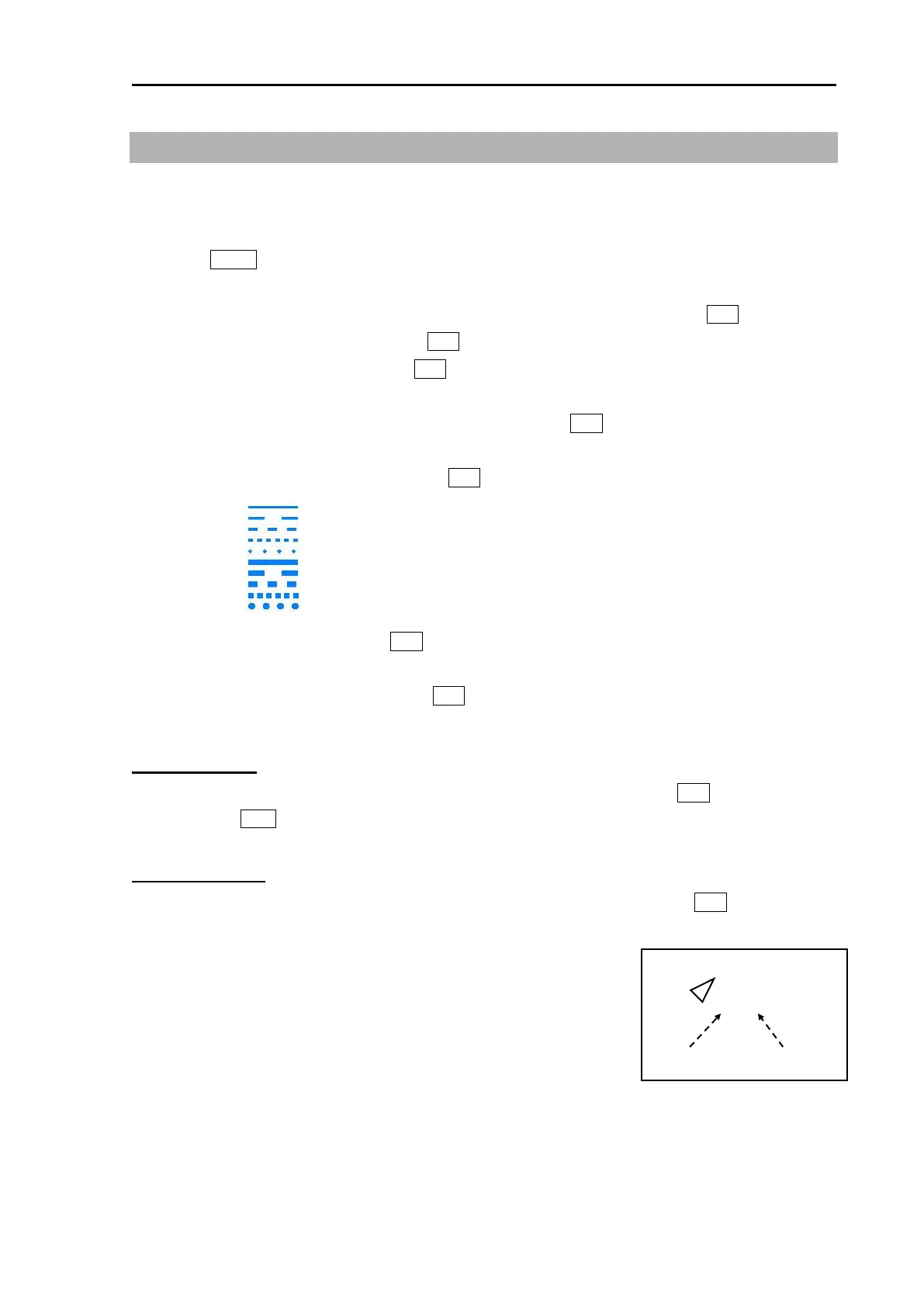
6 Select [STYLE] => select style* => press ENT key.
7 Select [PLOT INT] => and press ENT key after selecting the set up value.
Selection values: OFF, 2sec, 15sec, 30sec, 1min, 3min, 5min
8 Select [PLOT NUMBER] => and press ENT key after selecting the set up value.
Selection values: 50, 100, 200, 500, 1000
Target track start
1 Move cursor to an AIS target or TT (ARPA) target to display track, keep ENT key pressed, and
then press ACQ key.
Target track finish
1 Move cursor to an AIS target or TT (ARPA) target to track off, and then press OFF key.
Note: TARGET TRACK ID and numbers are displayed at the lower right
of AIS or TT (ARPA) target.
Above ID and numbers are not displayed when [NUMBER] of
[AIS ID DISP TYPE] / [TT ID DISP TYPE] setting is [OFF].
(Refer to 4.1 Common setting “Set TT ID DISP TYPE” or
“Set ID DISP SIZE”.)








 To Next Page