MDC-7000/7900 Series Chapter 5 Nav tool
0093169010-10
5.4 Barge icon
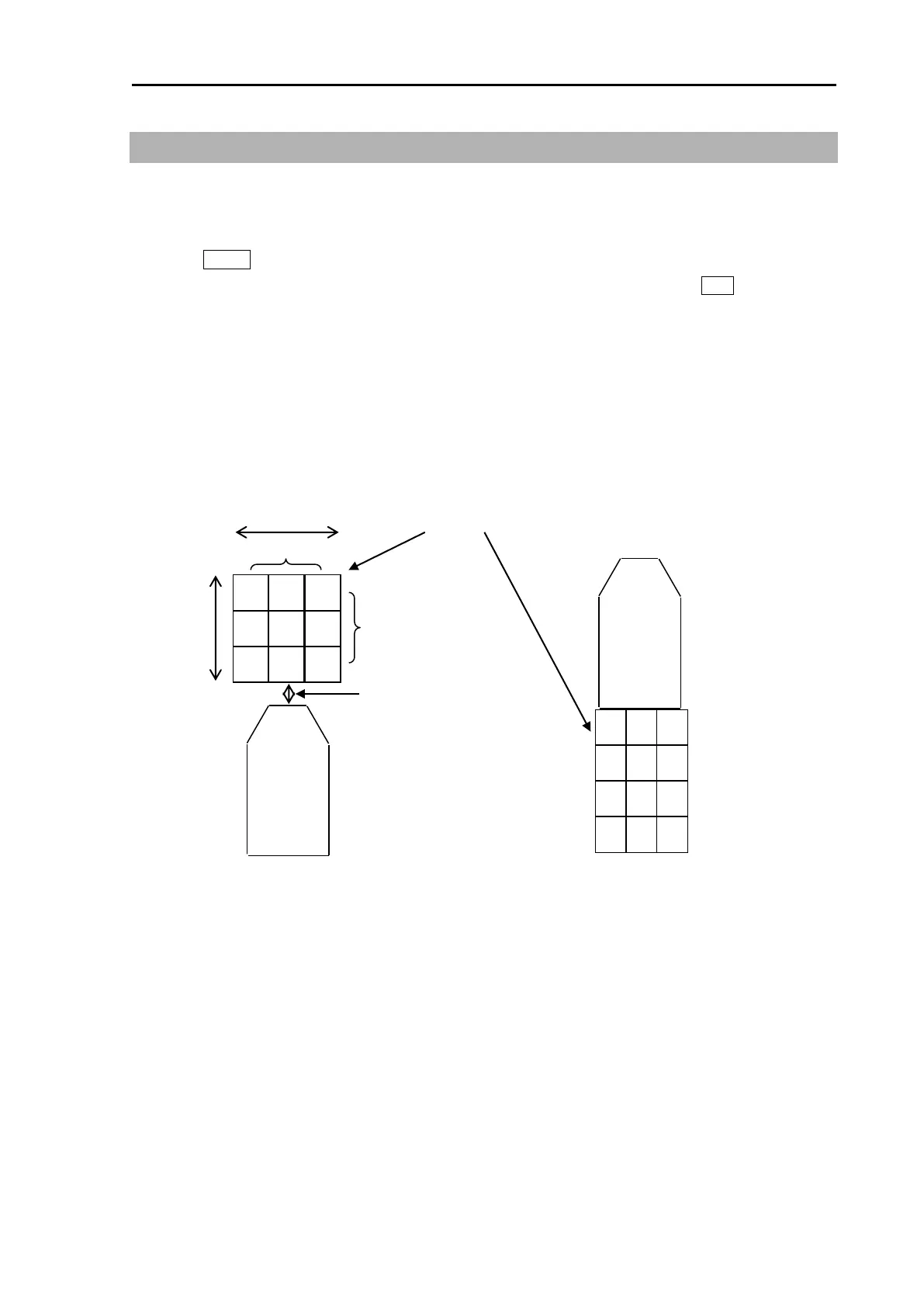
This radar is equipped with a barge icon feature that is very helpful for river operation where user can
set up the size dimensions of the tow and be able to display it on the display.
1 Press MENU key to display “Menu”.
Select [NAV TOOL] => [BARGE ICON] => [BARGE ICON] => [ON], and press ENT key.
2 Select and set [POSITION], [LENGTH], [WIDTH], [LINE NO.], [ROW NO.] and [OFFSET]
POSITION: FWD, AFT
LENGTH: 0m to 511m
WIDTH: 0m to 511m
LINE NO.: 1 to 10
ROW NO.: 1 to 10
OFFSET: 0m to 511m
After position
Line: 3
Row: 2
Offset: 0








 To Next Page