Chapter 2 Radar Basic Operation MDC-7000/7900 Series
0093169010-10
000
060
070
N
Land
Target 1
Target 2
Heading
2.10 Select Display Mode
The display mode is a combination of the bearing indication and the target motion indication.
The bearing is indicated in three ways: HUP, CUP and NUP.
The target motion is indicated in two ways: RM and TM.
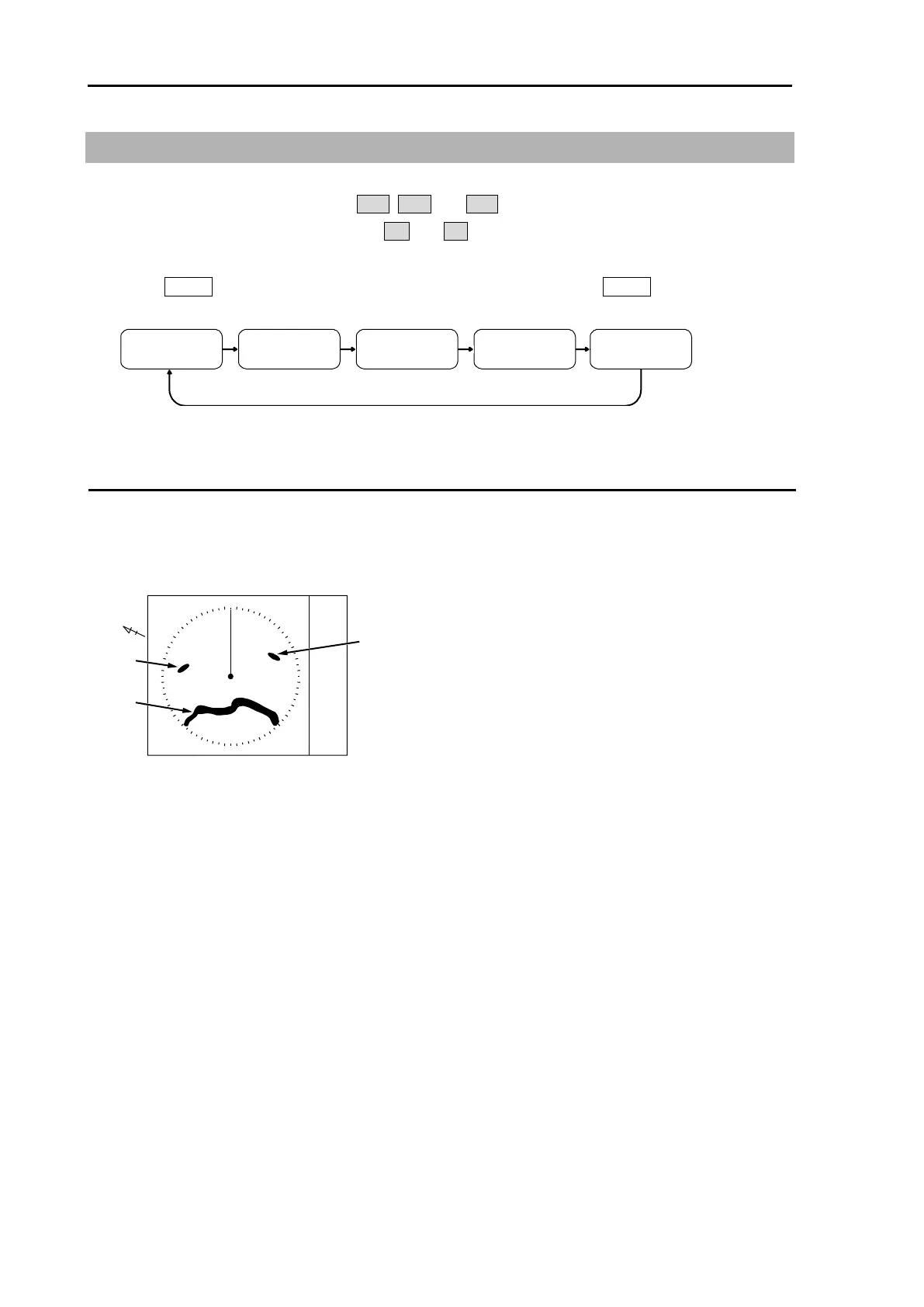
1 Press MODE key. The display changes in following order by pressing MODE key. Current display
mode is displayed at the upper left of the display.
H UPRM C UPRM C UPTM N UPRM N UPTM
For H UP (Head up mode)
Heading line is always oriented toward the top of the display.
This mode is based on the bow of the ship and is suitable to monitor targets because targets are seen
as they are in navigating own ship.
When heading signal is connected, H UP works by stabilized mode. (STAB H UP)
Note:
• This is a presentation mode stabilized in azimuth with fixed origin in which the radar image is oriented
“up” toward the top of the bearing scale.
• Radar echoes and tracked targets are shown at their measured distances and moving in a direction
relative to own ship’s heading.
• The heading line points from the CCRP the top of the bearing scale showing own ship’s heading in
true bearing mode.
• The target trails mode can use both functions of true and relative.








 To Next Page