Chapter 2 Radar Basic Operation MDC-7000/7900 Series
0093169010-10
2.2 Change Brilliance
Display Brilliance
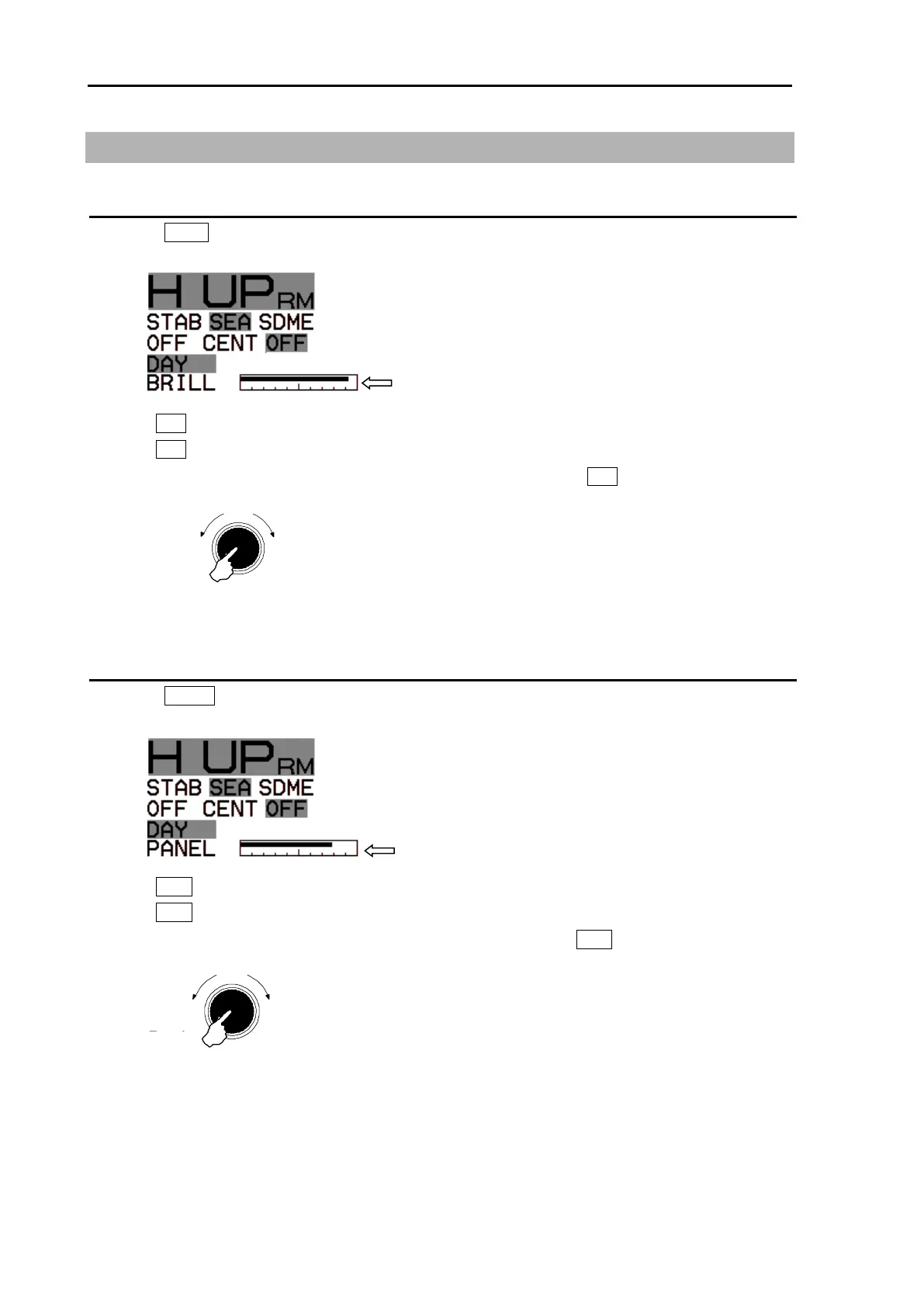
1 Press BRILL key.
2 The BRILL adjustment window will appear in the upper left of the display.
3 Turn EBL knob clockwise to increase the display brilliance.
Turn EBL knob counterclockwise to decrease the display brilliance.
The display brilliance can also be changed in five steps by pressing EBL knob.
Operation unit Brilliance
1 Press PANEL key
2 The PANEL adjustment window will appear in the upper left of the display.
3 Turn VRM knob clockwise to increase the lighting of the panel brilliance.
Turn VRM knob counterclockwise to decrease the lighting of the panel brilliance.
The panel brilliance can also be changed in five steps by pressing VRM knob.
Push
Brighter
Darker
EBL knob
Push
BrighterDarker
VRM knob








 To Next Page