Chapter 11 Appendix MDC-7000/7900 Series
0093169010-10
Other special key operations
1. The menu being setup to Function key is displayed.
2. Start target track.
3. Finish target track.
4. After initialized, and power off.
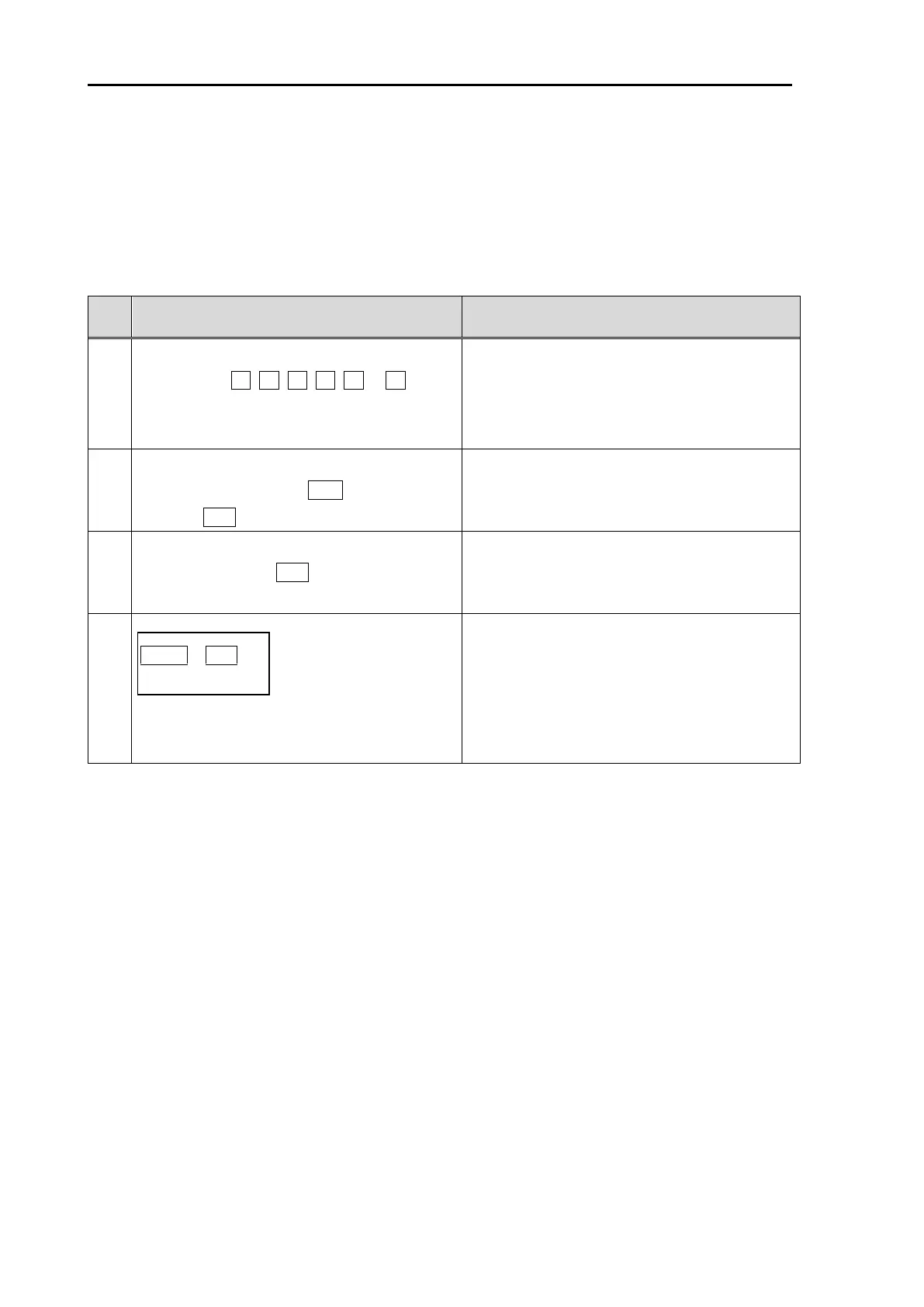
Long press the Function key to be
registered. ( F1, F2, F3, F4, F5 or F6 )
(Shortcut method to setup of Function
keys)
The menu being setup to Function key is
displayed.
(Refer to 2.21 Function key usage)
Move cursor to AIS or TT (ARPA) target to
display track. And press ACQ key while
pressing ENT key.
Start target track.
(Refer to 6.3 Target track past position
display )
Move cursor to AIS or TT (ARPA) target to
track off, and press OFF key.
Finish target track.
(Refer to 6.3 Target track past position
display)
MENU + ENT key + Power ON
(Long press)
After message of “INITIALIZING” appears,
release the keys.
After initialized, and power off.
Note: MAP, TOTAL HOUR and TX HOUR
are not initialized.
(Refer to 7.9 BACKUP of Setup data
“Parameter reset”)


 To Next Page
 Loading...




