5-4
Preventive Maintenance
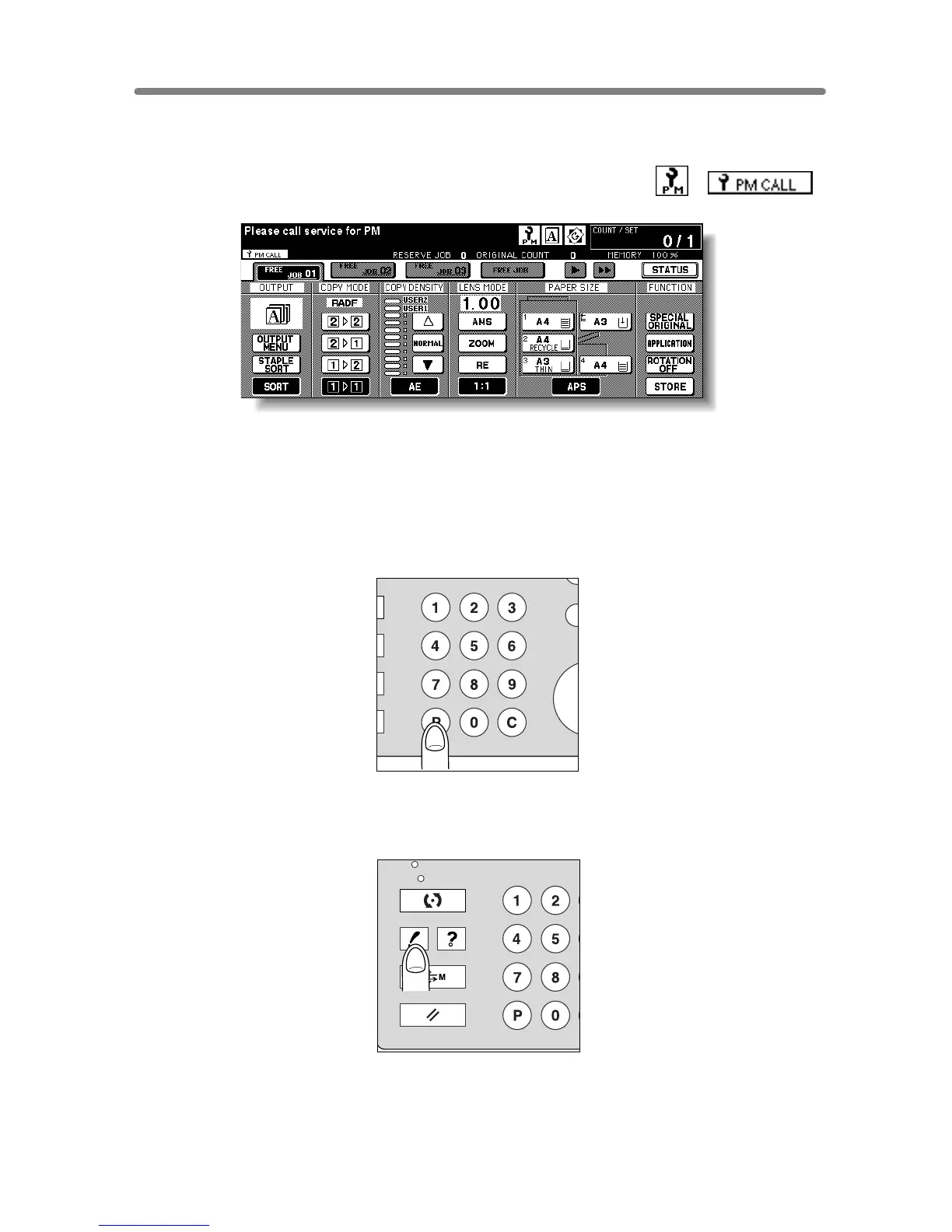
After a set number of copies have been made on your copier, Preventive Maintenance
(PM) will be required for maintaining optimal performance.
When preventive maintenance is due, a message and two icons ( ) ( )
will prompt you to contact your service representative for maintenance.
To Check the PM Counter
Follow the procedure below to check the PM counter to estimate the time when
Preventive Maintenance is due.
1. Press [P (COUNTER)] on the control panel.
The Counter List Screen will be displayed.
2. Press [CHECK].
IN
PR
CLEAR QTY.
COUNTER
CHECK
SCAN / SERVER
PRINT
JOB MEMORY
C
COUNTER
AUTO RESET
HELP










 To Next Page