10-26
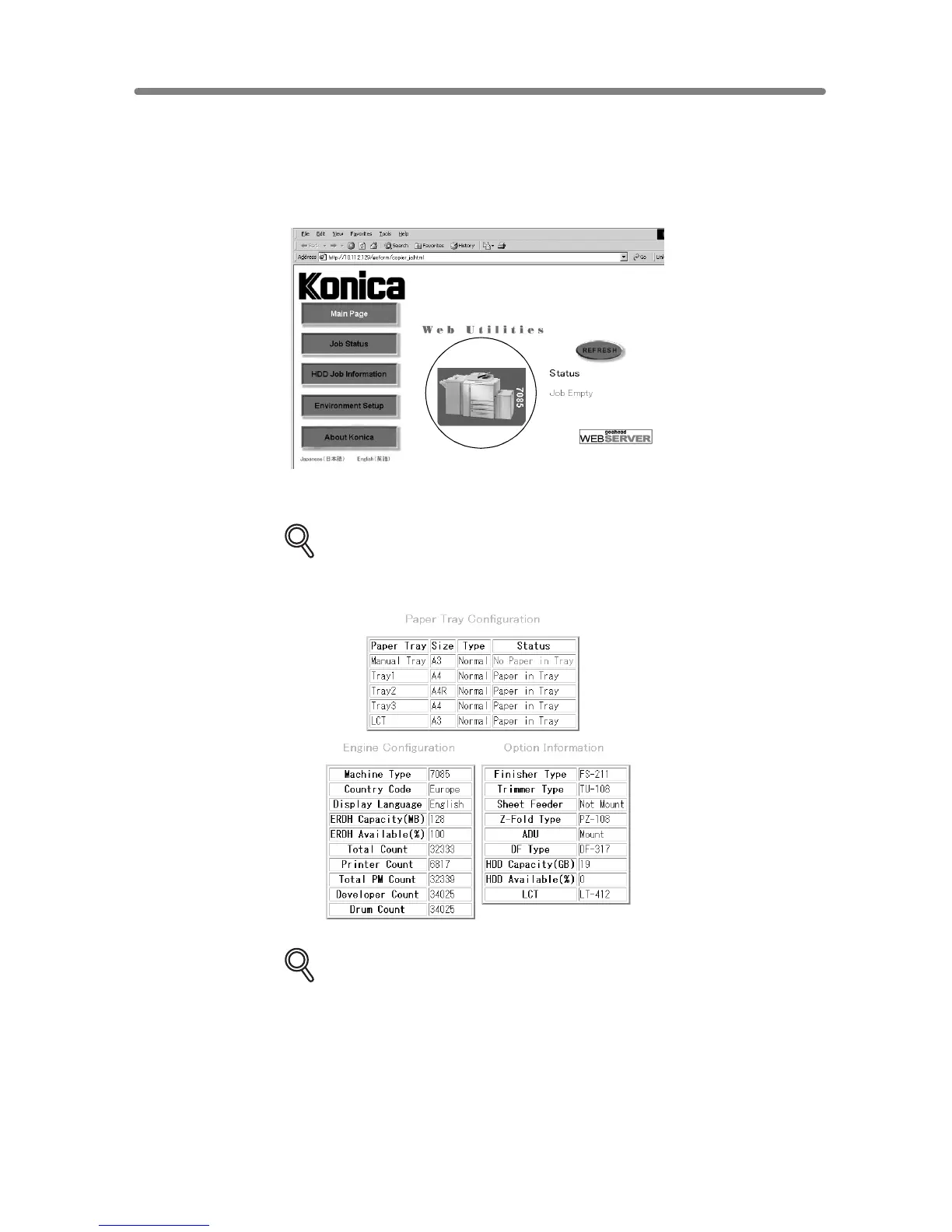
To Display Information on Machine
Follow the procedure below to display the machine information using the web browser.
1. Open the Web Utilities window.
2. Click on the 7085 image.
The window now provides the paper tray configuration, engine configuration, and
option information.
DETAILS
The same information will be provided also in the Job Status window. See p.
10-27.
DETAILS
Click on [REFRESH] in the window to update the information.










 To Next Page