9-13
Making a Multiple Page Signature Booklet (Booklet)
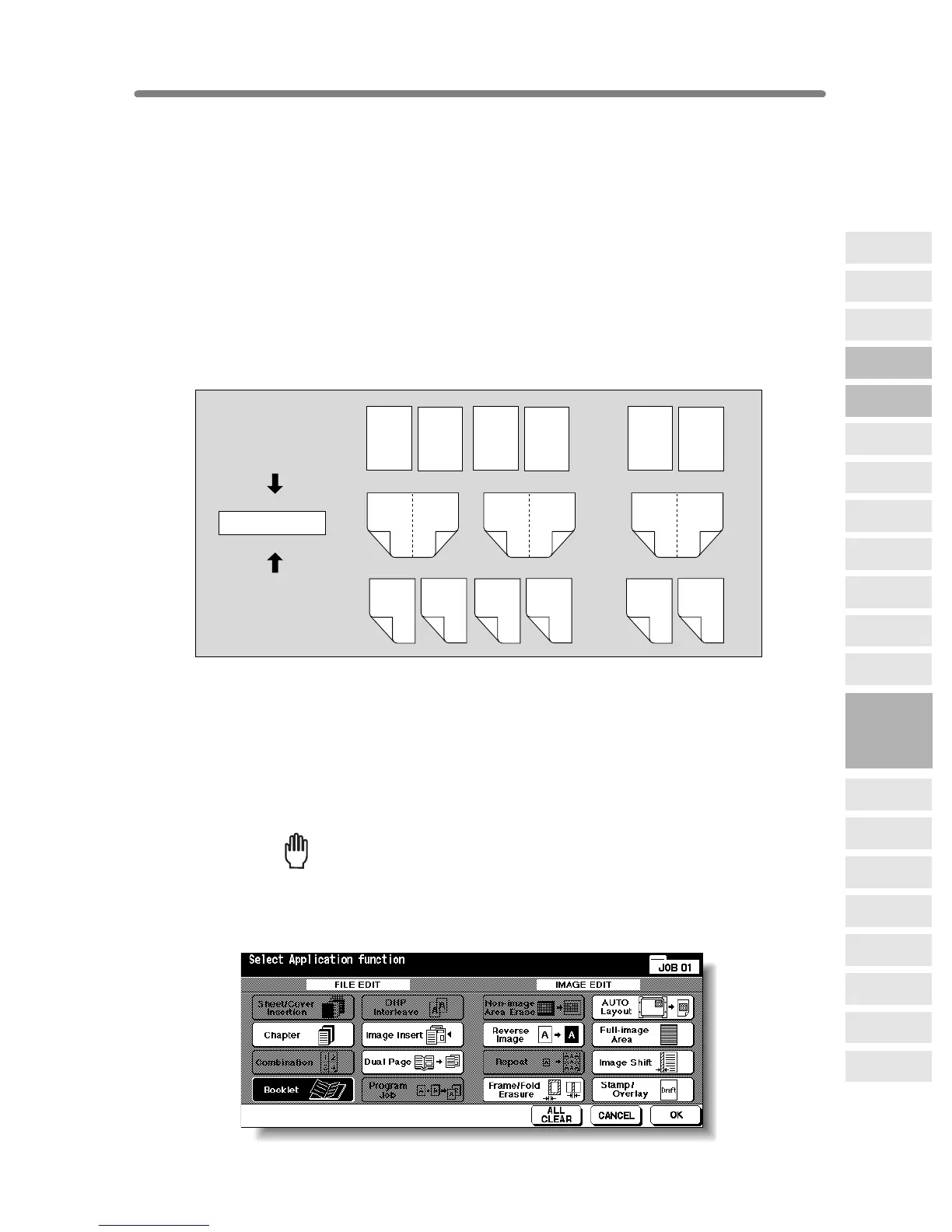
Use the Booklet function to make a multiple page signature booklet copied on both
sides of the paper from any tray unless it is specified as Thick or Tab paper of the paper
type in the Key Operator mode. Original images are scanned into memory and
automatically arranged in booklet format in the correct order.
>>>Specifications for Booklet<<<
❒ Use RADF.
❒ Original pages should be a multiple of 4 in 1-2 mode or a multiple of 2 in 2-2 mode;
otherwise blank pages are automatically inserted to the last.
❒ AMS is automatically selected. Select the desired paper size.
❒ The LCT cannot be selected as tray source if specified as Thick 3.
❒ Incompatible Conditions: APS, 11, 21, Group, Rotation Sort, Rotation Group,
Face Up, Cover sheet feeder with Cover mode in Booklet, Mixed Original, Tab
Paper, Sheet/Cover Insertion, Combination, OHP Interleave, Program Job, Non-
Image Area Erase, Repeat, Storing Image in Overlay Memory
1. Load Copy Paper.
Load the desired copy paper size in a tray.
When selecting cover sheet mode (Cover with Copy sheet or Cover with Blank
sheet), load the same size paper in any other tray unless it is specified as Thick or Tab
paper of the paper type in the Key Operator mode.
2. Touch APPLICATION on the Basic Screen.
Reminder!
When starting a new copying job, be sure to close the RADF securely, then
press [AUTO RESET].
3. Touch Booklet on the Application Selection Screen.
1
2
3
4
47
48
..............
..............
2
47
148
4
45
346
24
25
2326
1-sided originals
2-sided originals
..............
2
1
4
3
6
5
8
7
46
45
48
47
Booklet copying
9
Applications
Reverse
Image
Non-Image
Area Erase
Program Job
Dual Page
Image Insert
OHP
Interleave
Booklet
Combination
Chapter
Sheet/Cover
Insertion
Application
Selection Screen
Repeat
Frame/Fold
Erasure
AUTO
Layout
Full-Image
Area
Image Shift
Reduce &
Shift
Stamp
Overlay
Overlay
Memory










 To Next Page