Loading Paper (continued)
2-27
Loading Paper in Multi-Sheet Bypass Tray
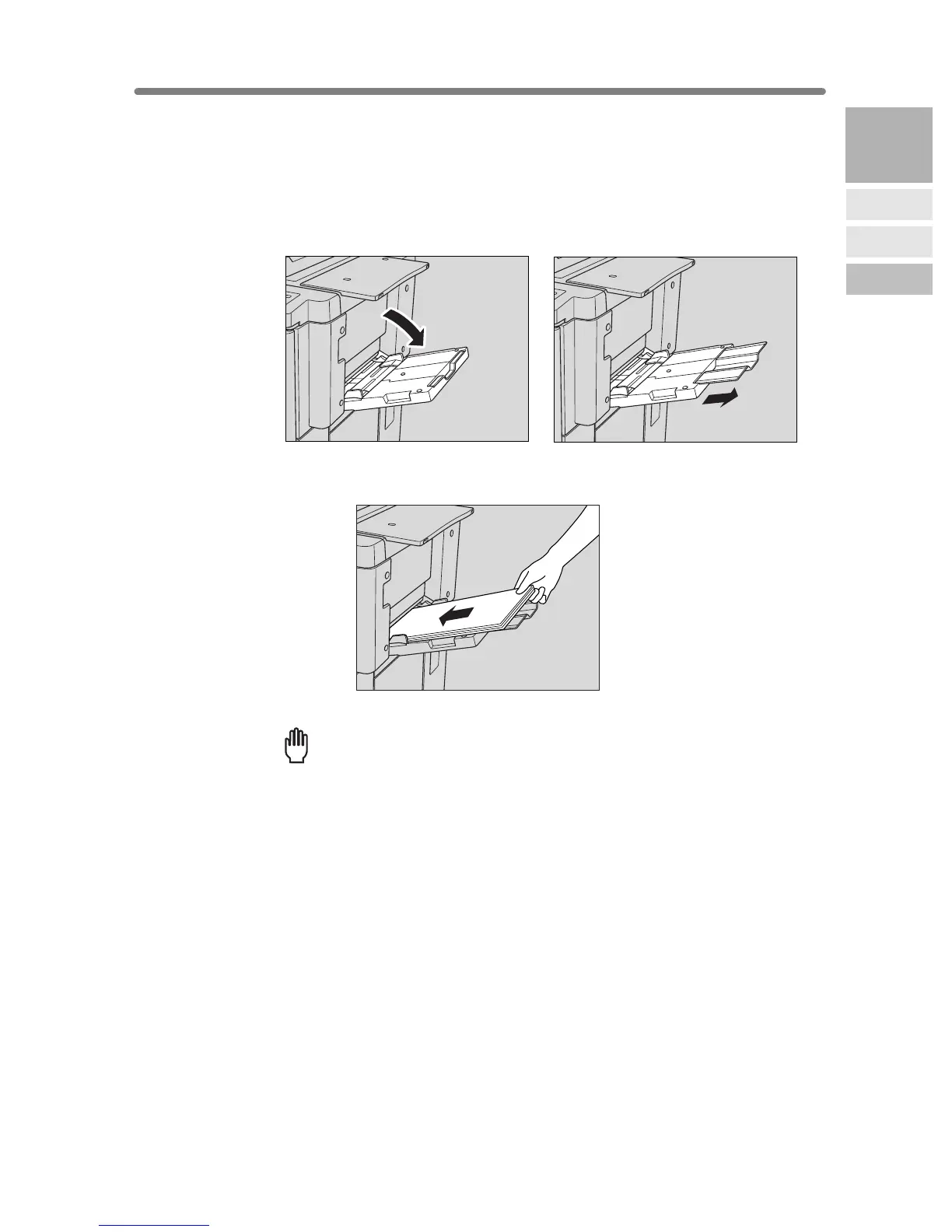
1. Open the Multi-sheet bypass tray located on the right side of the
copier.
When loading large paper, withdraw the right edge of the Multi-sheet bypass tray to
extend it.
2. Load copy paper, and adjust the paper guides to the paper size.
The loaded paper size will be indicated on the bypass tray key of the Basic Screen.
Reminder!
Load transparency film or thin/thick paper one sheet at a time, or stack
paper up to 150 sheets (80 g/m
2
paper).
3. When copying is completed, close the Multi-sheet bypass tray.
2
Machine
Information
Machine
Configuration
Turn On/Off
the Power
Loading
Paper










 To Next Page