10-4
Storing/Deleting Image Data in HDD/PC (Image Store/Delete)
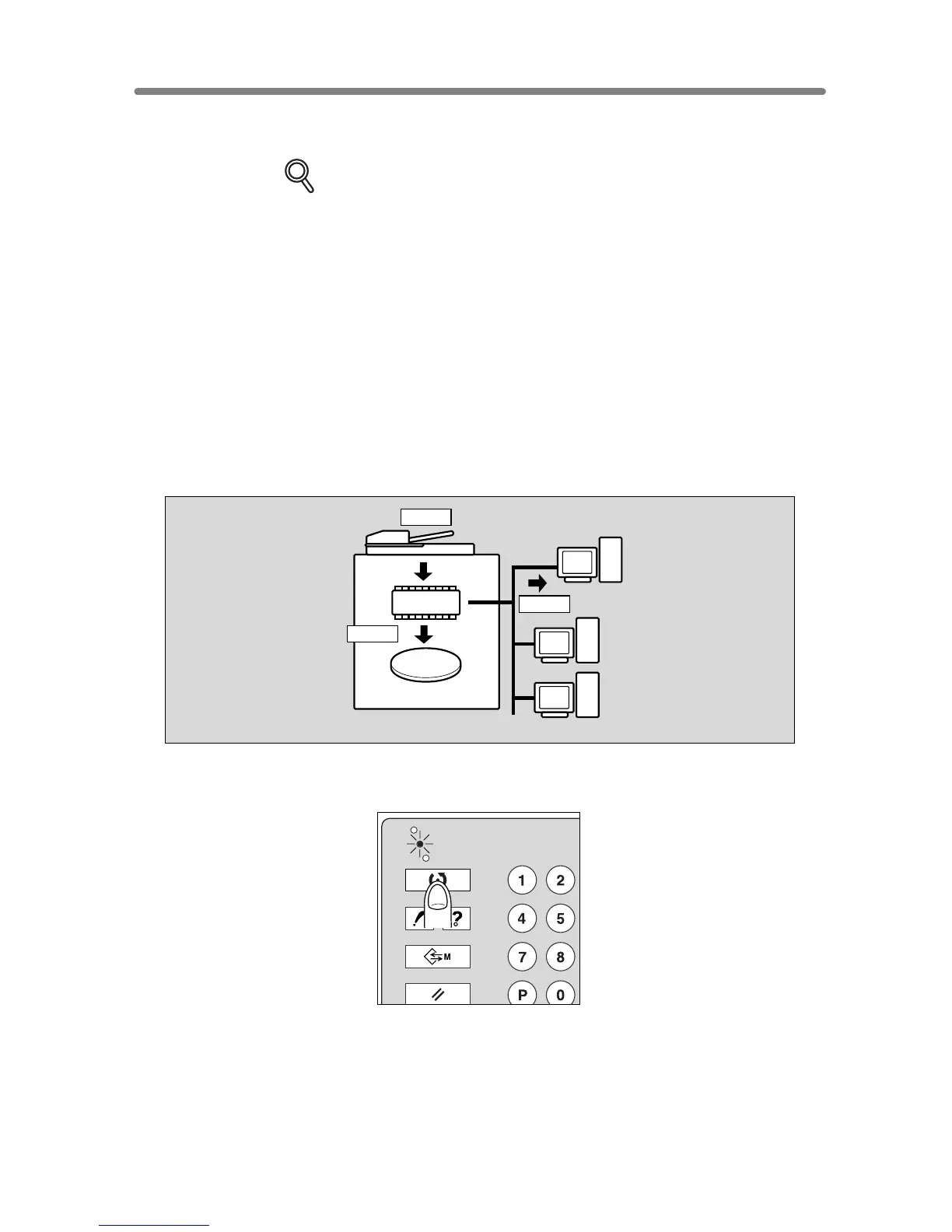
Use this function to store the image data into HDD/PC. In the event data is already stored
in HDD/PC, use this function to transmit it from HDD to PC or delete it from HDD/PC.
DETAILS
To store data in a PC, the machine should be connected to a PC by cross-
cable or with network, provided that a specific setup application for using the
Server function is installed in a PC.
To Store Image Data in HDD/PC
Specify your password when storing the data in HDD/PC for protection. Image data can
be given an alphabetical job name.
>>>Specifications for Storing Image Data in HDD/PC<<<
❒
Incompatible Scanning Conditions: 1
2, 2
2, AMS, Selecting output mode, Selecting
paper size (APS is automatically selected), Setting print quantity, Rotation, FULL
AREA in Non STD Size, Sheet/Cover Insertion, Chapter, Combination, Booklet, OHP
Interleave, Image Insert, Dual Page, Program Job (available in Image Store&Output
Mode only), Non-Image Area Erase, Reverse Image, Repeat, AUTO Layout, Image
Shift, Stamp/Overlay
1.
Press [MODE] to light up the [SCAN/SERVER] LED.
The Scan/Server Setting Menu Screen will be displayed.
HDD
DIMM
Scan
Store
Store
CHECK
COPY
SCAN / SERVER
PRINT
JOB MEMORY
HELP










 To Next Page