2-17
Turning On the Power Switch
To Turn On the Power
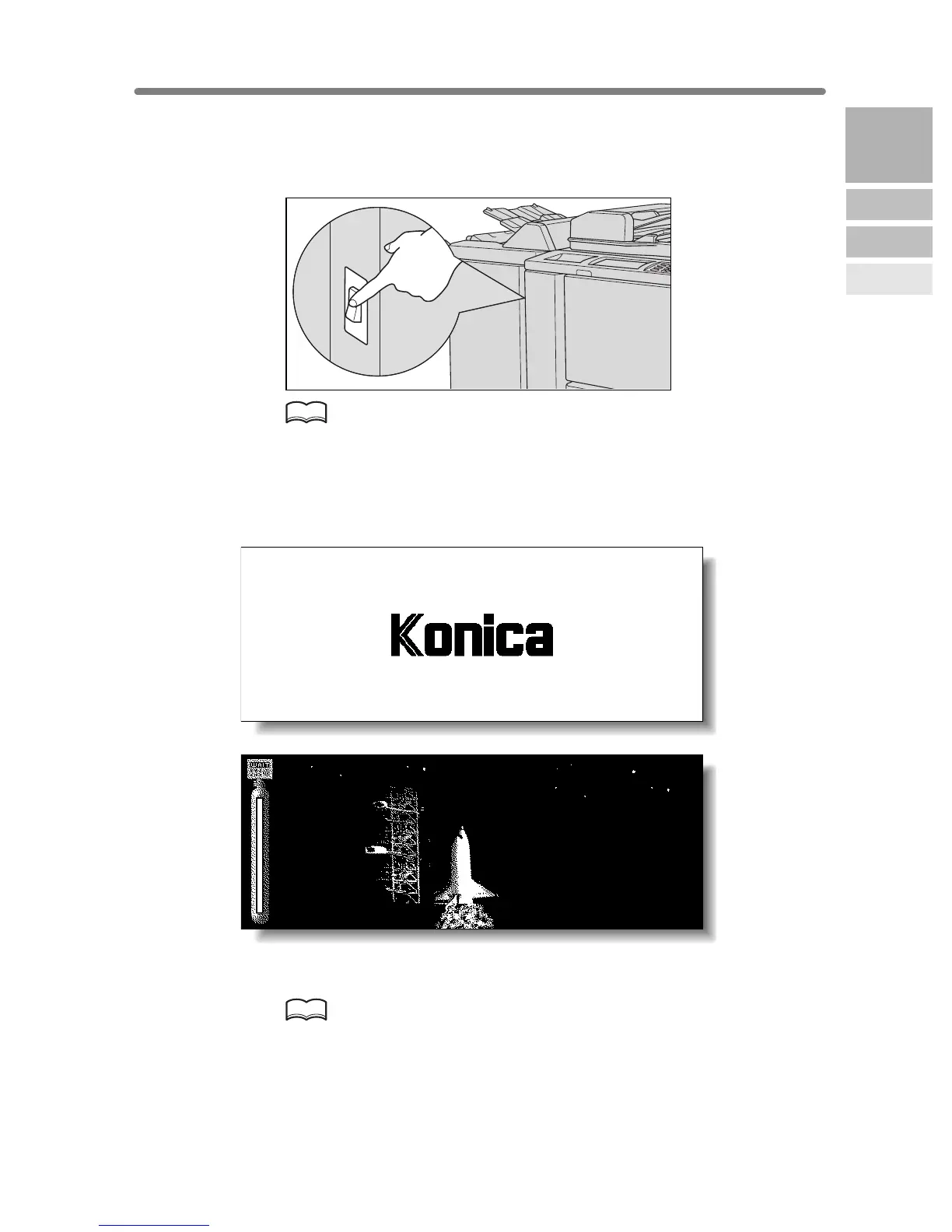
1. Turn ON the power switch.
The power switch is located on the left side of the main body.
HINT
If the copier will not be turned on by the power switch, open the left door
of the main body, then check that the internal reset switch of the copier is
ON. (See p. 2-4.)
Be sure not to use the reset switch in usual operation.
2. The Wake-up Screen and Warm-up Screens will be displayed.
A few seconds after the Wake-up Screen appears in the LCD touch screen, seven
types of Warm-up Screens will be displayed in succession for approx. 6.0 minutes.
HINT
You can set reserve jobs while the machine is warming up. Touch the LCD
screen to change the Warm-up Screen to the Basic Screen, then check
that the message “Ready to copy reserve” is displayed on the Basic
Screen. See p. 3-8 to p. 3-9.
2
Machine
Information
Machine
Configuration
Turn On/Off
the Power
Loading
Paper










 To Next Page