9-56
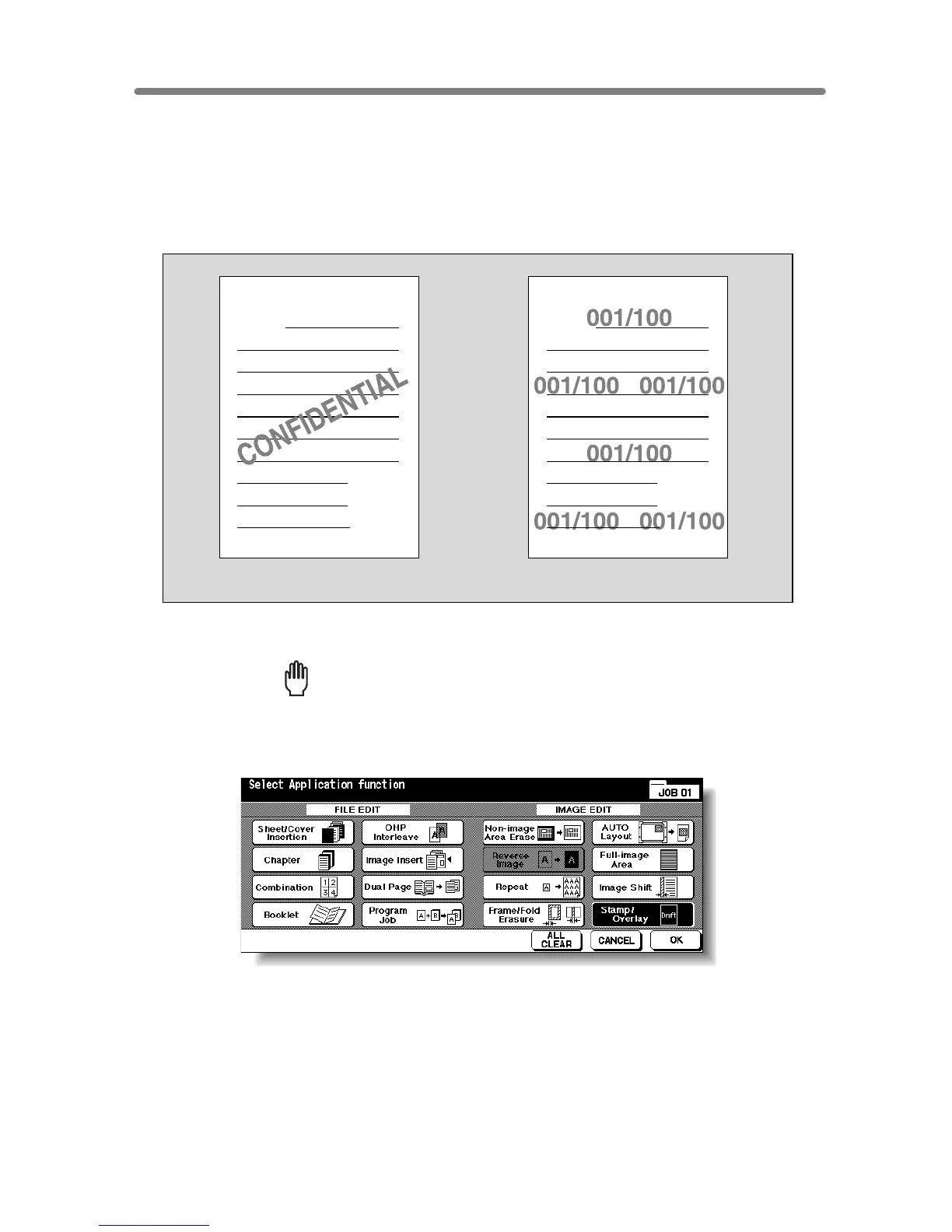
Printing Watermark onto Copies (Stamp)
Use this function to print the desired letter type obliquely in the centre of the page
(WATERMARK), or the numbers in the specified form repeatedly over the scanned
image (WATERMARK NUMBERING).
>>>Specification for WATERMARK and WATERMARK NUMBERING<<<
❒ Incompatible Conditions: Reverse Image, Repeat except 2/4/8 Repeat, Overlay,
Overlay Memory
1. Touch APPLICATION on the Basic Screen.
Reminder!
When starting a new copying job, be sure to close the RADF securely, then
press [AUTO RESET].
2. Touch Stamp/Overlay on the Application Selection Screen.
The Stamp/Overlay Selection Screen will be displayed.
WATERMARK
WATERMARK NUMBERING
A
Z
A
Z










 To Next Page