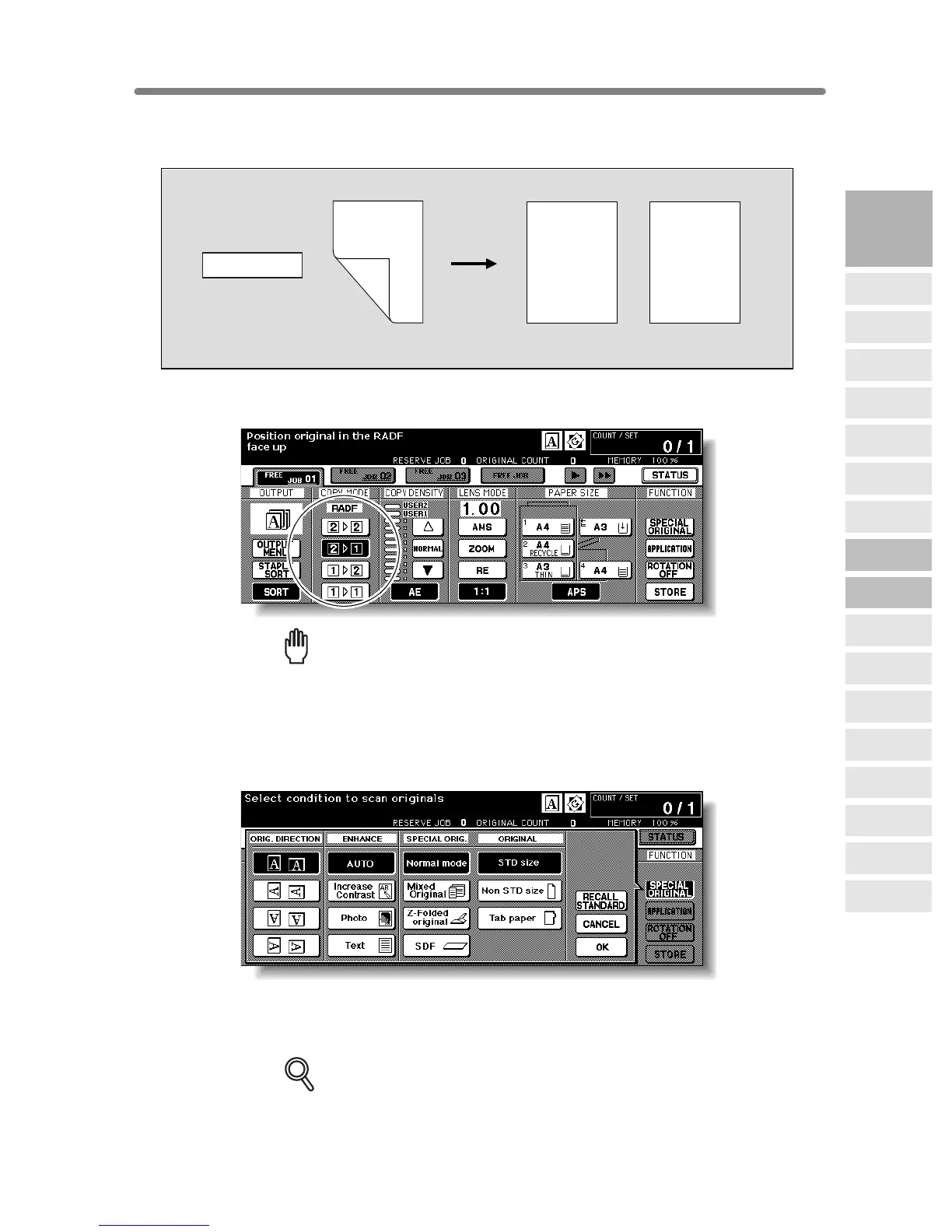
3-27
Making Single-Sided Copies from Double-Sided Originals (2
1)
Use RADF and select 21 copy mode to make single-sided copies from double-sided
originals.
1. Touch 21 on the Basic Screen to highlight it.
Reminder!
When starting a new copying job, be sure to close the RADF securely, then
press [AUTO RESET].
2. Select the original set direction.
Touch SPECIAL ORIGINAL on the Basic Screen to display the Special Original popup
menu, then touch the desired original direction key to highlight it.
Touch OK to return to the Basic Screen.
3. Select additional copy conditions, as desired.
DETAILS
Some incompatible conditions may automatically release the selected copy
mode. In this case, arrange the settings so that they are compatible with the
selected copy mode.
Double-sided original
Simplex copy
2-1 Copying
Front
Front
Front
Front
Front
Back
Back
Back
Back
Back
Front
Front
Front
Front
Front
3
Copying
Operations
Positioning
Originals
Setting Print
Quantity
Set Job During
Warmup
Stop
Scan/Print
Paper Size
Lens Mode
Density
1-2, 2-2
2-1
Multi-Sheet
Bypass Tray
Using
Memory
Output without
Finisher
FS-111/211
Output Modes
Binding
Mode
Recalling
Previous Job
Check Mode
& Proof Copy
Interrupt
Mode










 To Next Page