12-15
Checking Copy Count
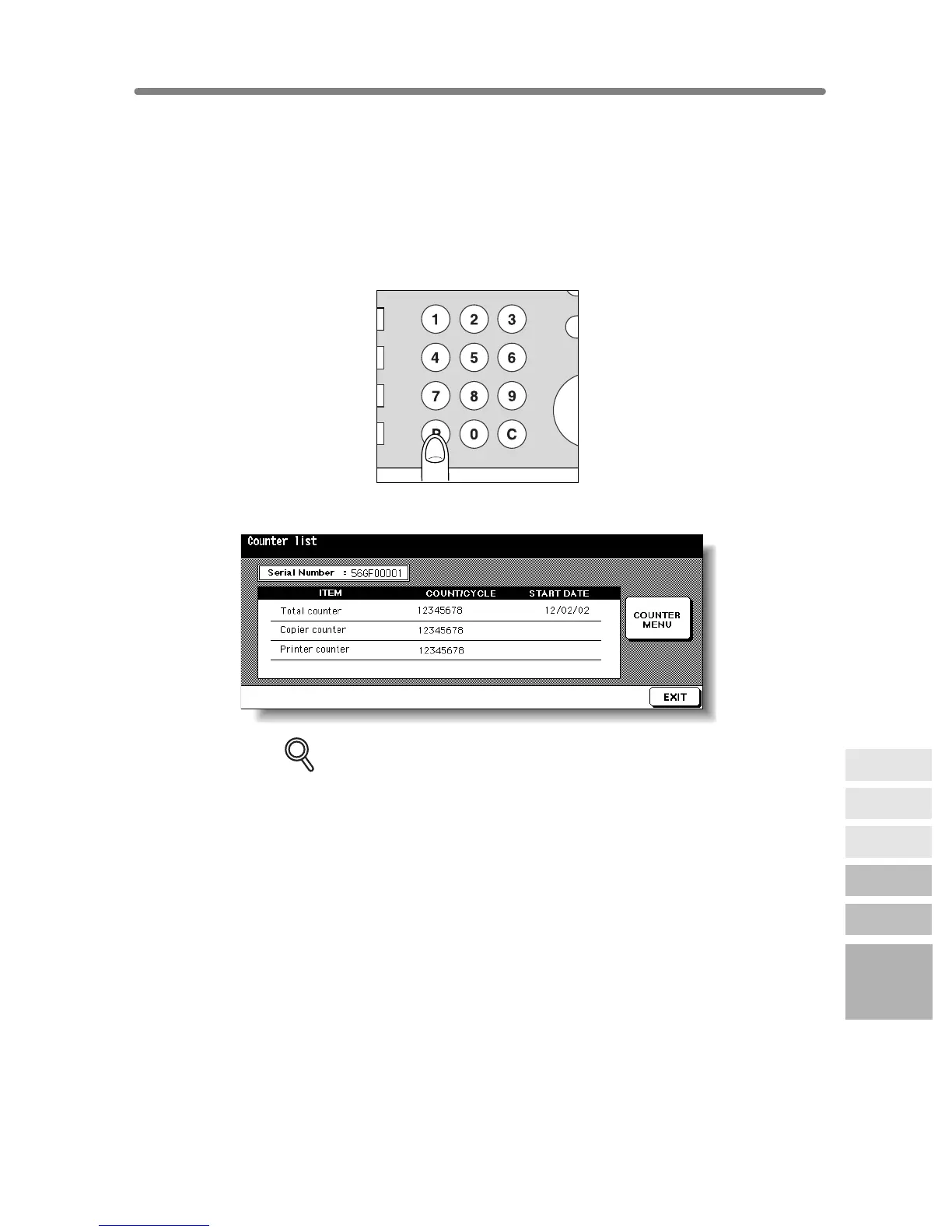
This function allows you to view the current indication of the following items as a list on
the touch panel: Total counter, Copier counter, Printer counter, Counter start date.
Check the list, then print it from the Counter List Screen, if desired.
To Display the Counter List Screen
1. Press [P (COUNTER)] on the control panel.
The Counter List Screen will be displayed.
DETAILS
The Counter List Screen can be displayed even if printing job is in progress.
2. Touch EXIT to return to the Basic Screen.
IN
PR
CLEAR QTY.
COUNTER
12
Maintenance
& Supplies
Checking
Copy Count
Cleaning
Scanning
Section
Empty Trash
Basket
Inserting New
Staple Cartridge
Adding Toner










 To Next Page