3-10
To Stop Scanning/Printing
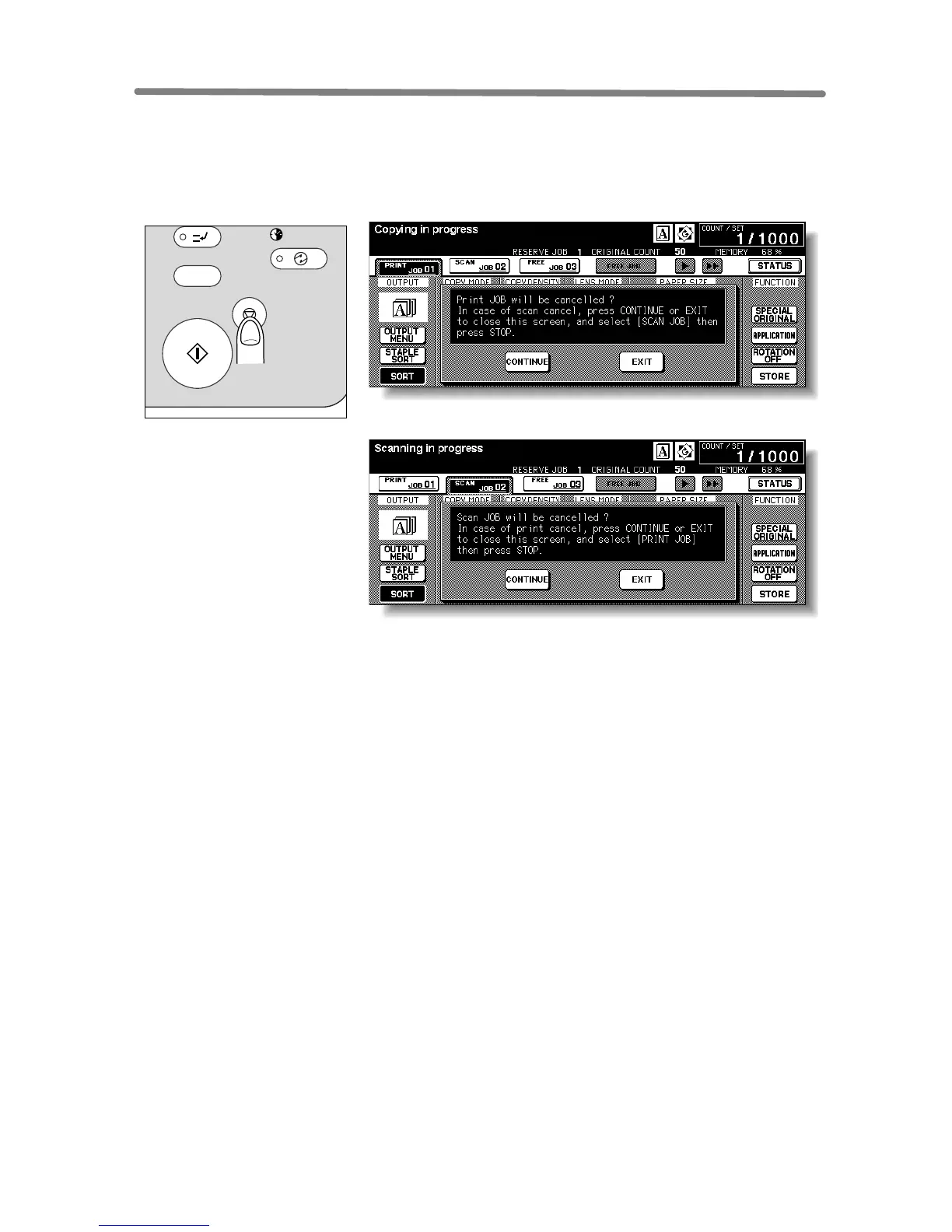
Follow the procedure below to stop scanning or printing.
1. Touch to highlight SCAN JOB or PRINT JOB to be suspended.
2. Press [STOP].
The current machine operation of the selected job will be suspended, and the popup
menu will display on the Basic Screen to ask you to continue or cancel the job.
3. Touch EXIT to cancel the job and delete the data, or CONTINUE to
complete the job.
INTERRUPT
PROOF COPY
TIMER
STOP
START
POWER SAVER
ON / OFF










 To Next Page