Turning On the Power Switch (continued)
2-19
To Turn Off the Power
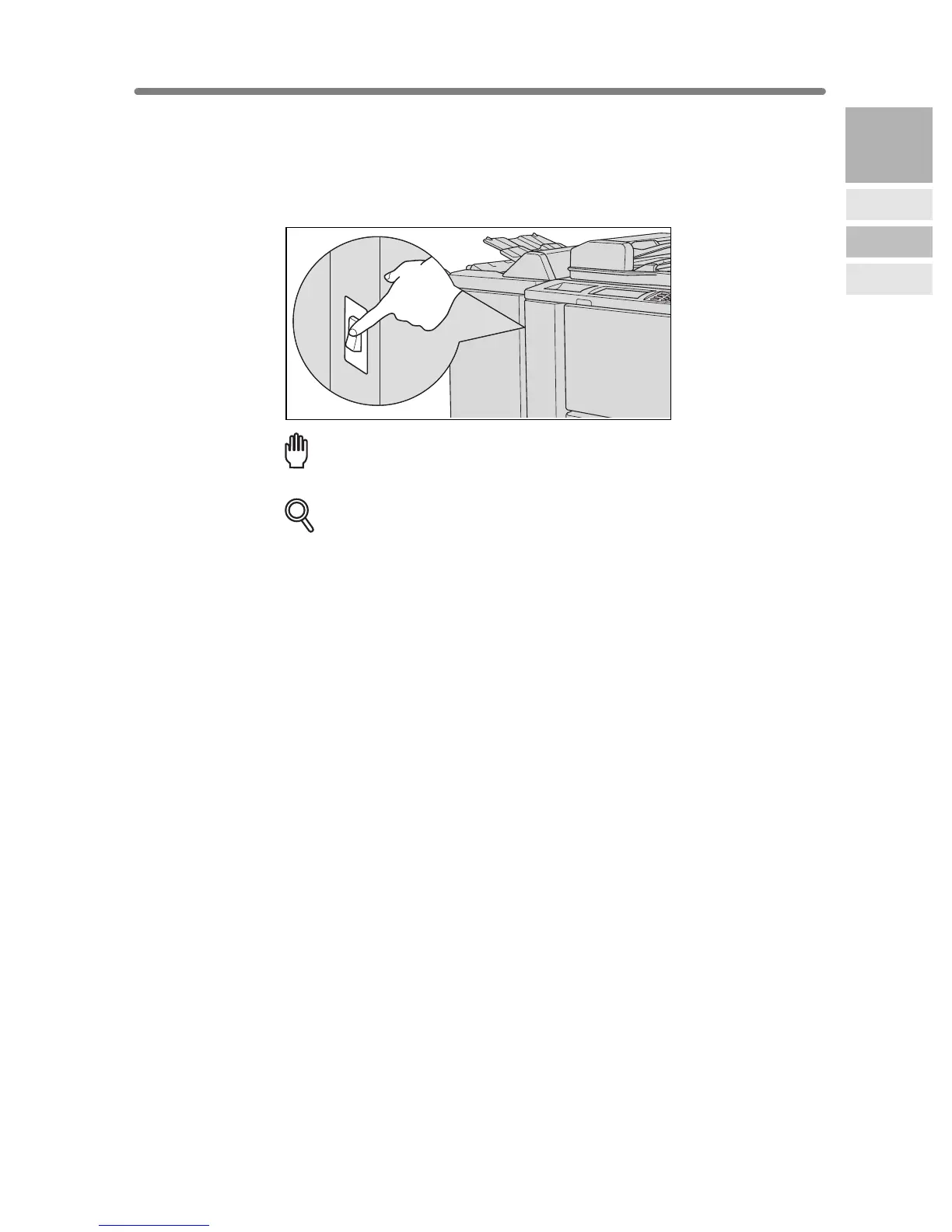
1. Turn OFF the power switch.
The power switch is located on the left side of the main body.
The touch screen and all the LEDs on the control panel will go out.
Reminder!
Be sure not to use the reset switch in usual operation.
DETAILS
When the machine is under control of the Weekly Timer function, turning
off the power switch will deactivate the function.
2
Machine
Information
Machine
Configuration
Turn On/Off
the Power
Loading
Paper










 To Next Page