Turning On the Power Switch (continued)
2-18
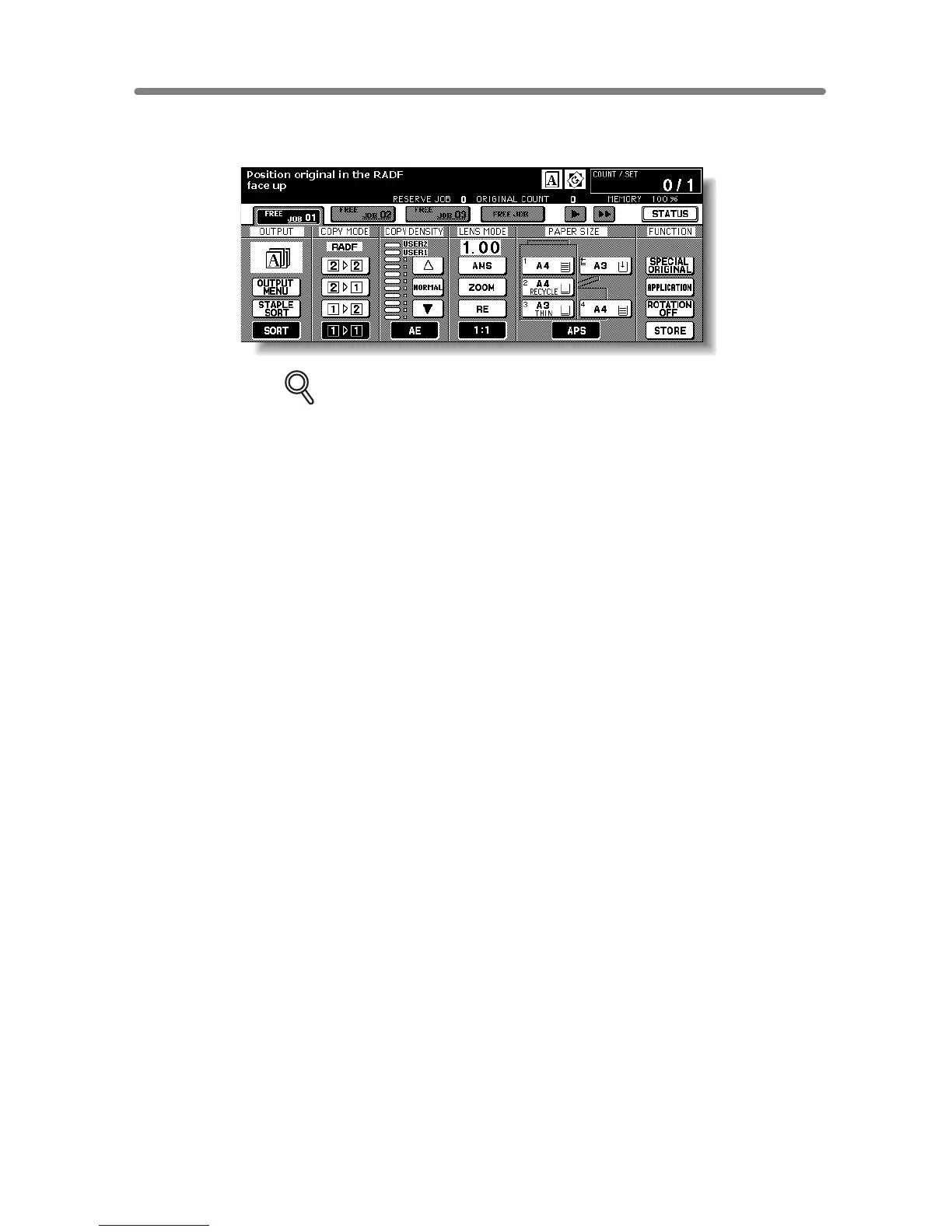
3. The Basic Screen will be displayed.
The message on the Basic Screen will inform you that copying job is now available.
DETAILS
• When the initial settings are changed by the Key Operator, the modified
conditions will be displayed on the Basic Screen.
• When “Enter E.K.C. password” is displayed, enter your password to
use the machine.










 To Next Page