Positioning Originals (continued)
3-6
Positioning Original on Platen Glass
Use the platen glass when originals are not suitable for use with the document feeder,
e.g., when size is incompatible, or when originals are folded, stapled, torn, or in
generally poor condition.
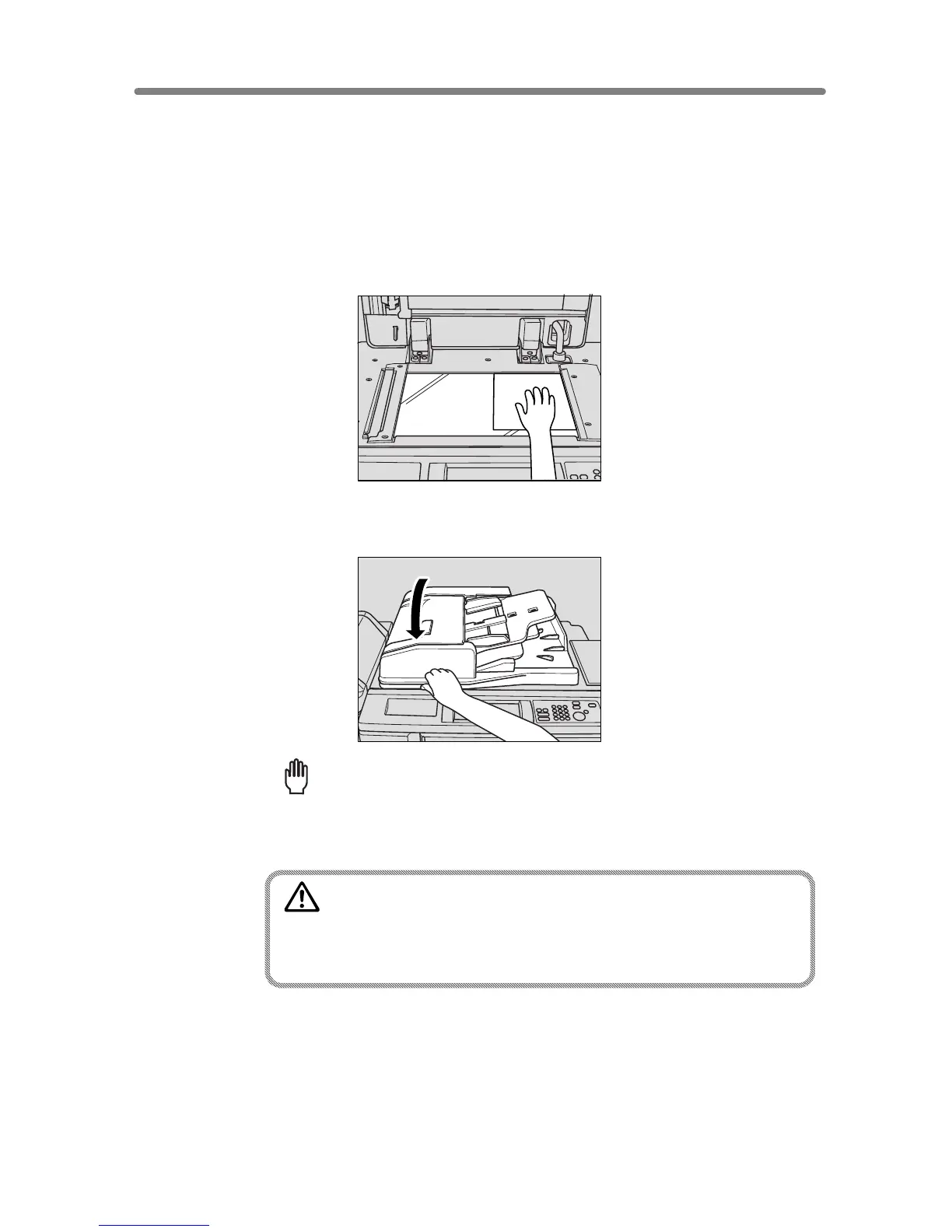
1. Raise the document feeder.
Place original FACE DOWN in the right rear corner, aligning the edge with the right
measuring guide.
2. Gently close the document feeder to prevent the original from shifting
on the glass.
Reminder!
When selecting Dual Page, Non-Image Area Erase, AUTO mode in Repeat,
or AUTO Layout, DO NOT CLOSE the document feeder. For details on each
function, see Section 9.
CAUTION
Do not place too heavy originals, or do not press strongly when
thick original is placed and is under pressure of RADF;
otherwise the glass may be broken and you may be injured.










 To Next Page