Storing/Deleting Image Data in HDD/PC (Image Store/Delete) (continued)
10-7
DETAILS
Key Operator can set the machine to restore the Job Name Entry Screen
when the storing job is completed, so that the data storing can be continued.
See p. 13-39 to p. 13-44 for details.
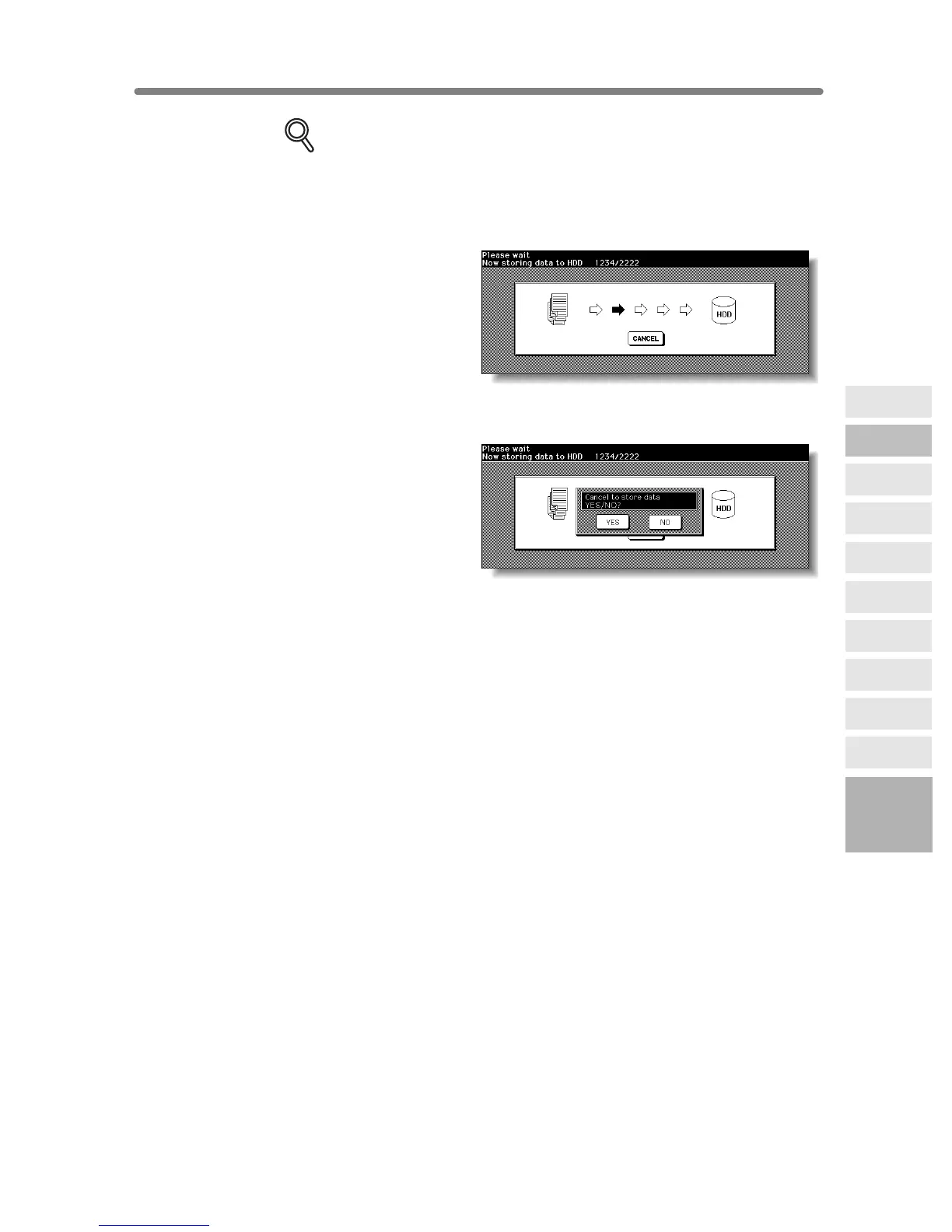
In this case, the Image Data Storing Screen shown below will be displayed
while the image data is stored in HDD/PC.
On this screen, touch CANCEL to suspend the storing job, then touch YES
on the popup menu to delete the data, or touch NO to continue.
10
Network
Function
Environment
Setup
HDD Job
Information
Job Status
Machine
Information
To Use Web
Utilities
Image Edit
Image Recall
Image
Store&Output
Image
Store/Delete
Server
Functions










 To Next Page