EasyManua.ls Logo

Learjet 60 - Airshow 200 or 400 Video Display

Default Icon
408 pages
Print Icon
To Next Page IconTo Next Page
To Previous Page IconTo Previous Page
Loading...
Pilot's
Manual
Learjet
60
Airshow
200
or
400
Video
Display
An
optional
Airshow
Video
Display
may
be
installed
in
either
the
forward
right-hand
cabinet facing
aft,
the
left-hand
cabinet
facing
aft
and/or
the
aft
right-hand
partition
facing
forward
.
The
display
allows
passengers
to
be informed
of
flight
status
without
interrupting
the
pilots,
in
addition
to
other
pertinent
inflight
information
.
The
unit
interfaces
with
FMS-1
and
can
display
up
to
six
customized
modes
of
operation
.
The
display
receives
28
VDC
power
through
the
3-amp
CABIN
DISPLAY
circuit
breaker
on
the
copilot's
circuit
breaker
panel
.
For
additional
information,
reference the
"Airshow
200
or
400
Operator's
Manual"
.
o view
the
Airshow
200
Display
:
1
.
Activate
the
TV
monitor
by
pressing
the
TV
PWR
membrane
switch
in
the
forward,
right-hand
cabinet
switch
panel
or
at
the
cabin
control
switch
panel
.
2
.
Activate
the
Airshow
200
Display
by
selecting
AIRSHOW
with
the
ASHW/VCR
membrane
switch
located
on
the
forward
right-hand cabinet or
the
cabin
control
switch
panel
.
Then
select
ASHWMODE
to
activate
Airshow
200
system
.
3
.
Various
modes
of
the
display
can
be
sequenced
by
pressing
the
ASHW
MODE
membrane
switch
again
until
the
desired
mode
is
advanced
into
view
.
To
view
the
Airshow
400
Display
:
Using
the optional
hand
held
remote
control
unit,
press the
FWD
or
AFT
button
to
activate
the
Airshow
400
Display
.
Using
the
Cabin
Control
Switch
Panel,
press the
MENU
button
until
the user
menu
displays
either
FWD
or
AFT(FWD
will activate
the
for-
ward
display monitor,
AFT
will
activate
the
aft
display
monitor)
.
Press
either
A
or
V
keys
to
turn the
Airshow
400
on
or
off
.
Various
modes
of the
Airshow
400
display
can
be
sequenced
by
press-
ing
the
MODES
button
until
the
desired
mode
is
advanced
into
view
.
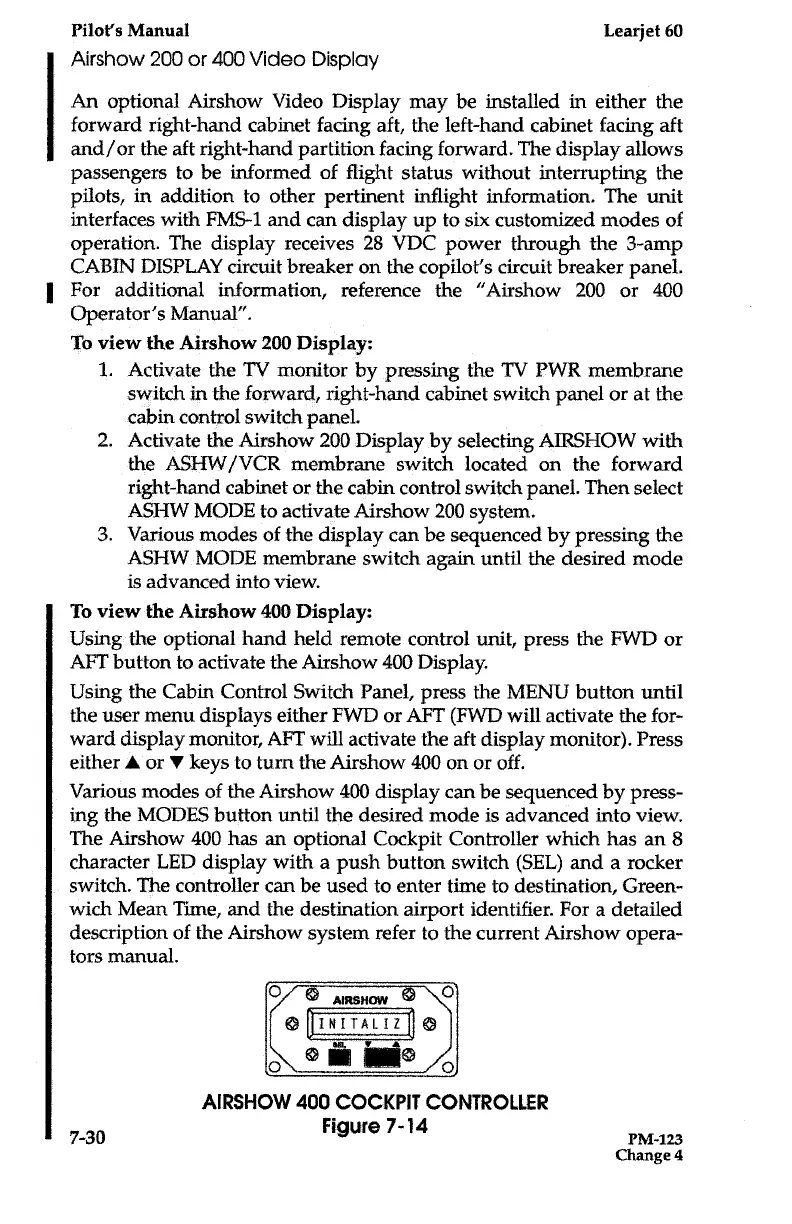
The
Airshow
400 has
an
optional
Cockpit
Controller
which
has
an
8
character
LED
display
with
a push
button
switch
(SEL)
and
a
rocker
switch
.
The
controller
can
be used
to enter
time
to
destination,
Green-
wich
Mean
Time,
and
the
destination
airport
identifier
.
For
a
detailed
description of
the
Airshow
system
refer
to
the
current
Airshow
opera-
tors
manual
.
7-
30
AIRSHOW
400
COCKPIT
CONTROLLER
Figure
7-14
PM-i23
Change
4

Table of Contents

Related product manuals