EasyManua.ls Logo

Learjet 60 - Page 293

Default Icon
408 pages
Print Icon
To Next Page IconTo Next Page
To Previous Page IconTo Previous Page
Loading...
Pilot's
Manual
Learjet 60
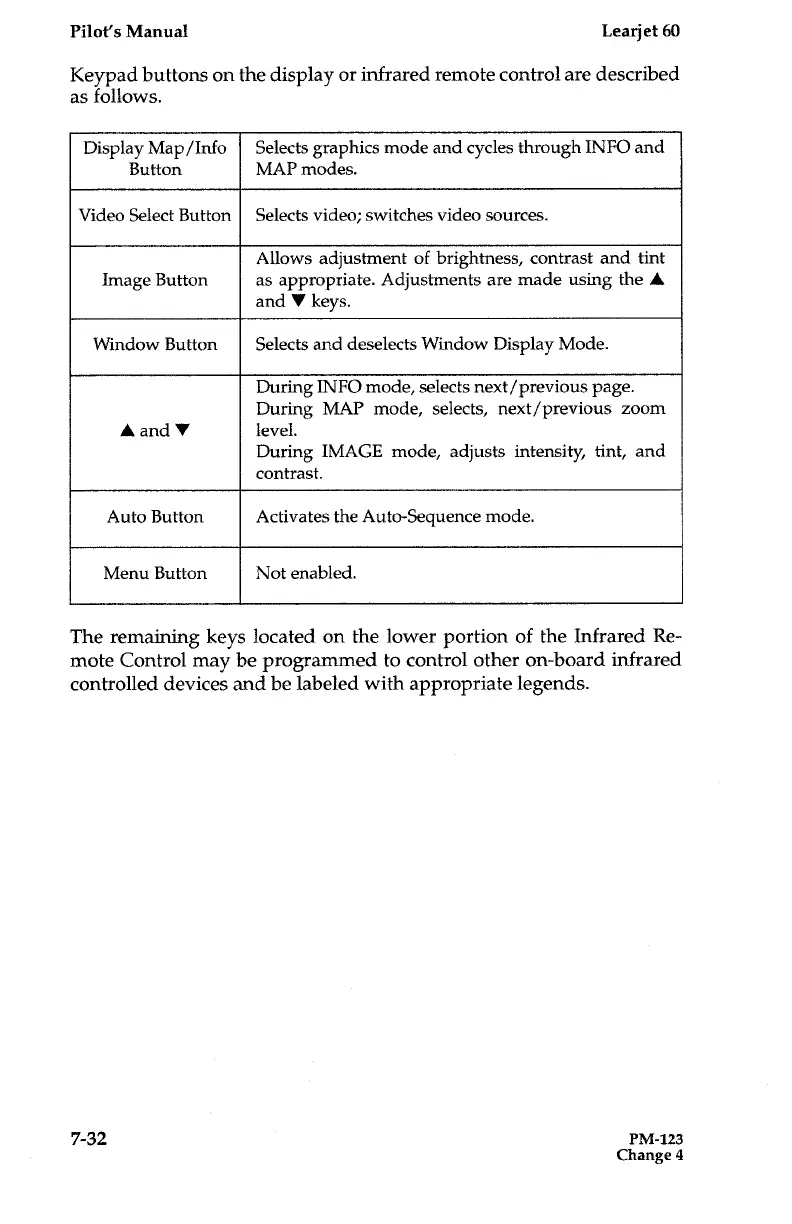
Keypad
buttons
on
the
display
or
infrared
remote
control
are
described
as
follows
.
The
remaining
keys
located
on
the
lower
portion
of
the
Infrared
Re-
mote
Control
may
be
programmed
to
control
other
on-board
infrared
controlled
devices
and
be
labeled
with
appropriate
legends
.
7-
3
2
PM-123
Change
4
Display
Map/Info
Selects
graphics
mode
and
cycles
through
INFO
and
Button
MAP
modes
.
Video
Select
Button
Selects
video
;
switches
video
sources
.
Allows
adjustment
of
brightness,
contrast
and
tint
Image
Button
as
appropriate
.
Adjustments
are
made
using
the
A
and
V
keys
.
Window
Button
Selects
and
deselects
Window
Display
Mode
.
During
INFO
mode,
selects
next/previous
page
.
During
MAP
mode,
selects,
next/previous
zoom
A
and
V
level
.
During
IMAGE
mode,
adjusts
intensity,
tint,
and
contrast
.
Auto
Button
Activates
the
Auto-Sequence
mode
.
Menu
Button
Not
enabled
.

Table of Contents

Related product manuals